
Forgot Password
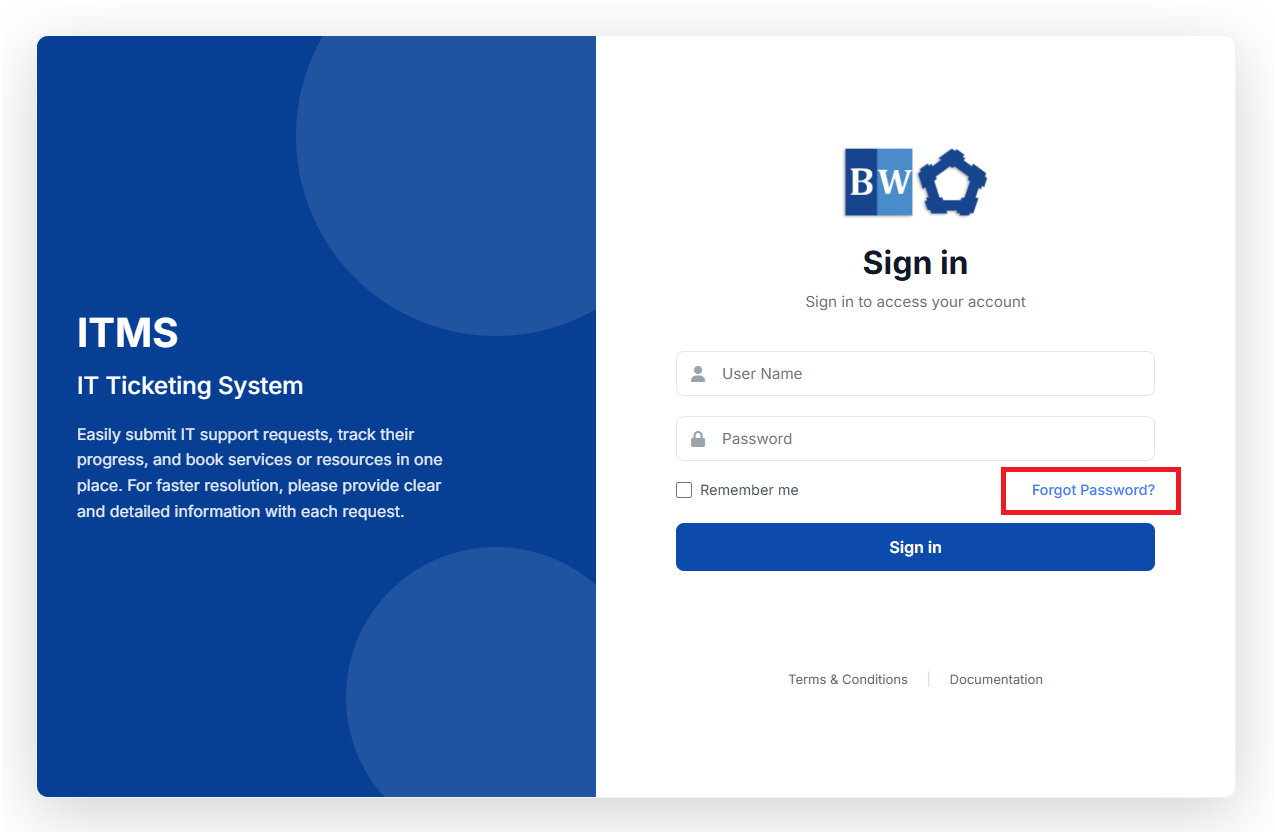
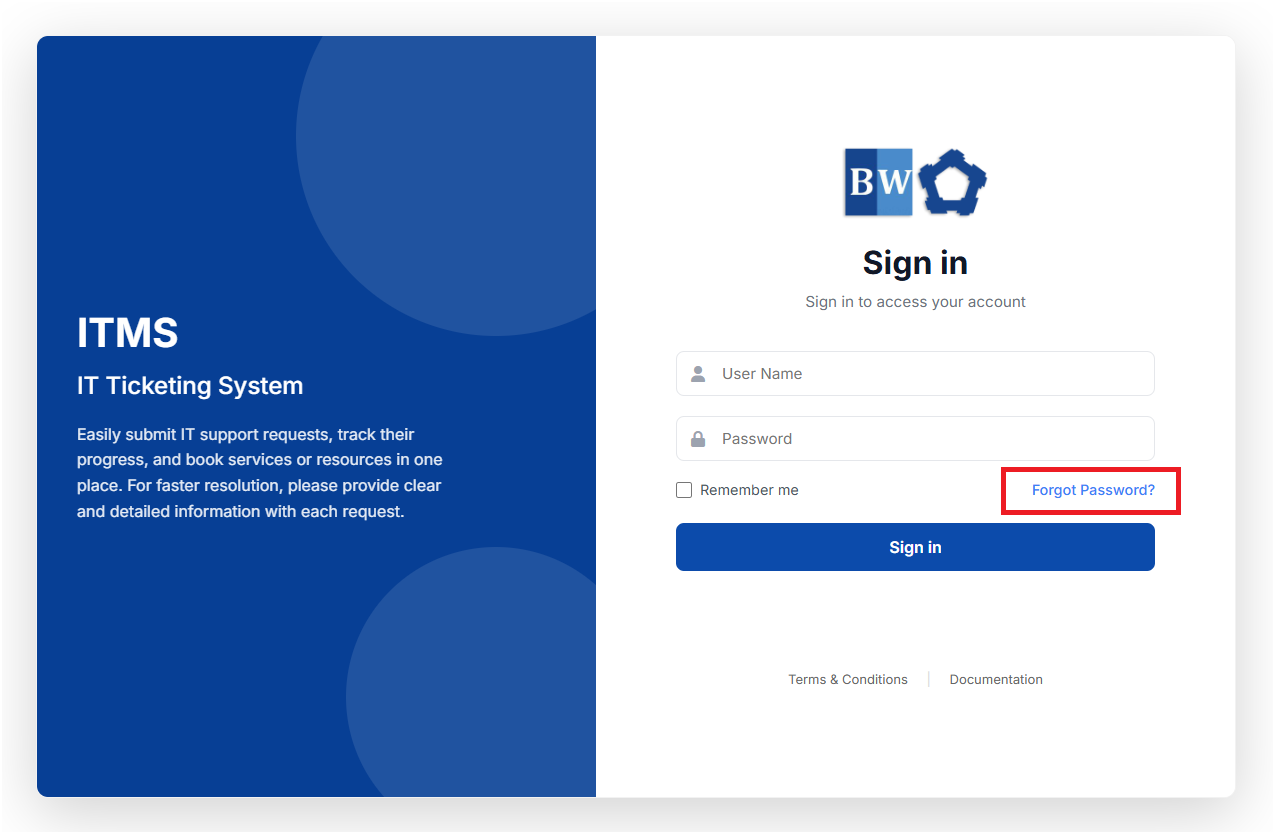
If you forget your password, you can reset it by clicking the "Forgot Password?" link on the login page and following the instructions provided.
- Click on the "Forgot Password?" link
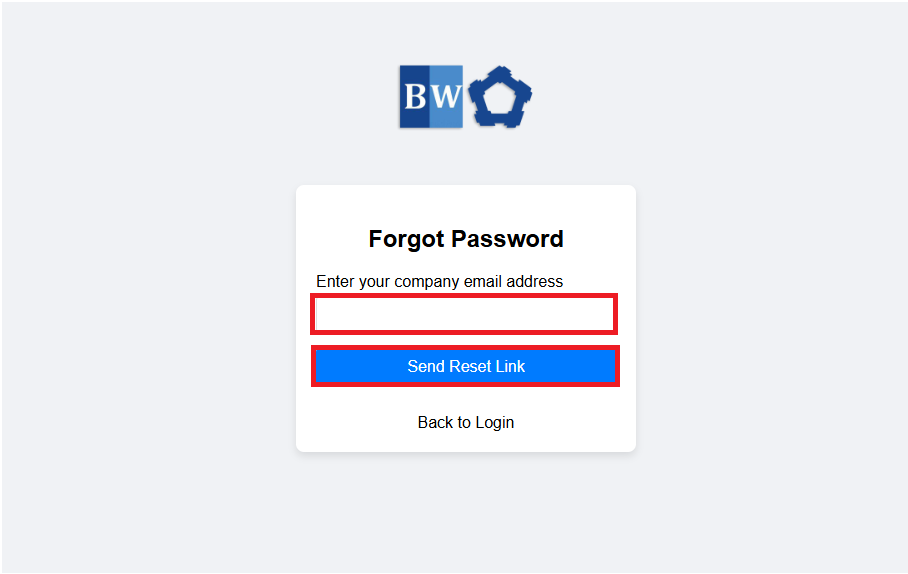
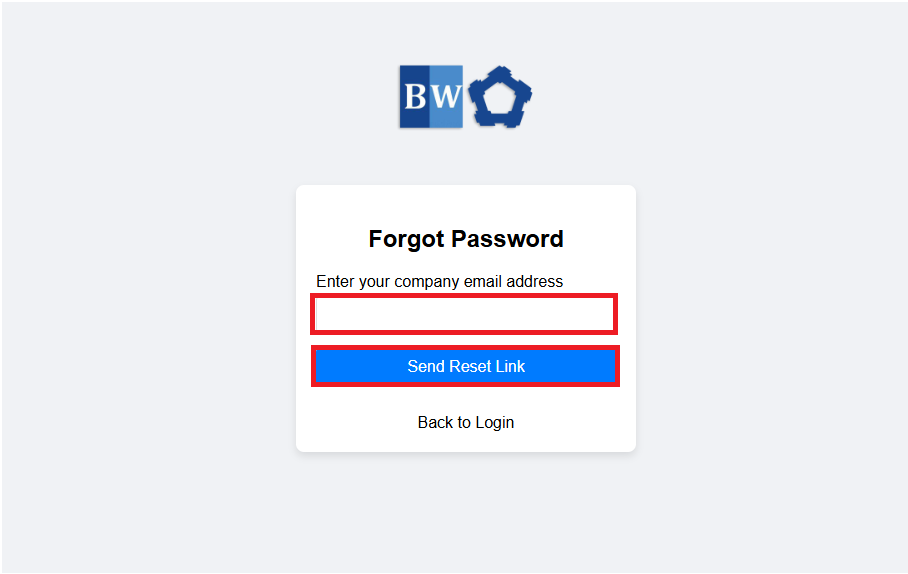
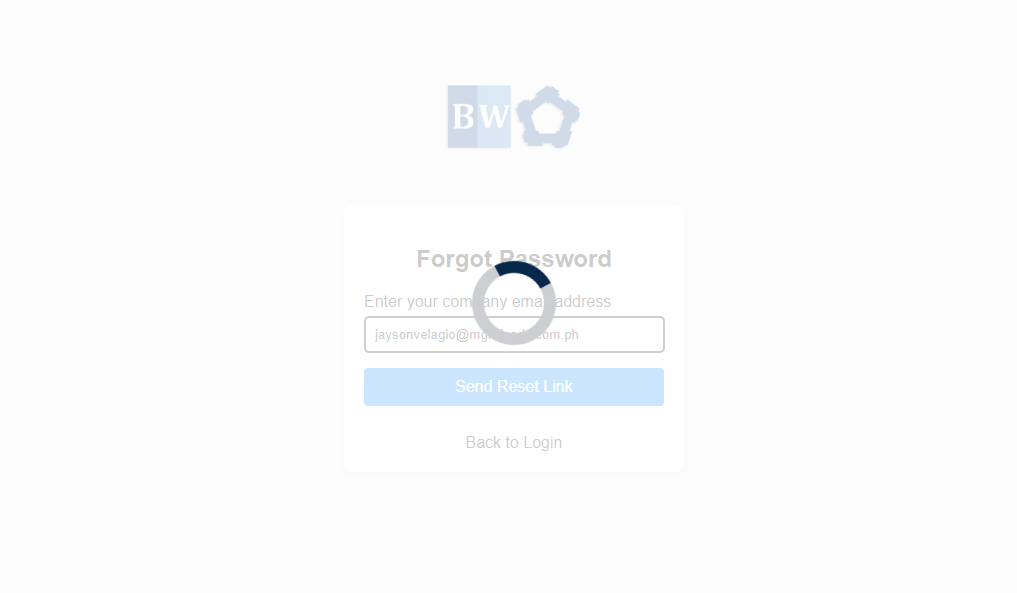
- After that, you will be redirected to the next page as shown below. You will need to enter the company email address provided to you. and click "Send Reset Link"
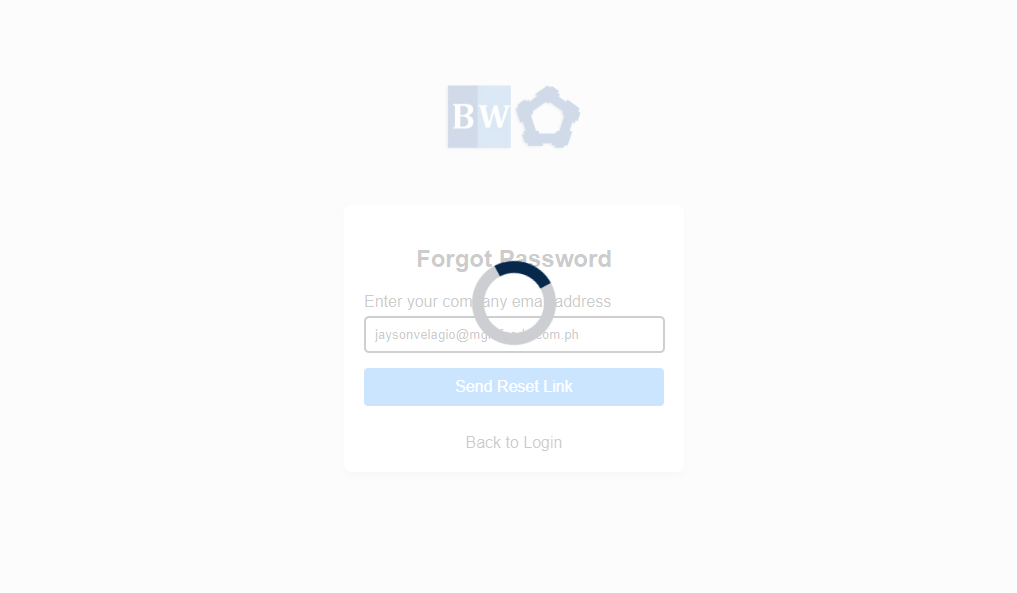
- After hitting the Send Reset Link Button. The page will load for a while to process the password reset link as shown on the image below.
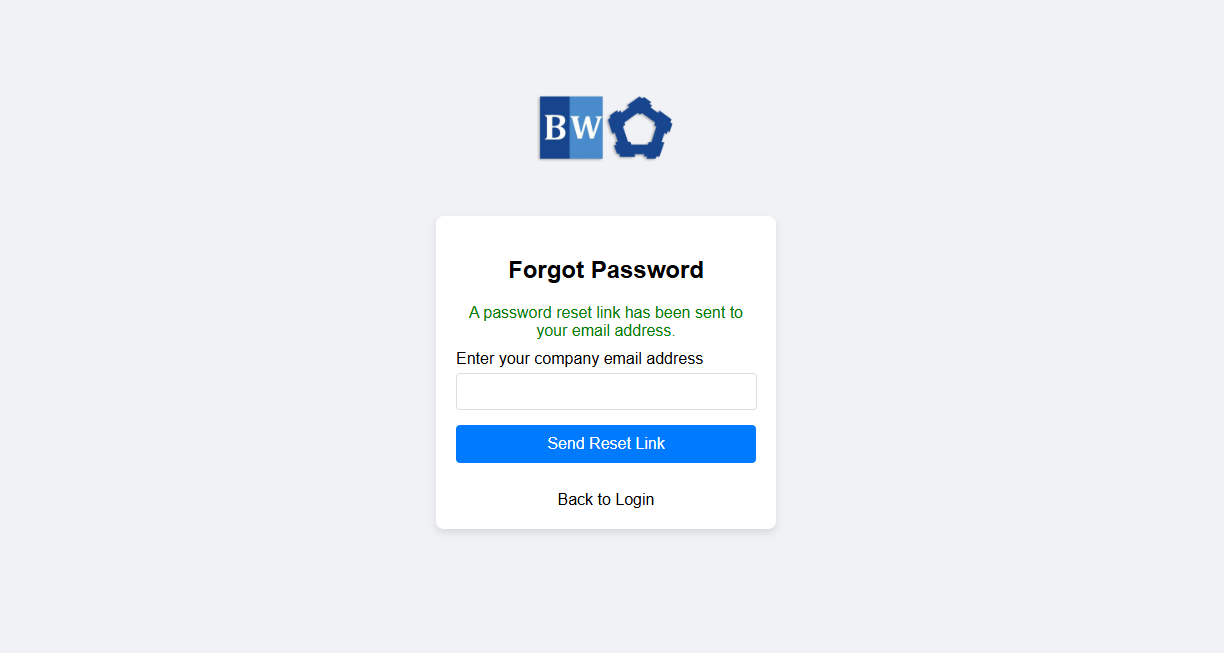
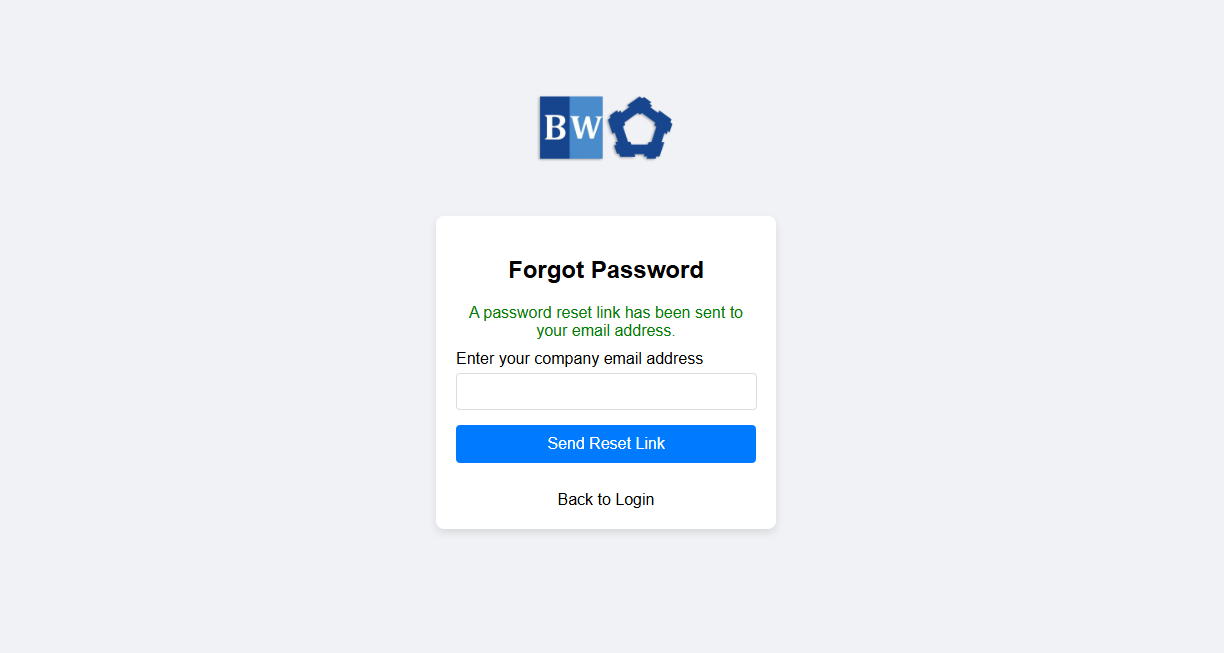
- Then you will receive a notification that "A password reset link has been sent to your email address."
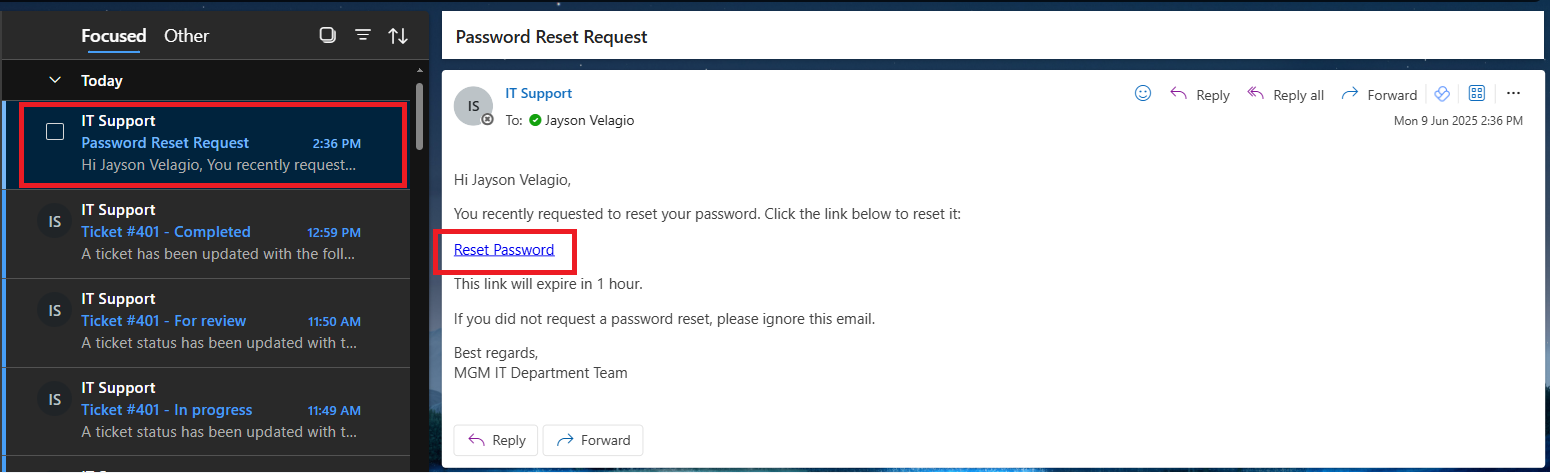
- After that you need to open your email address to check the email reset link and click the "reset password" link.

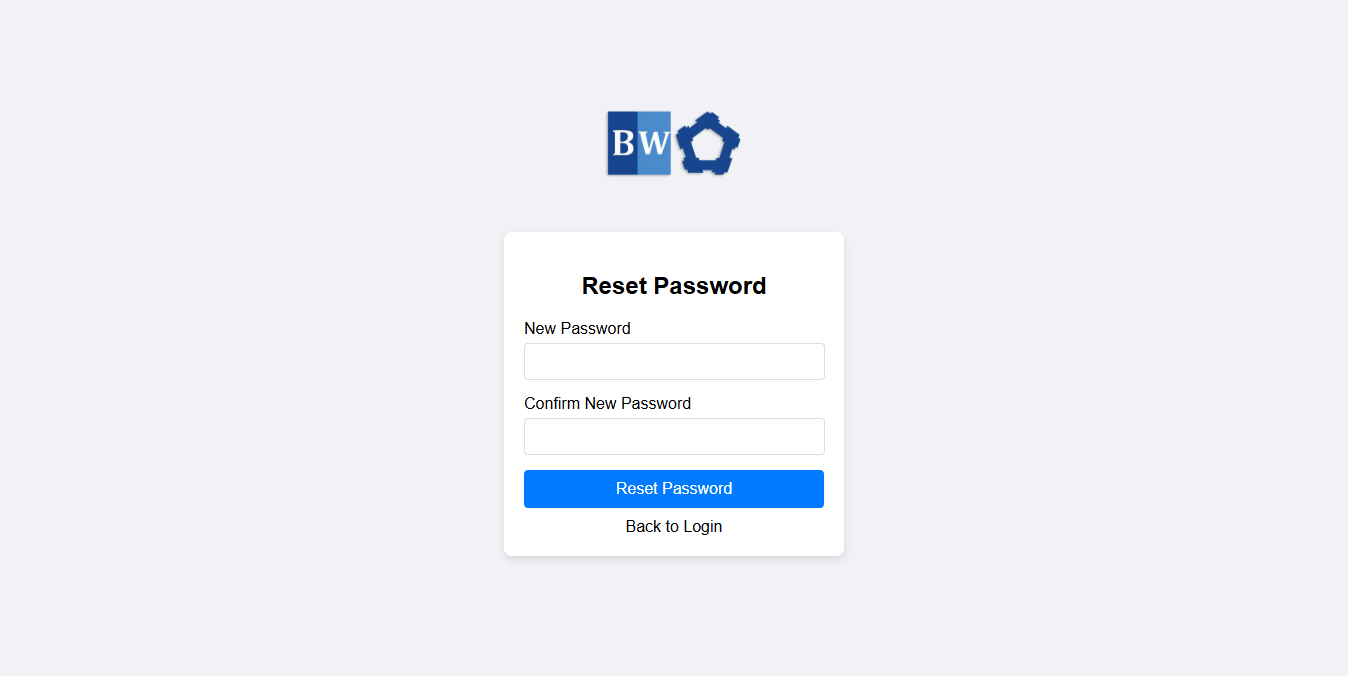
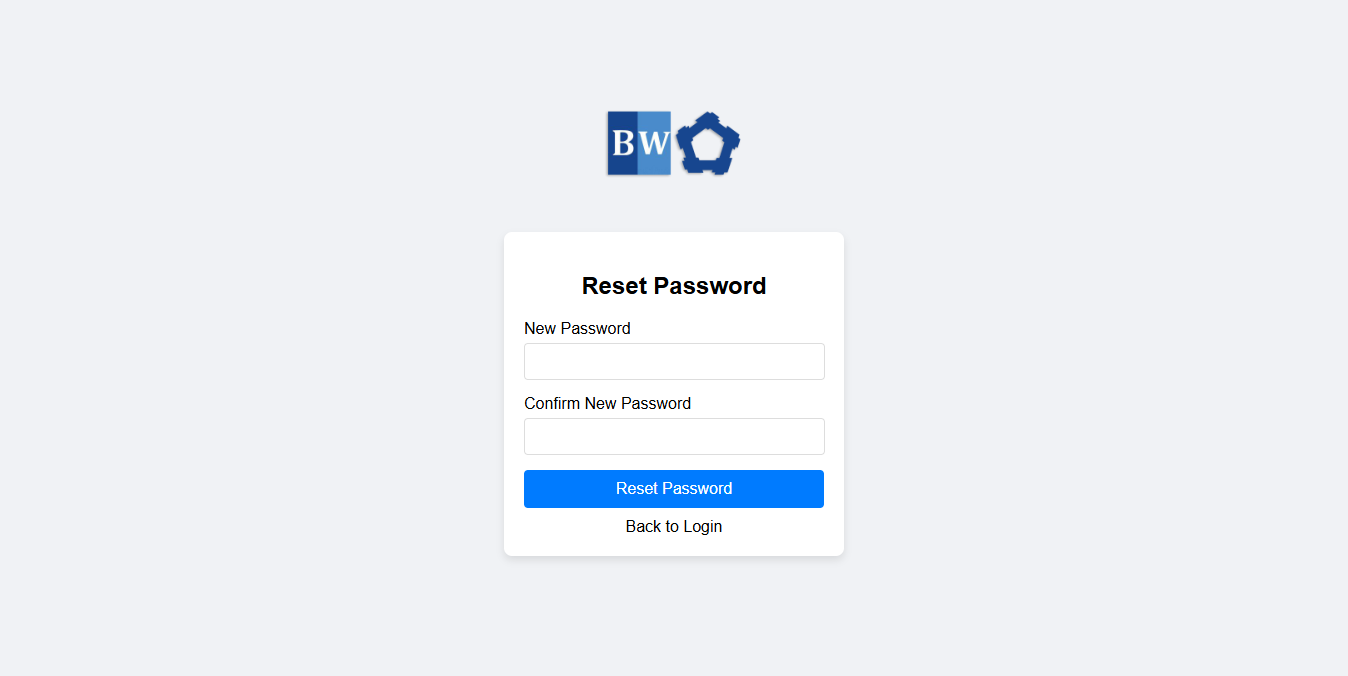
- You will be redirected in to this page where you should provide and fill out for your new password and click Reset Password Button.
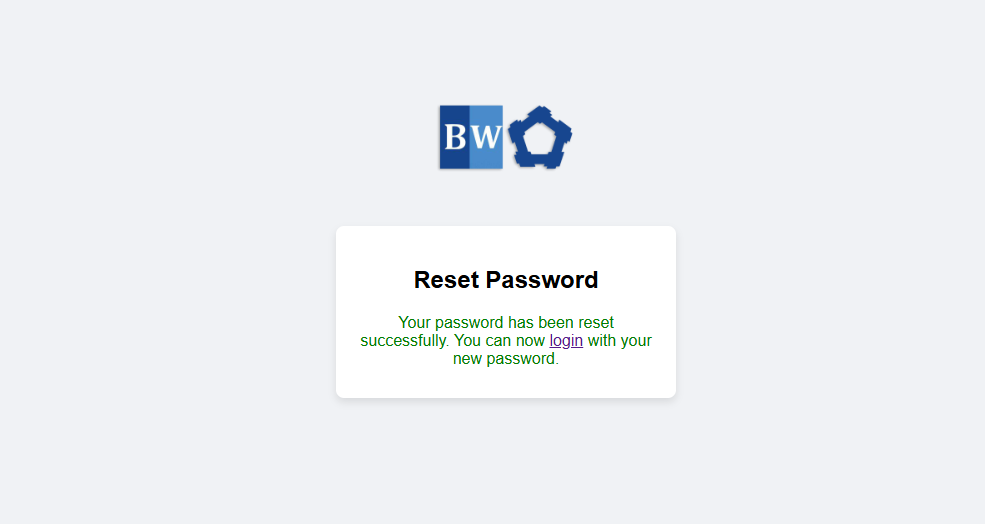
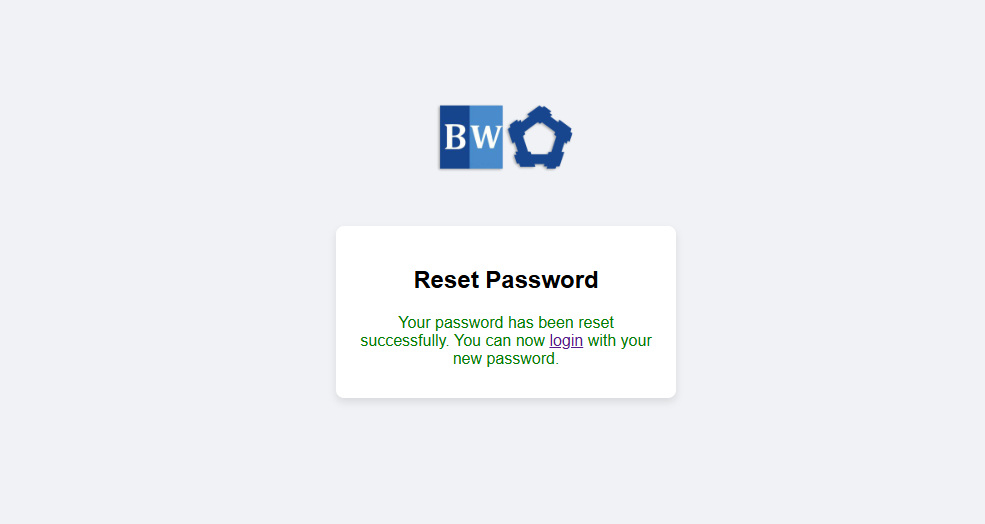
- After successfully provided the correct password for your account you will be redirected to this page confirming your password is now changed and you are now ready to logged in.
No Comments