Skip to main content
IT Knowledgebase
View All
Search
Shelves
Books
Log in
Info
Content
Books
Login Page
How to Login
How to Login
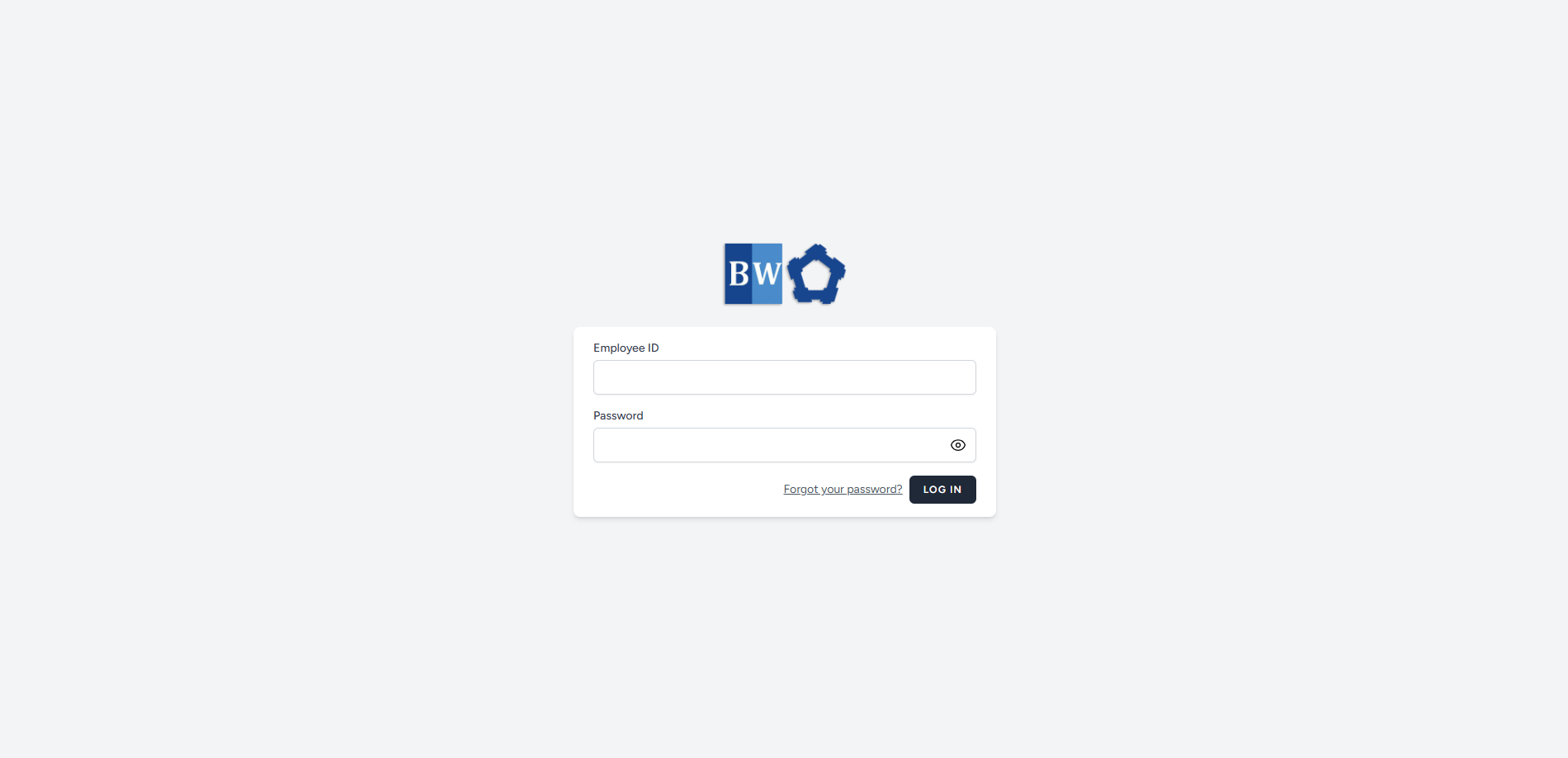
Steps to Log in to Your Account.
Go to the ERMS website.
Enter your
Employee ID
and
Password
correctly.
Click the
Login
button.
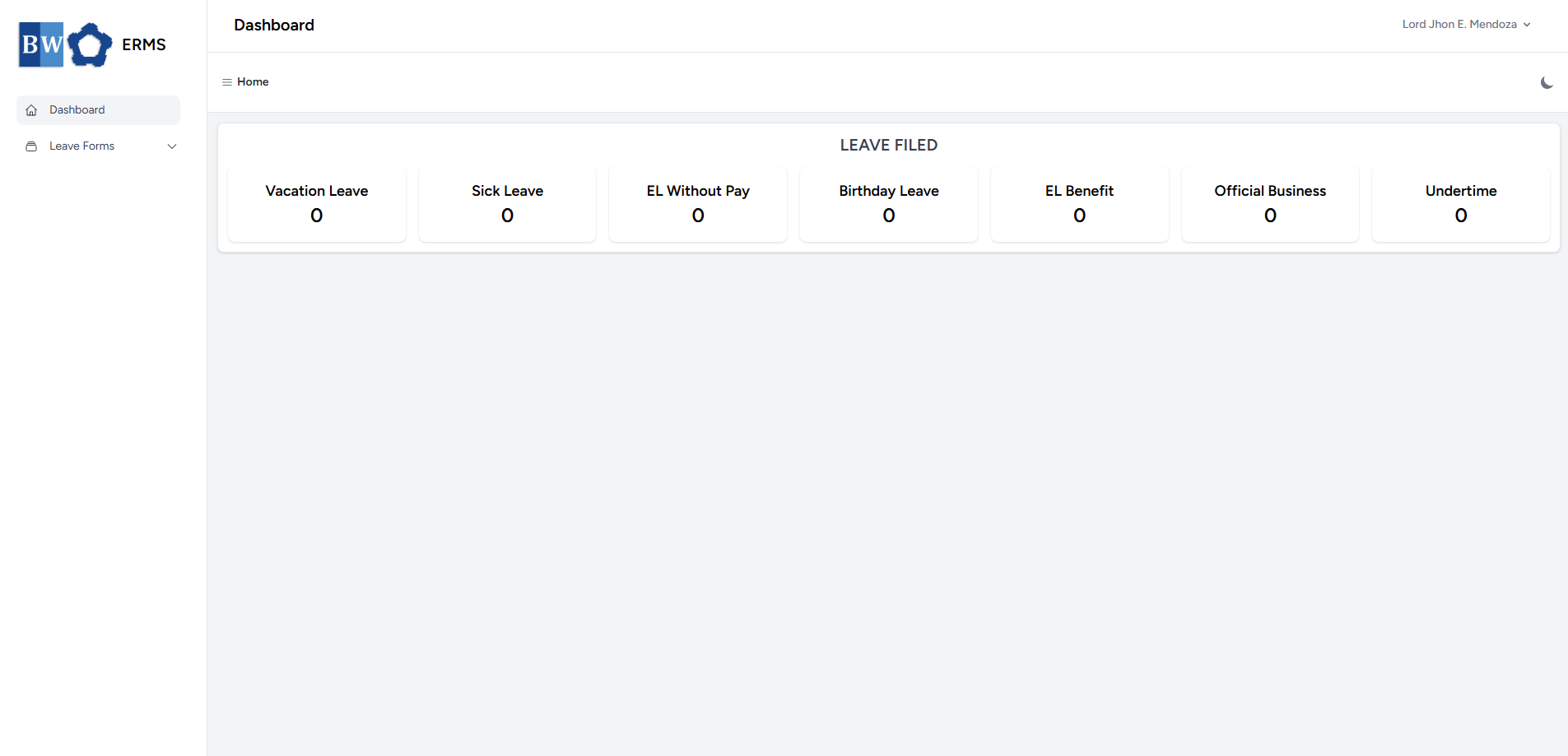
You will be taken to the system dashboard.
Enter section select mode
Previous
First Time Log-in
Next
Forgot Password
No Comments
Back to top

No Comments