
Delete Payee
To delete Payee, go to the List of Payees page:
- Once logged in, the system redirects you to the Expense List page.
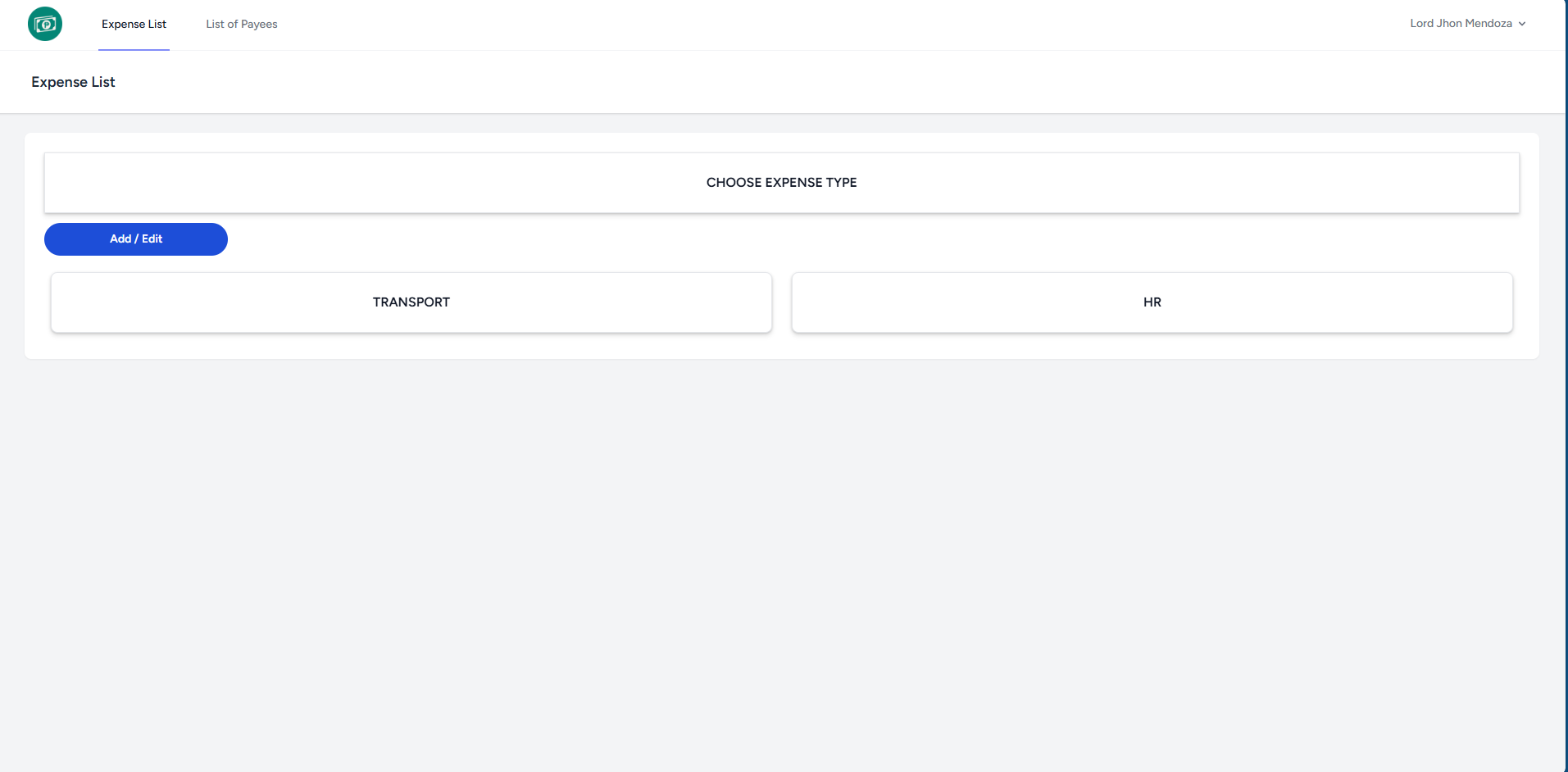
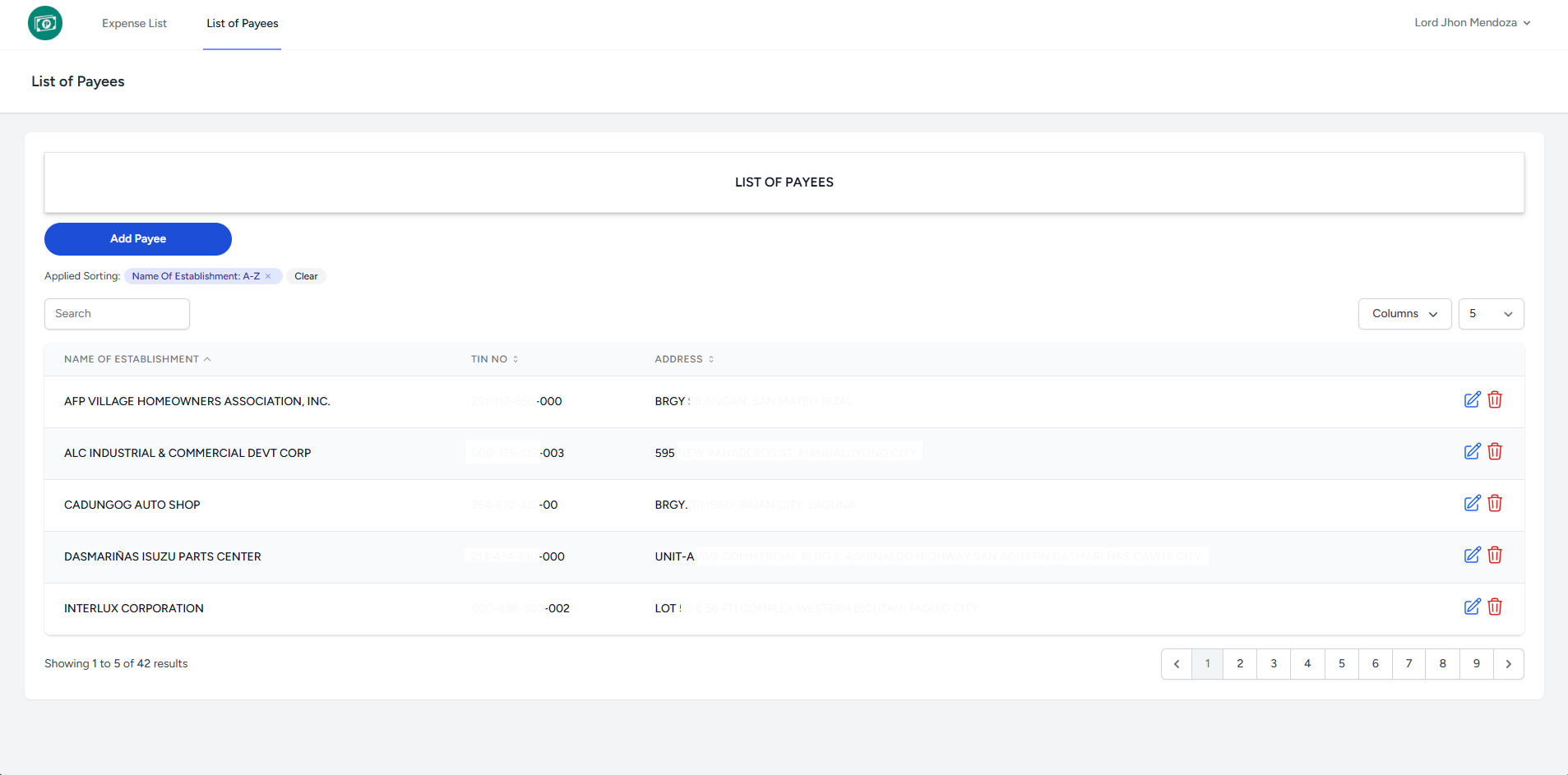
- Click List of Payees at the top to redirect you to the page.
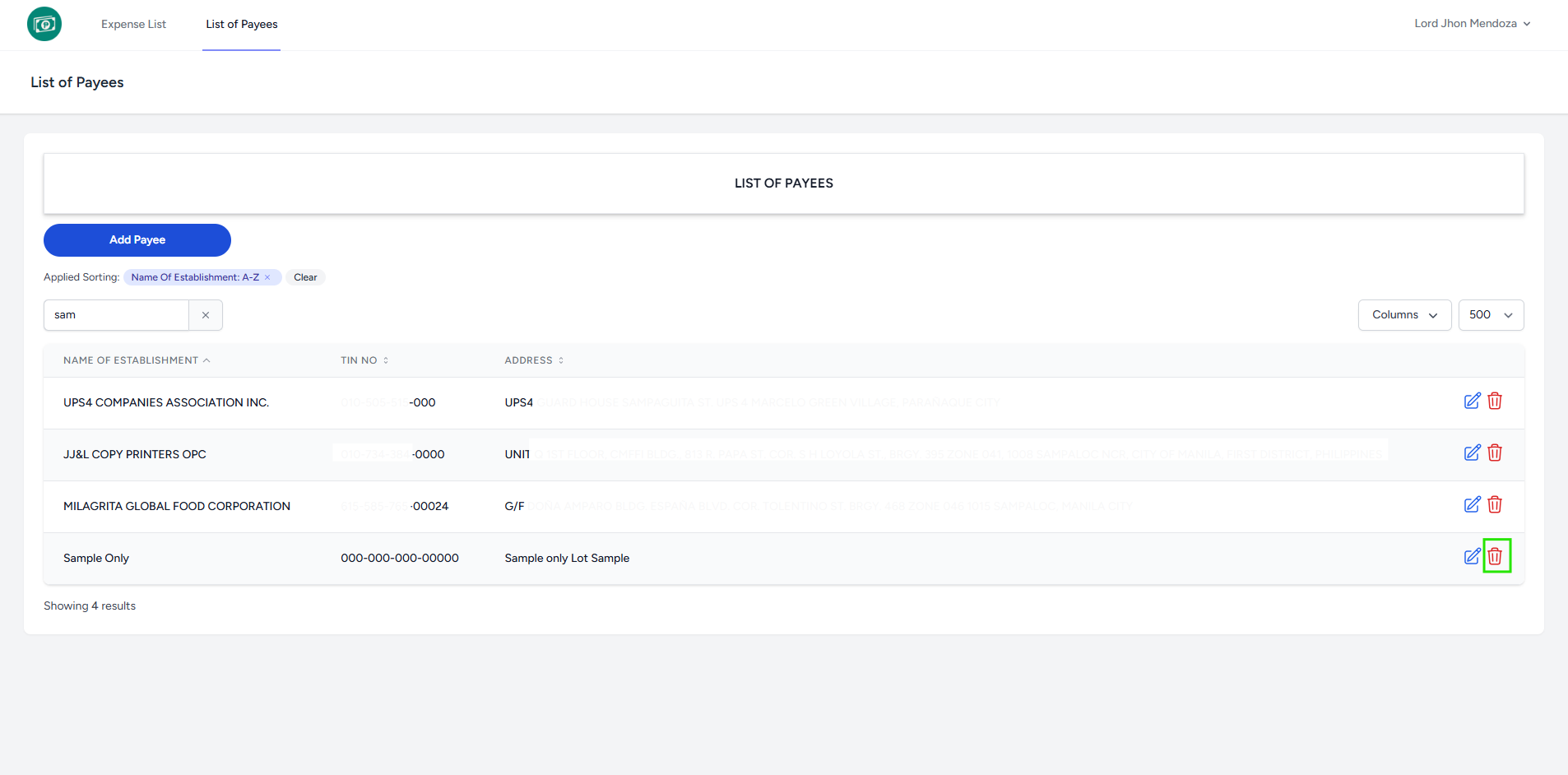
- Click Delete button to delete desired row.
- It will ask for confirmation to delete.
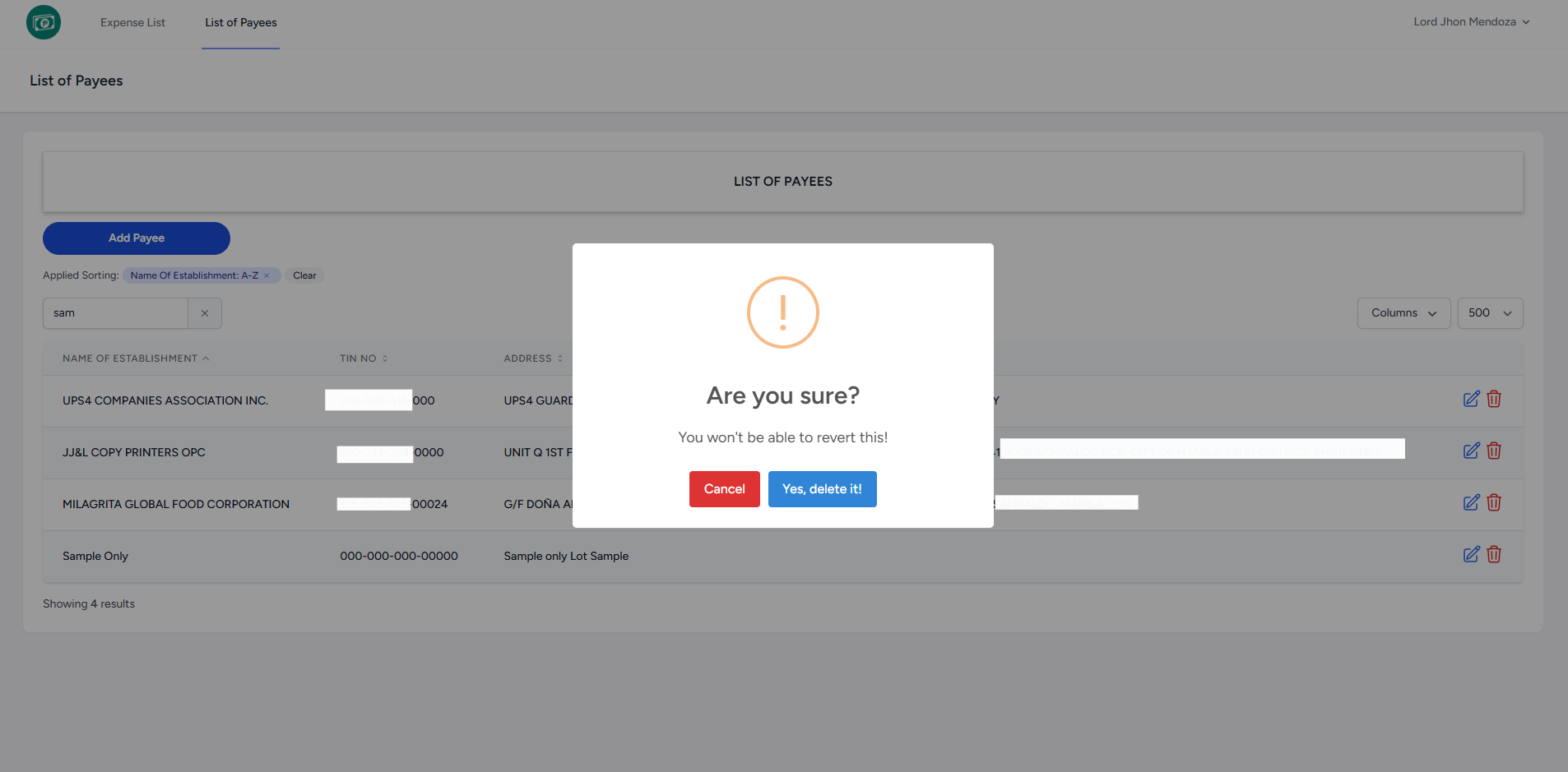
- Click Yes, delete it! button to delete the specific row.
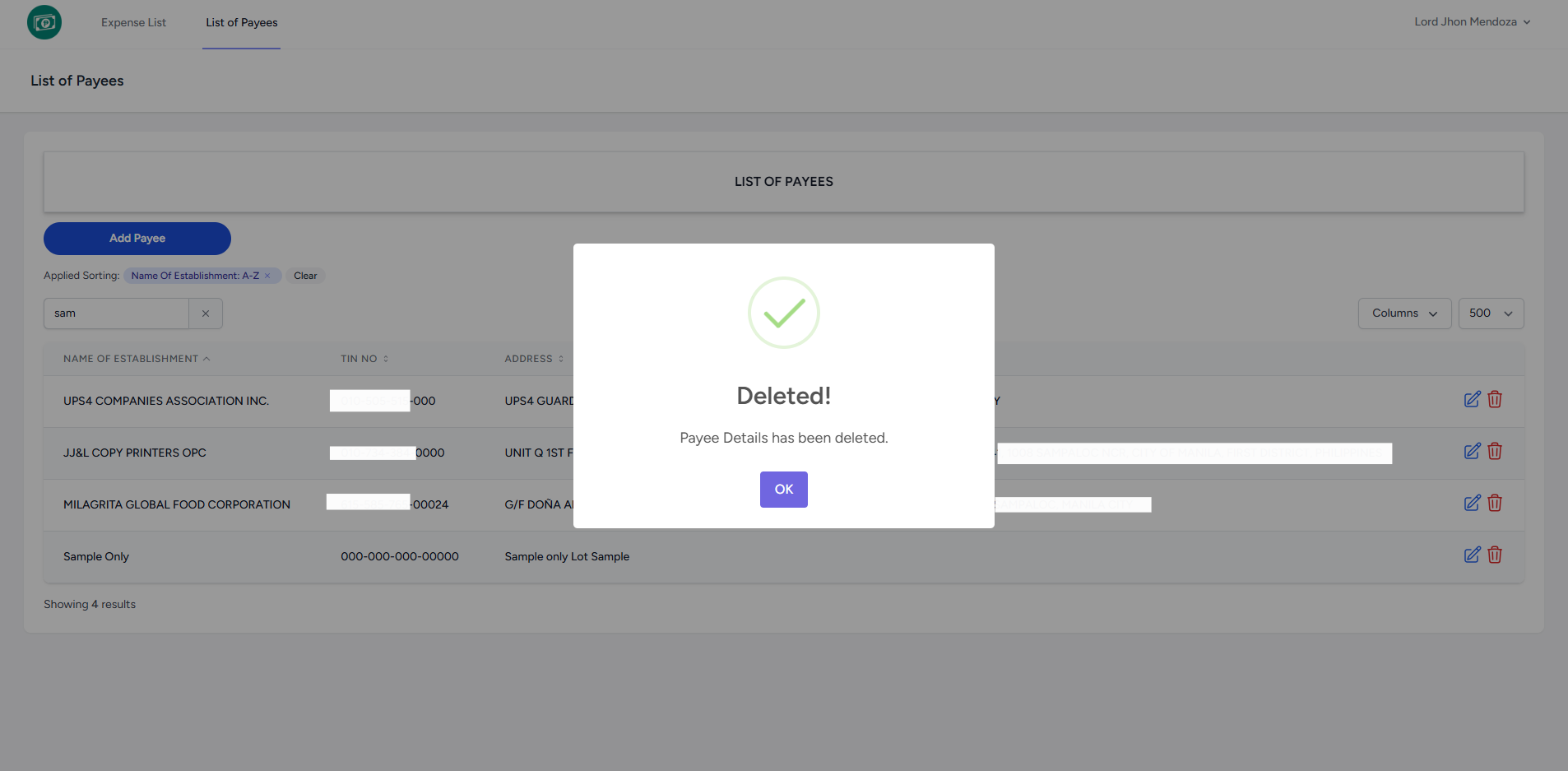
- The system displays a notification indicating that the Payee Details has been deleted and removed to the list.
No Comments