
Add Expense
To add a new Expense, go to the Expense List page:
- Once logged in, the system redirects you to the Expense List page.
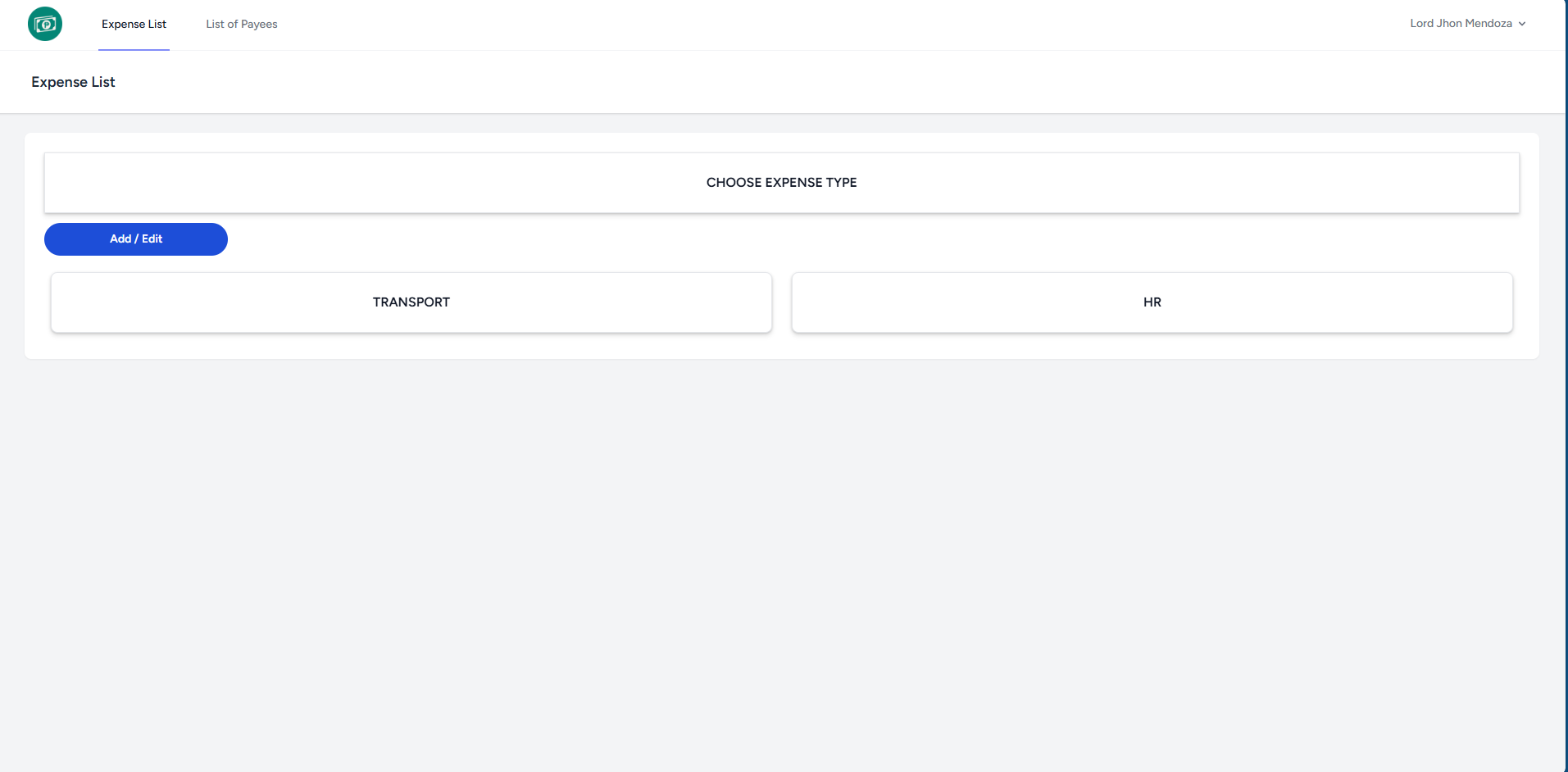
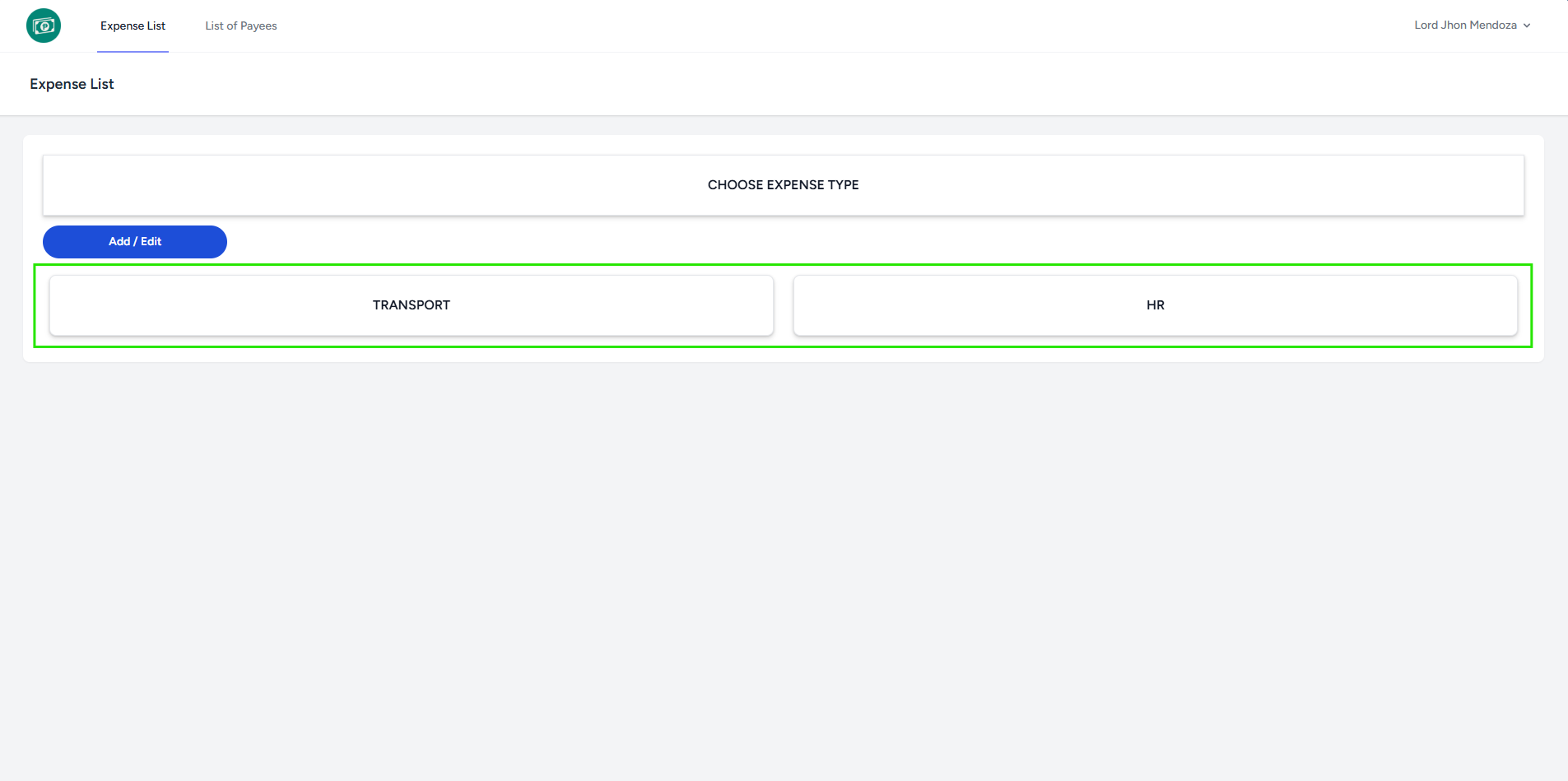
- Select an Expense Type to proceed to the WER List.
- The system redirects you to the WER List page of chosen Expense Type.
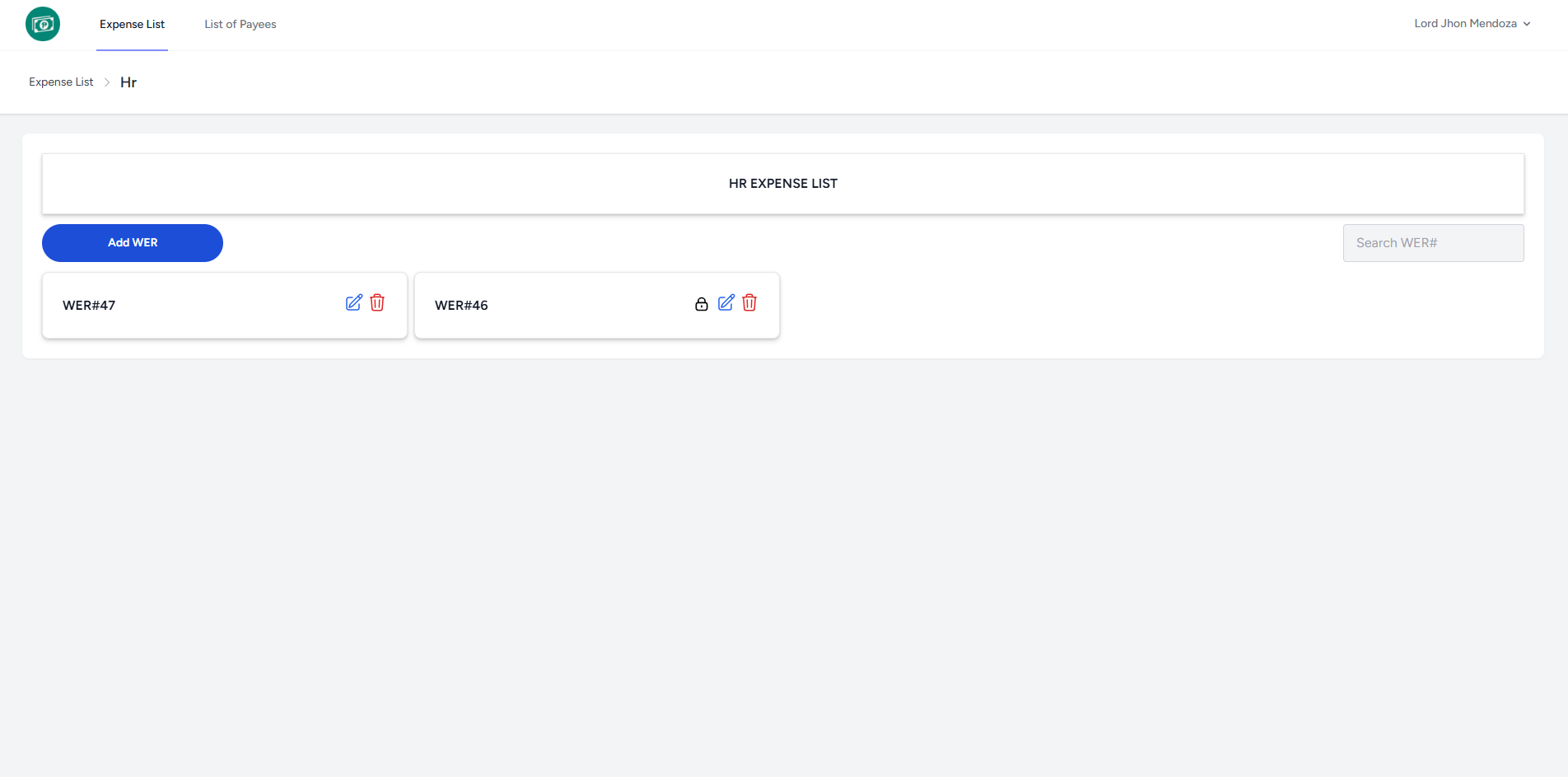
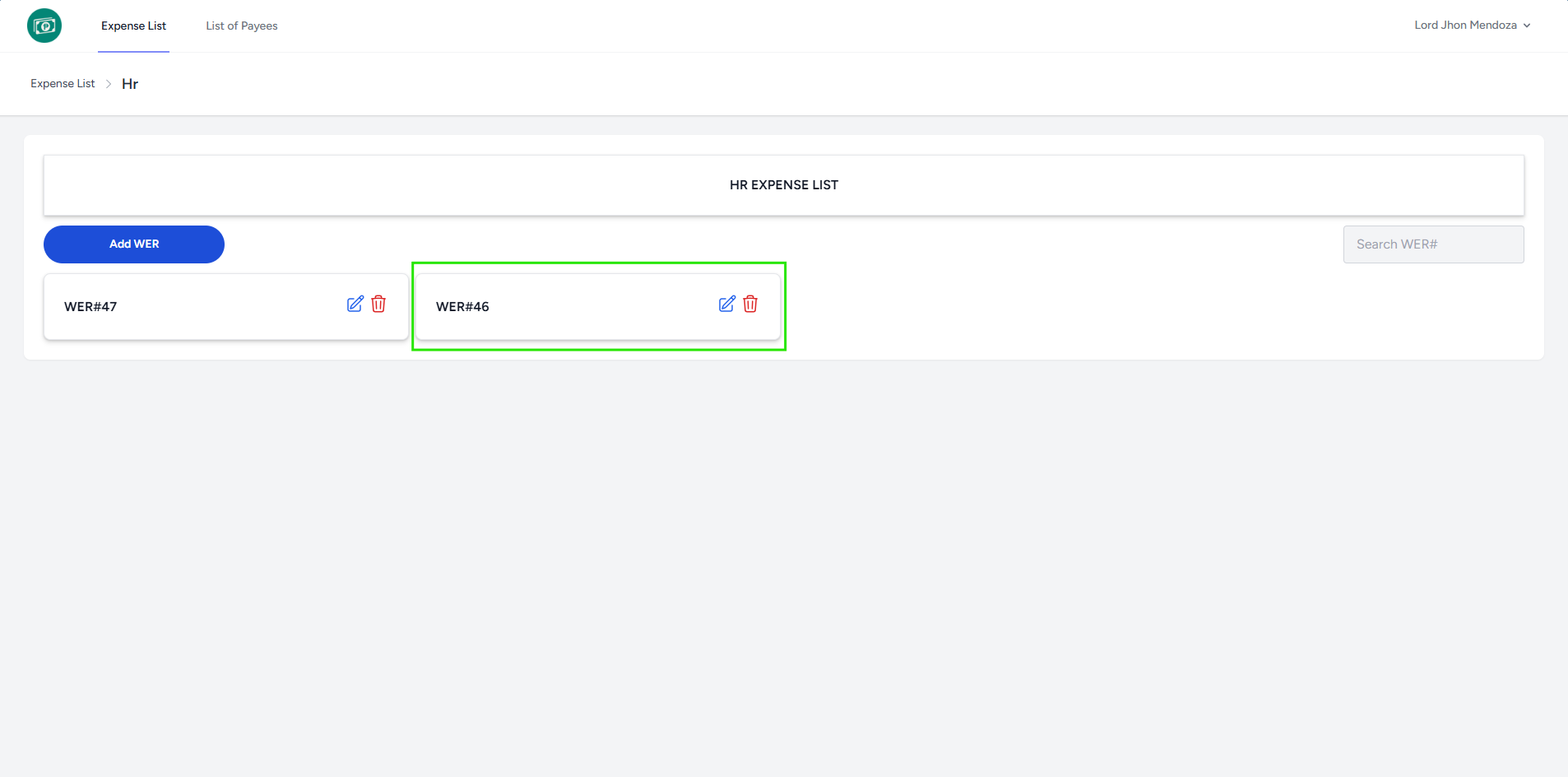
- Select a WER# to proceed to the Expense List.
- Click Add Expense button to add.
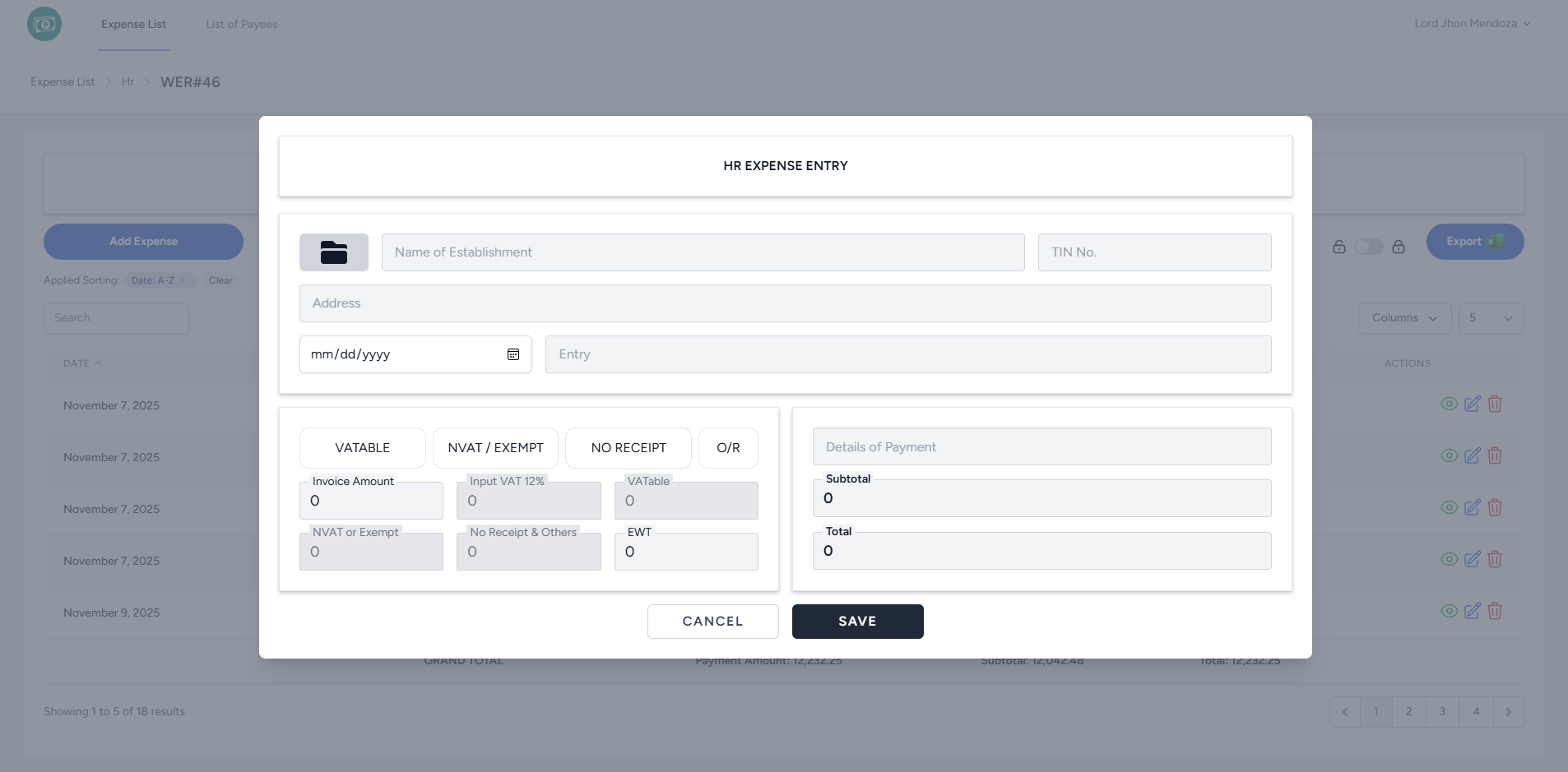
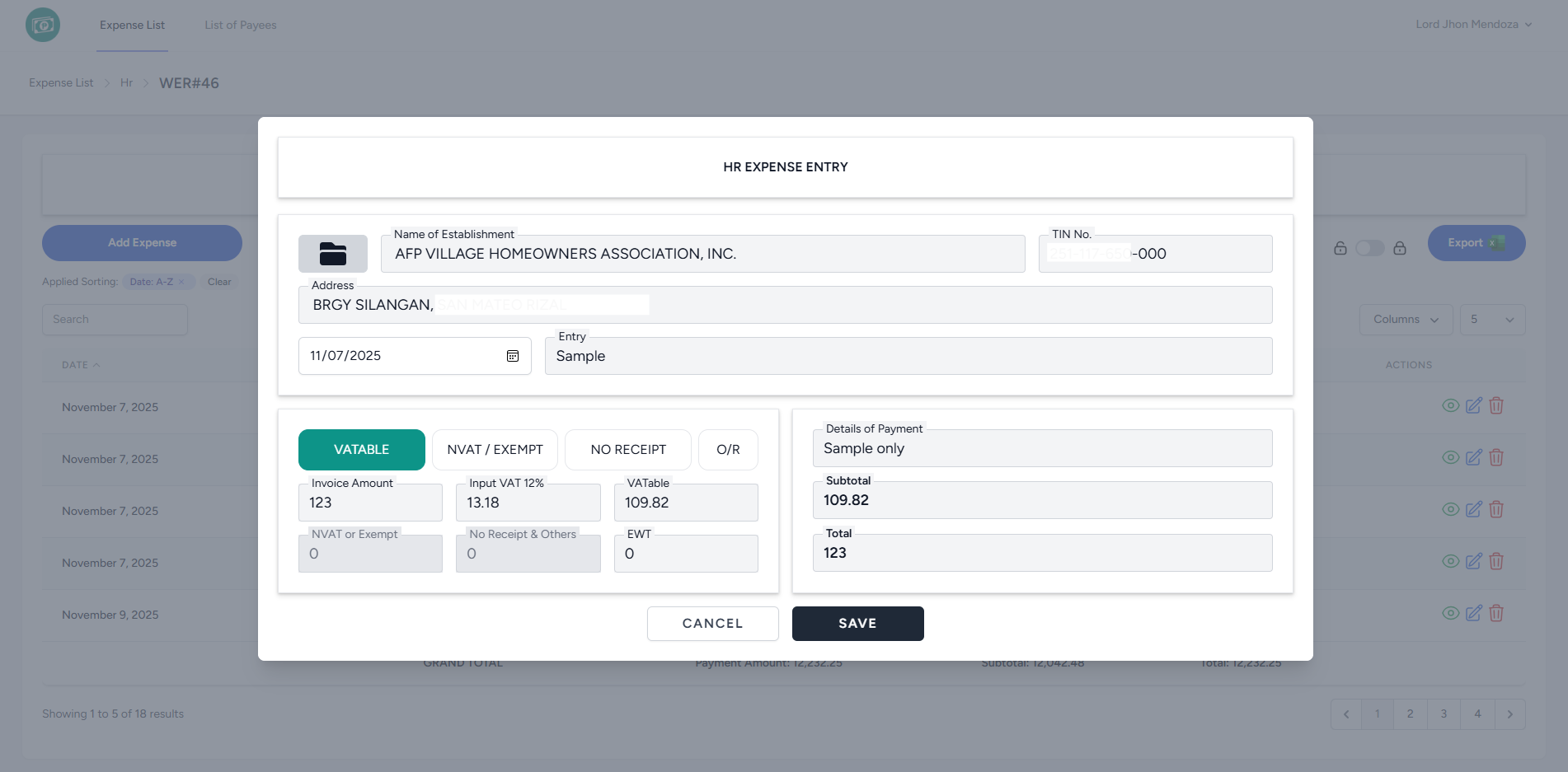
- Fill in the required fields, then click the Save button.
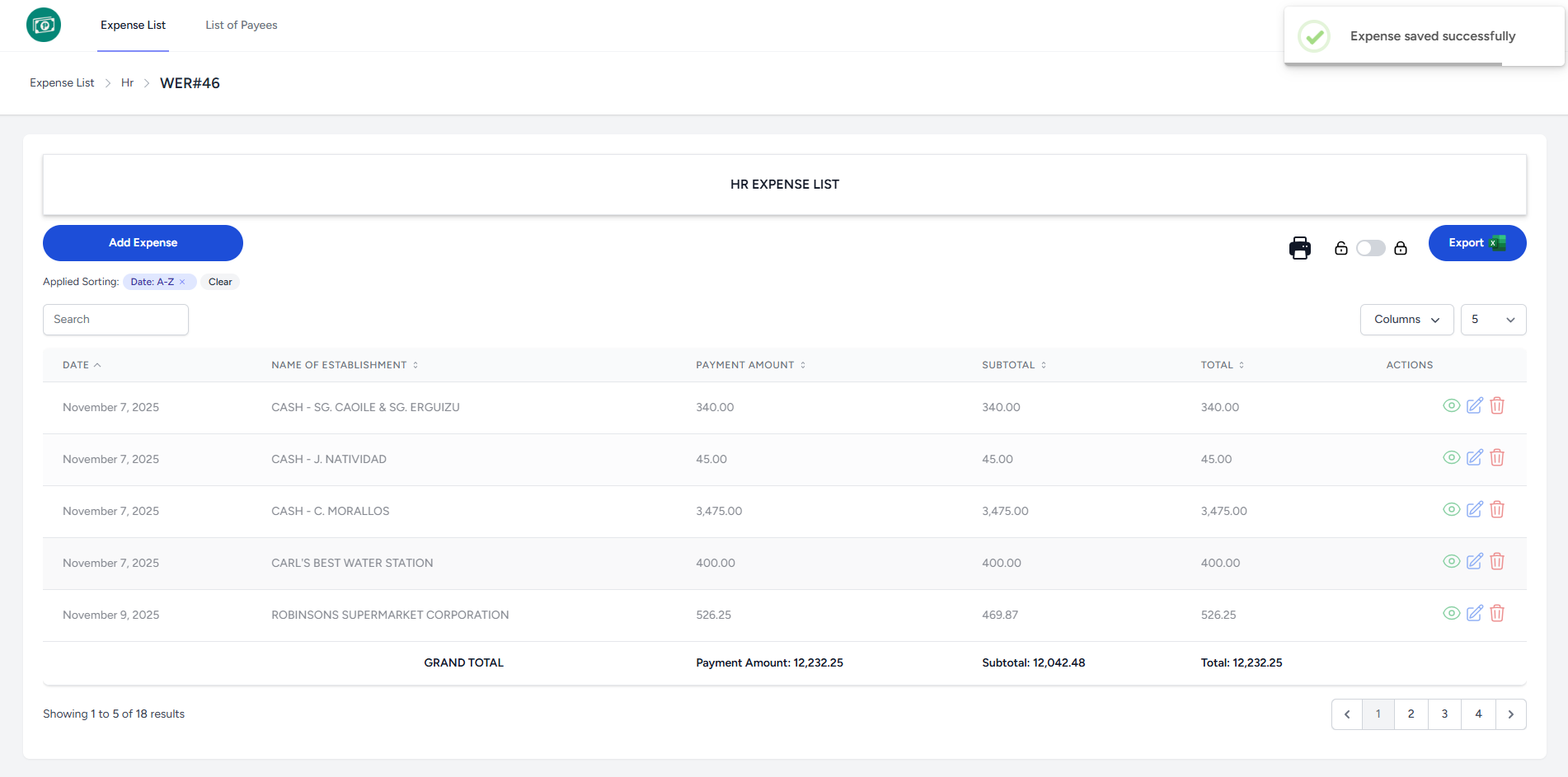
- The system displays a notification indicating that the Expense saved successfully and added to the list.
No Comments