
Sales Invoice Access – Cash and Charged Tick Box & Print Payment Type Option | March 11, 2026
Overview
An update has been implemented in MSIS .NET (FCC) to enhance the Sales Invoice (S.I.) Data Entry printing function and provide controlled access to the optional use of Cash and Charged tick boxes.
This also introduces new options for printing payment type on Sales Invoice reports.
Functionality
With the applied update:
- Users with assigned permission can access:
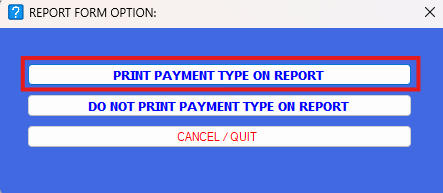
- Print Payment Type on Report
- Do Not Print Payment Type on Report
- These options will only be visible and usable by authorized users
Access Control
- Access is restricted to selected users (e.g., SOP team)
- Only users with the appropriate module rights/permissions can:
- View the options
- Use the printing settings
Behavior
- With Permission → Options are visible and can be used
- Without Permission → Options are hidden and not accessible
Purpose
This update ensures that printing behavior and payment type visibility in Sales Invoices are controlled and limited to authorized users, maintaining consistency and preventing unintended changes.
Scope
Applies to:
- Sales Invoice Data Entry (S.I. Entry)
- MSIS .NET (FCC) system
Updates Included
-
Additional printing options:
-
Print Payment Type on Report
-
Do Not Print Payment Type on Report
-
-
Implementation of access control for Cash and Charged tick box usage
-
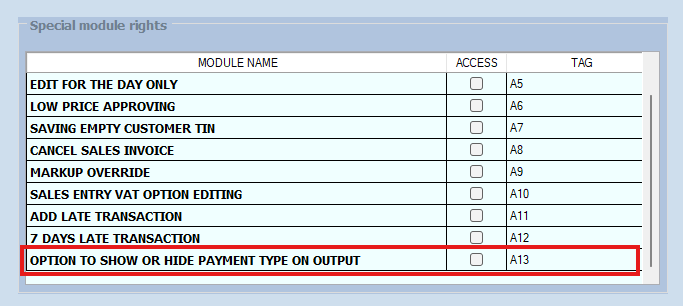
New module rights for selected users
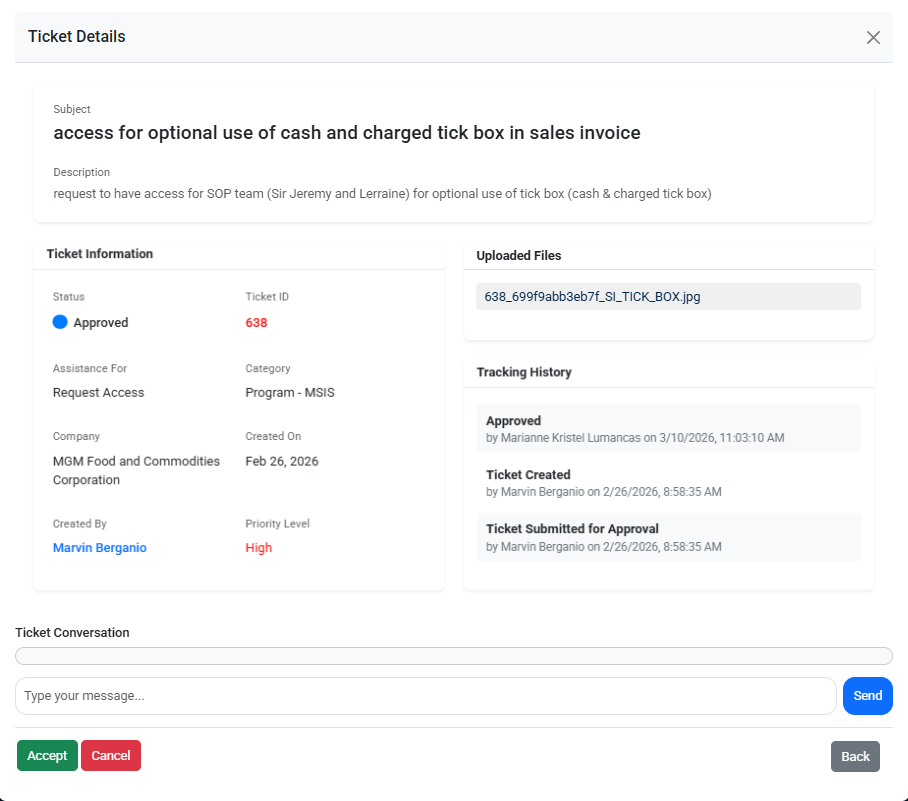
Reference (Ticket Details):
This update is implemented based on the approved request
Ticket ID: 638
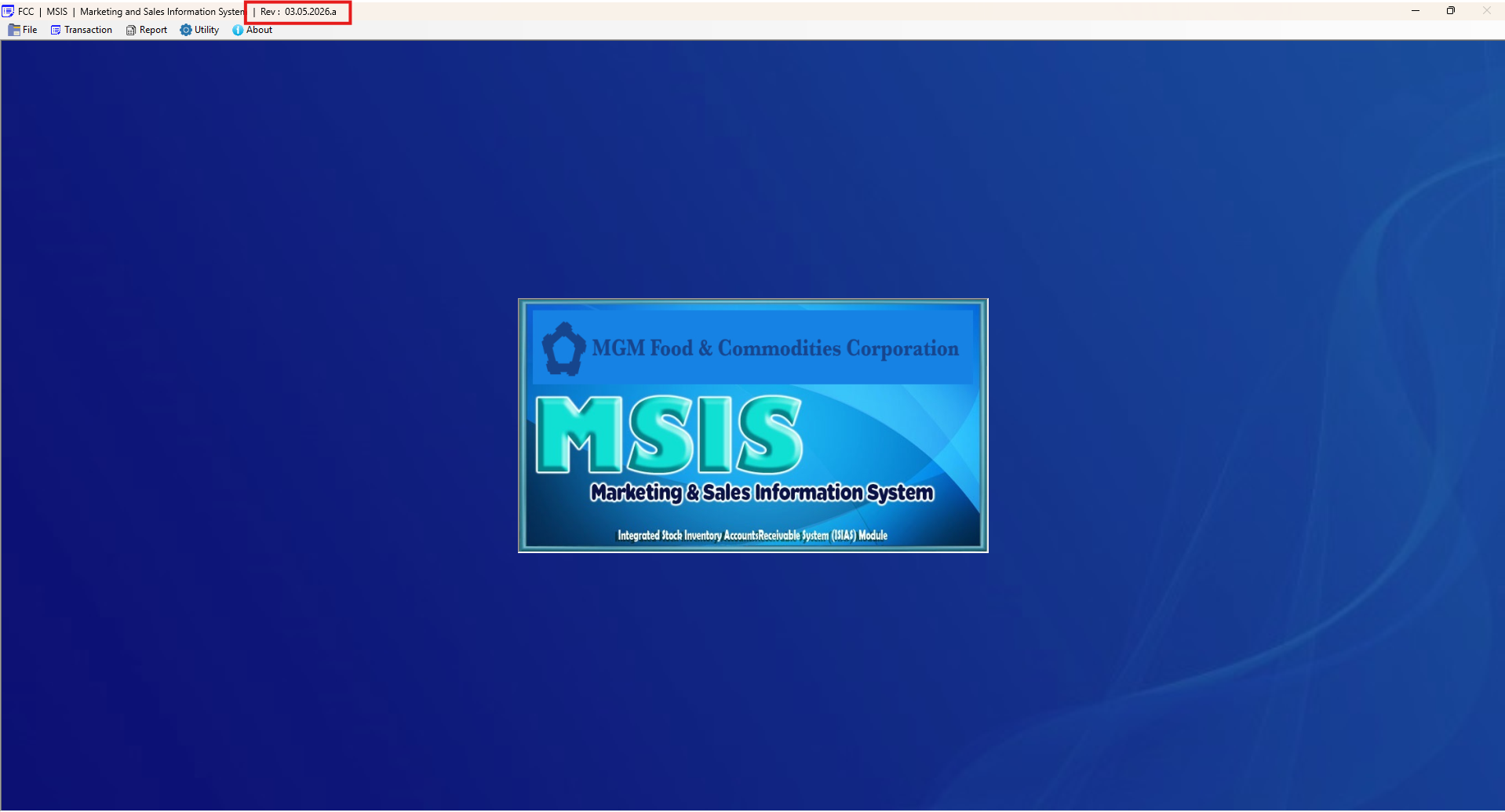
MSIS .NET FCC REV
New Module Rights Added
Printing Sales Invoice
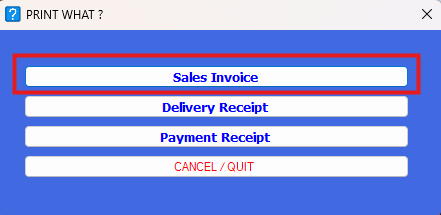
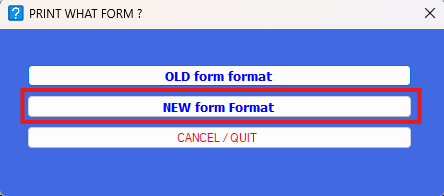
Print Form Option
Report Form Option
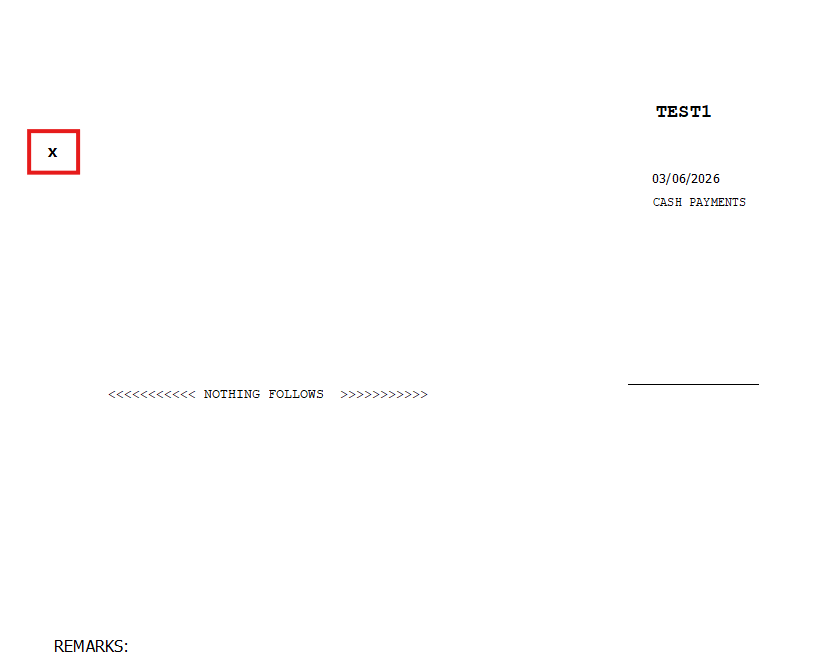
Details Form for Print Payment Type on Report
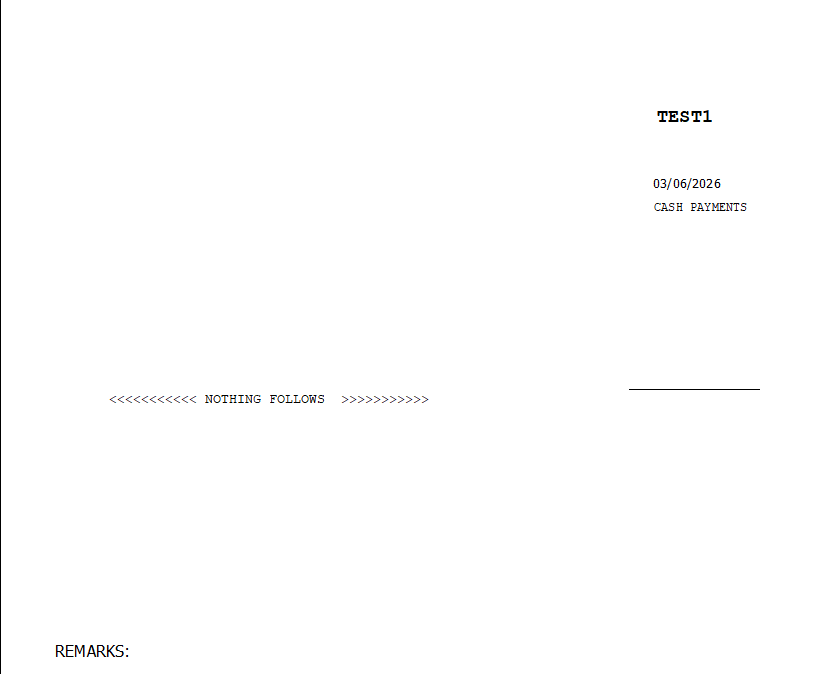
Details Form for Do Not Print Payment Type on Report
No Comments