Skip to main content
Login to OneDrive
-
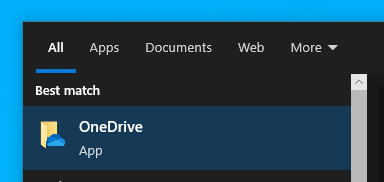
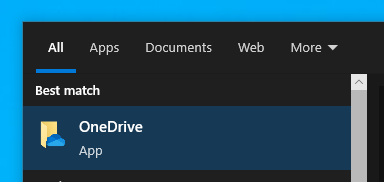
First Search OneDrive on your windows search bar.bar.

-
"CLICK" on the OneDrive application that appears on the result.result.
-
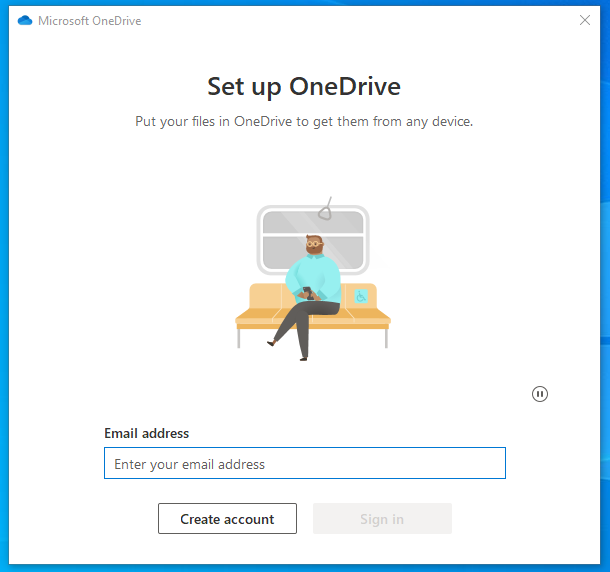
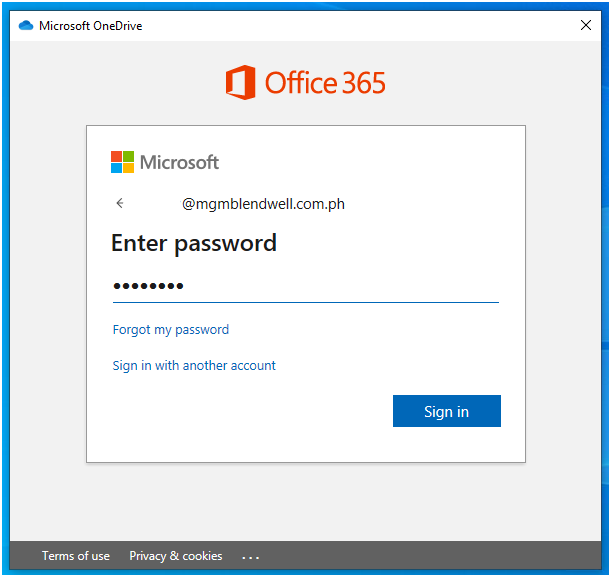
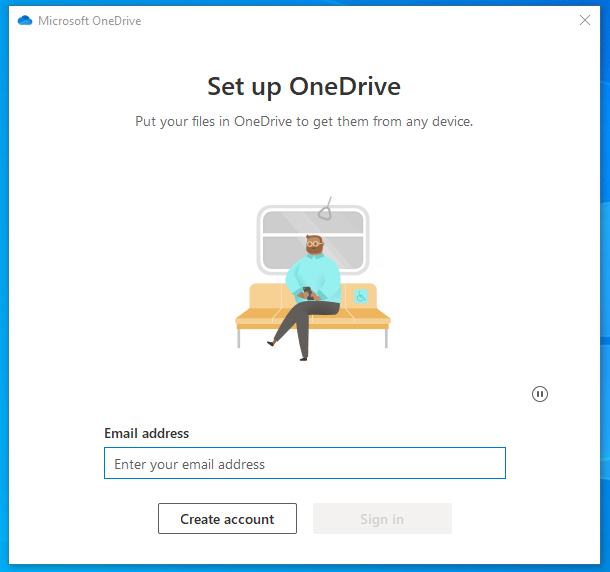
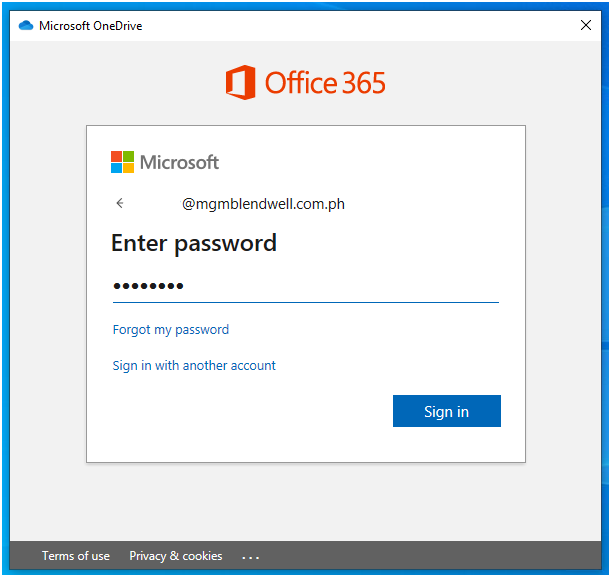
OneDrive login page will appear. Now you need to enter your company email address and password.password.
Enter your password
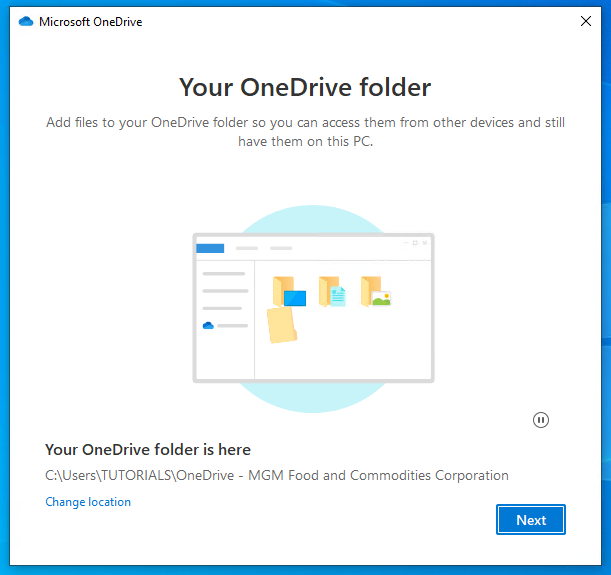
Then "CLICK" Next
-
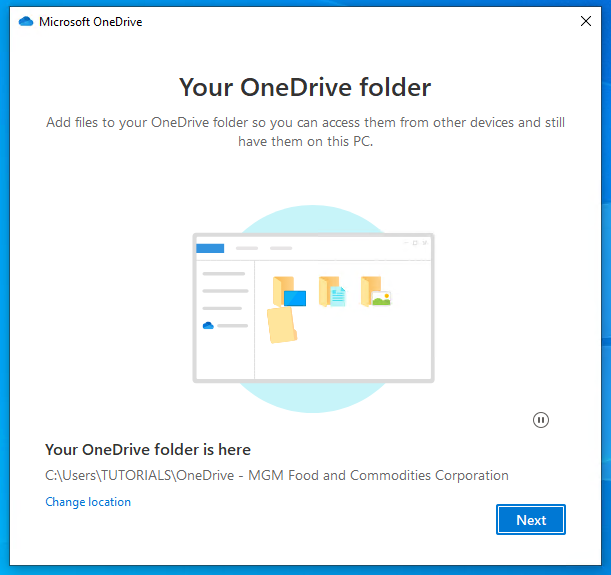
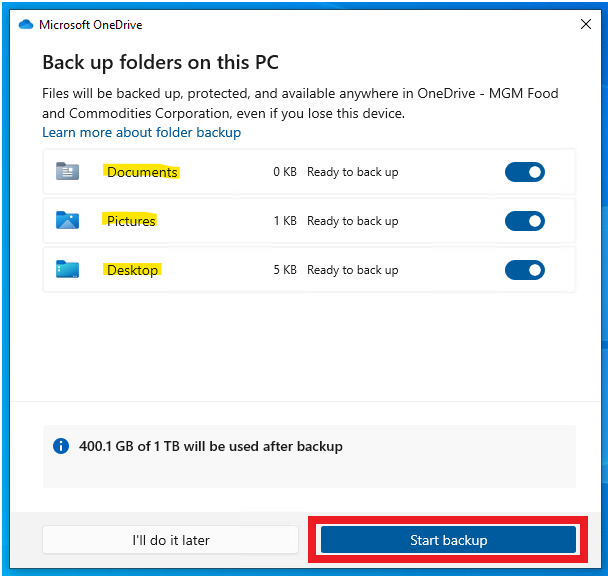
Make Sure you highlighted these 3 folders for your Backup. All the files you save inside this folder will be automatically backed-up on your OneDrive cloud. Then "CLICK" start backup
-
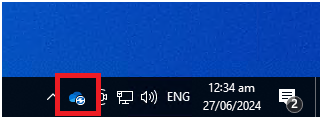
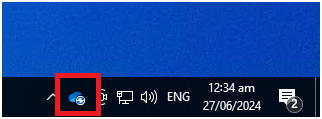
If OneDrive is already active, you will see its icon in blue in the lower right side of your desktop.