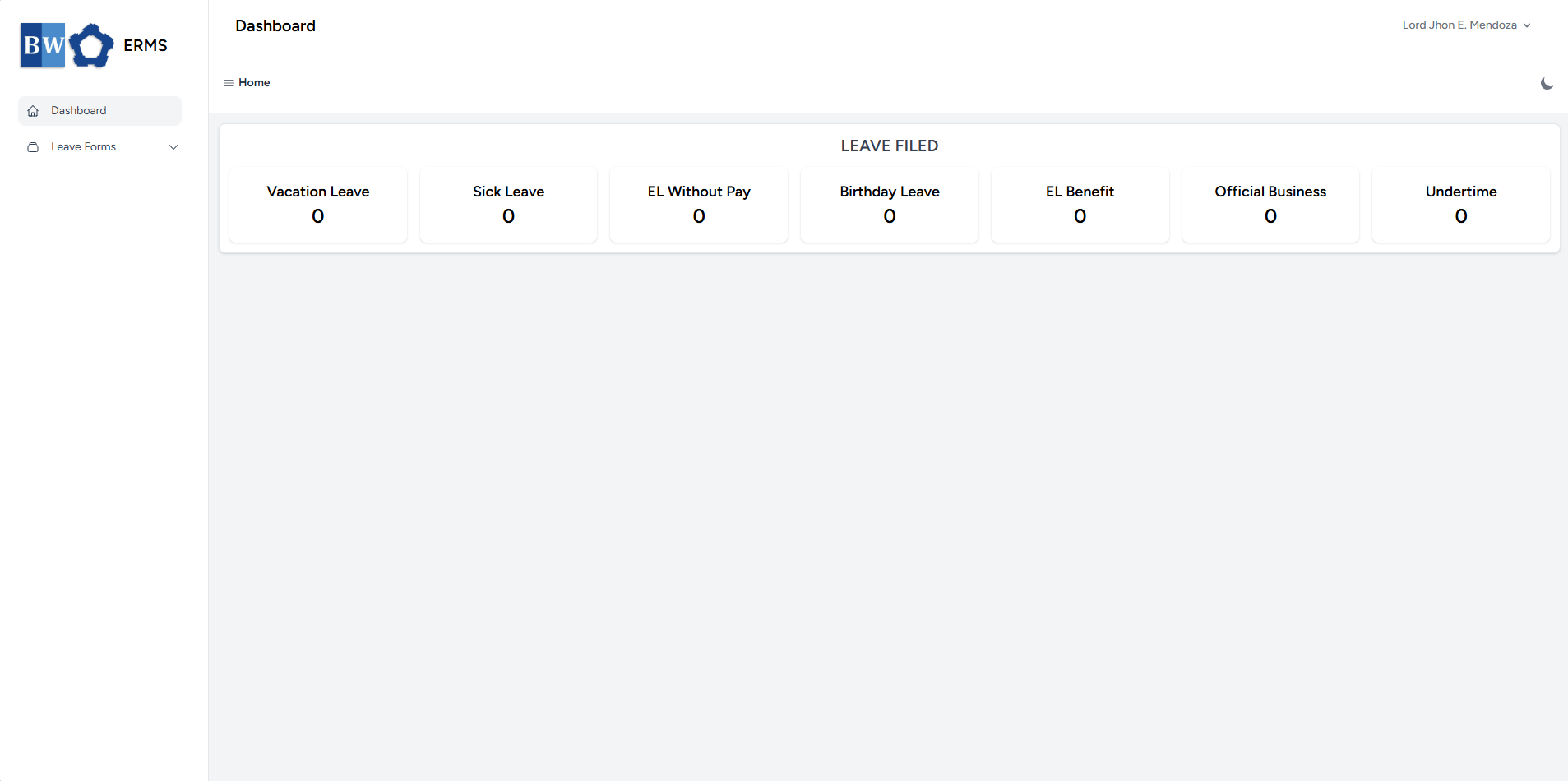
First Time Log-in
This guide will help you log in to your Employee Records Management System (ERMS) account for the first time.
Step 1
-
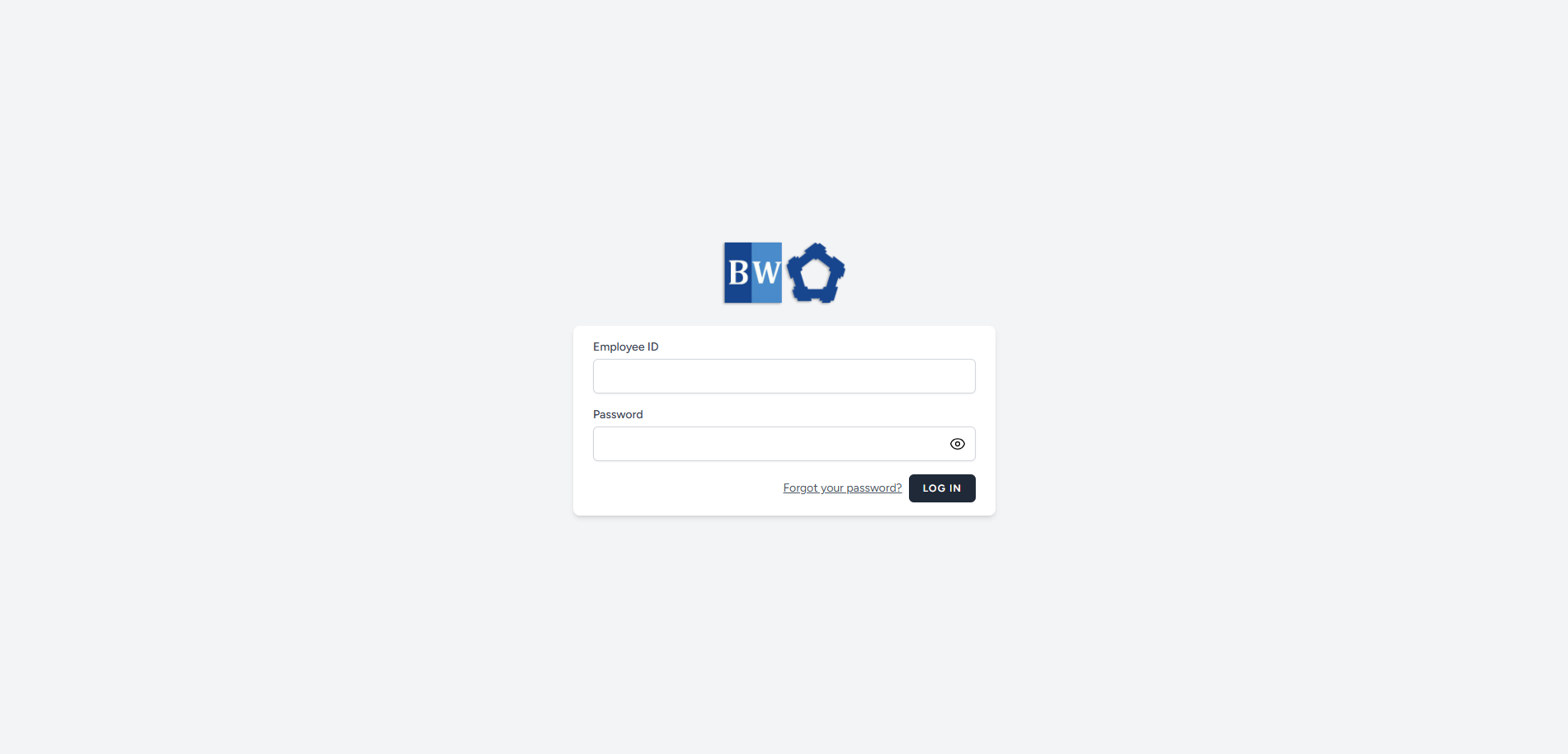
Please contact HR to obtain your Employee ID.
-
Once you have your Employee ID, use it as your username to log in.
-
Your default password is your surname, with the first letter capitalized and the remaining letters in lowercase.
Step 2
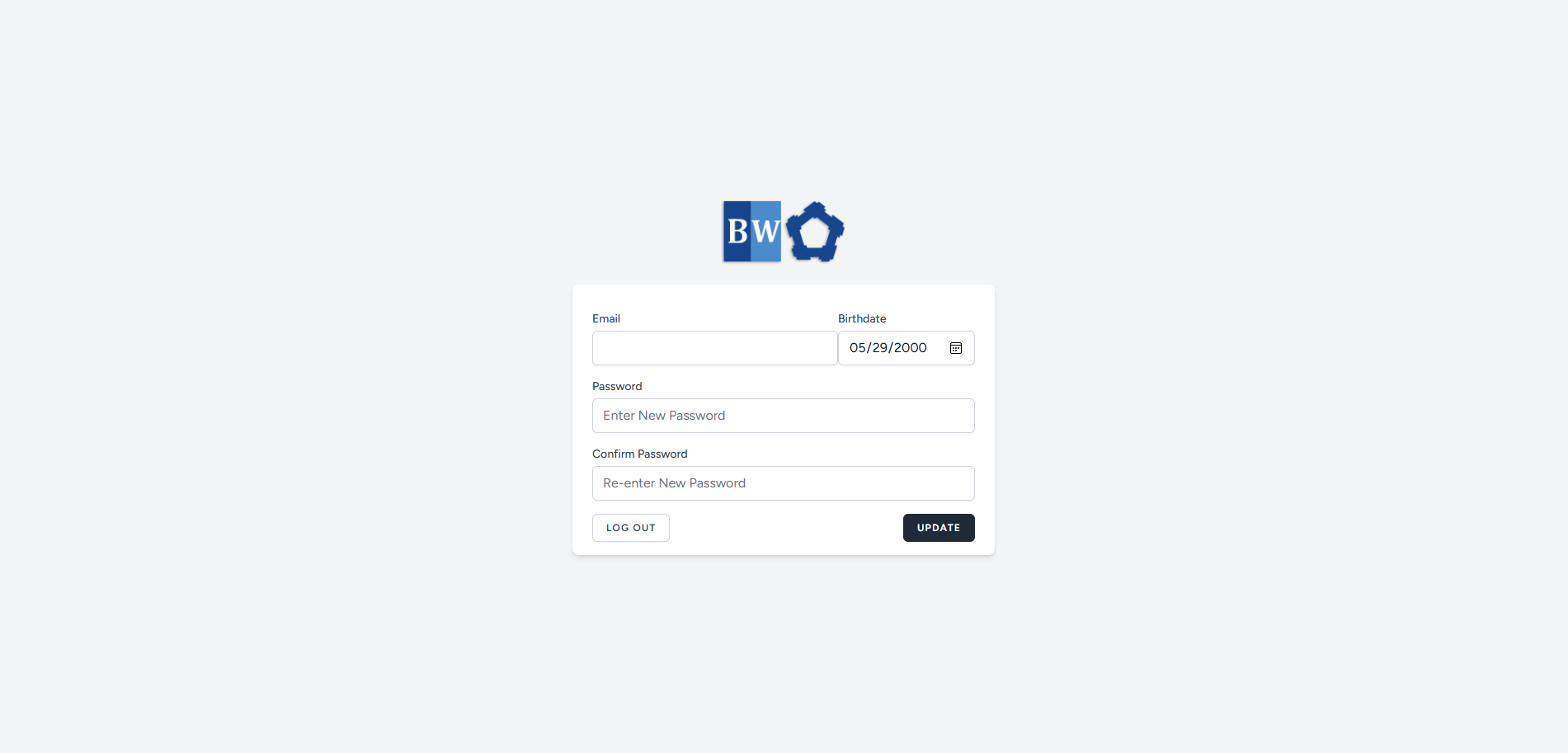
- Once you entered your correct Employee ID and Password, you will be redirected to a page where your information is pre-filled.
- Provide your accurate Email, Date of Birth, and choose your preferred Password.
- After completing all the required fields, click the Update button to save your information.
Step 3
- Once the fields are filled up and clicks update, you will be asked to verify your email.

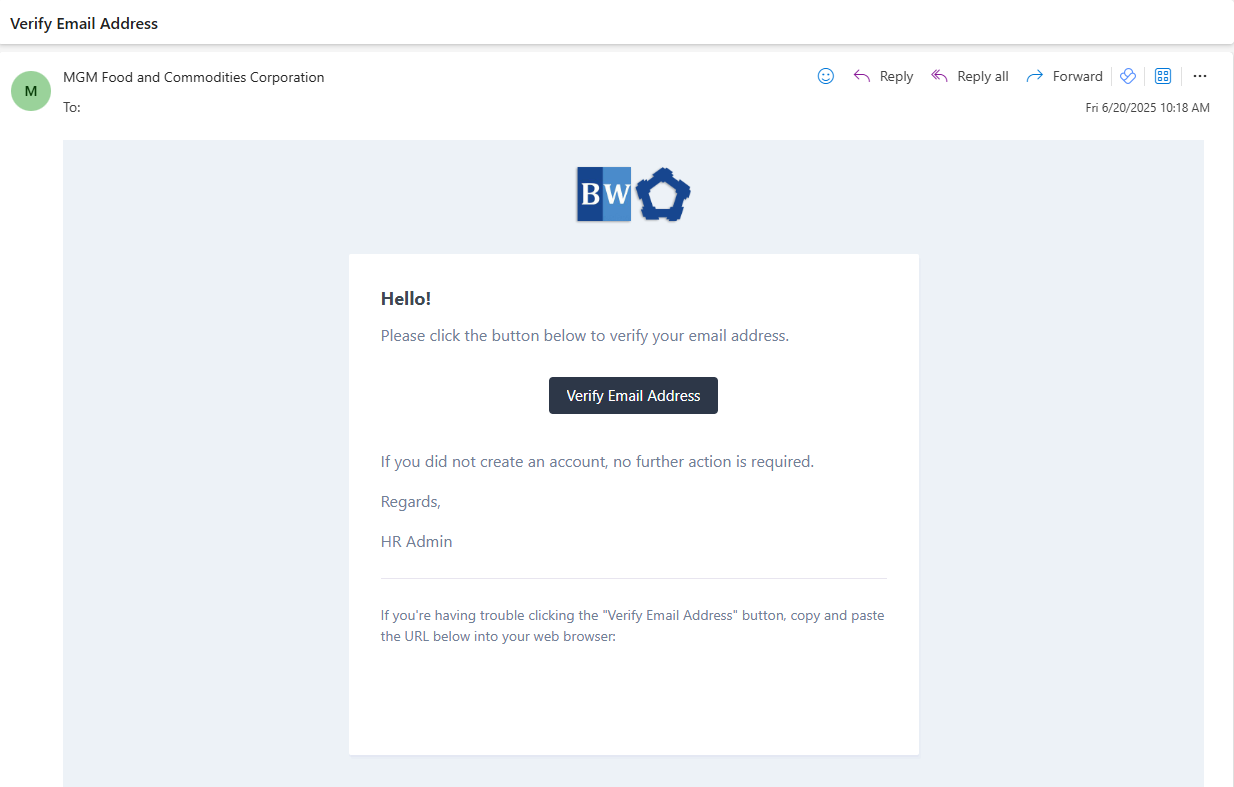
- Check your email inbox for verification of your email address.
- If no email received, click the Resend Verification Email.
Step 4
- Once you receive the email verification, click the Verify Email Address button in the email.
- You will be redirected to system's Dashboard.