
First Time Log-in
Step 1
Step 1
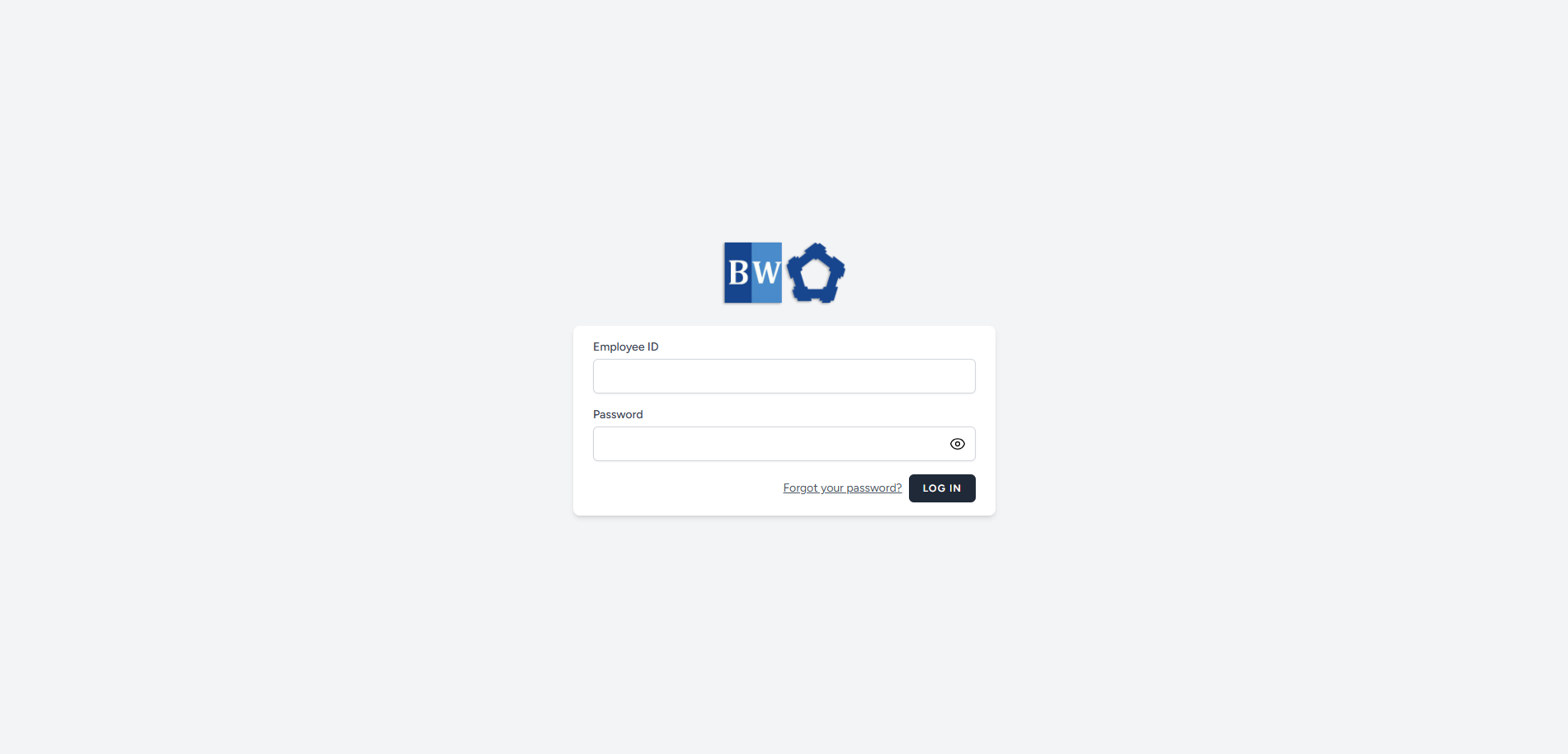
Please contact HR to obtain your Employee ID.Once you have your Employee ID, use it as your username to log in.Your default password is your surname, with thefirst letter capitalizedand theremaining letters in lowercase.
-
Please contact HR to obtain your Employee ID.
-
Once you have your Employee ID, use it as your username to log in.
-
Your default password is your surname, with the first letter capitalized and the remaining letters in lowercase.
Step 2
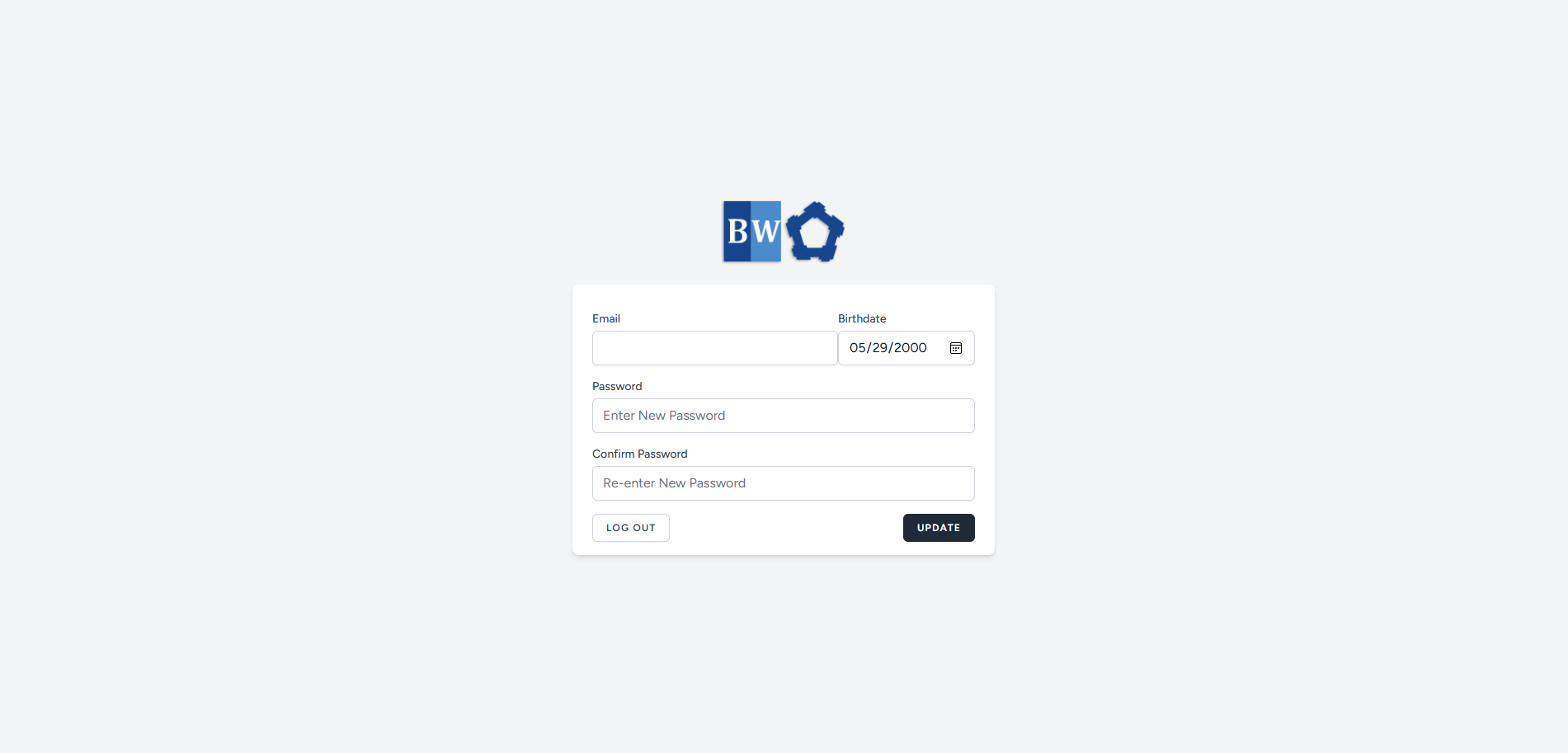
- Once you entered your correct Employee ID and Password, you will be redirected to a page where your information is pre-filled.
- Provide your accurate Email, Date of Birth, and choose your preferred Password.
- After completing all the required fields, click the Update button to save your information.
Step 3
Once the fields are filled-up and clicks update, you will be asked to verify your email.
Check your email inbox for verification of your email address.
If no email received, click the Resend Verification Email.
