
Leaves Overview
This section provides a clear and complete guide on how to access all employee's Leaves Overview as a HRIS Admin, outlining the steps and responsibilities involved.
To access the Leaves Overview page:
-
On your Dashboard, click Leaves Overview panel.
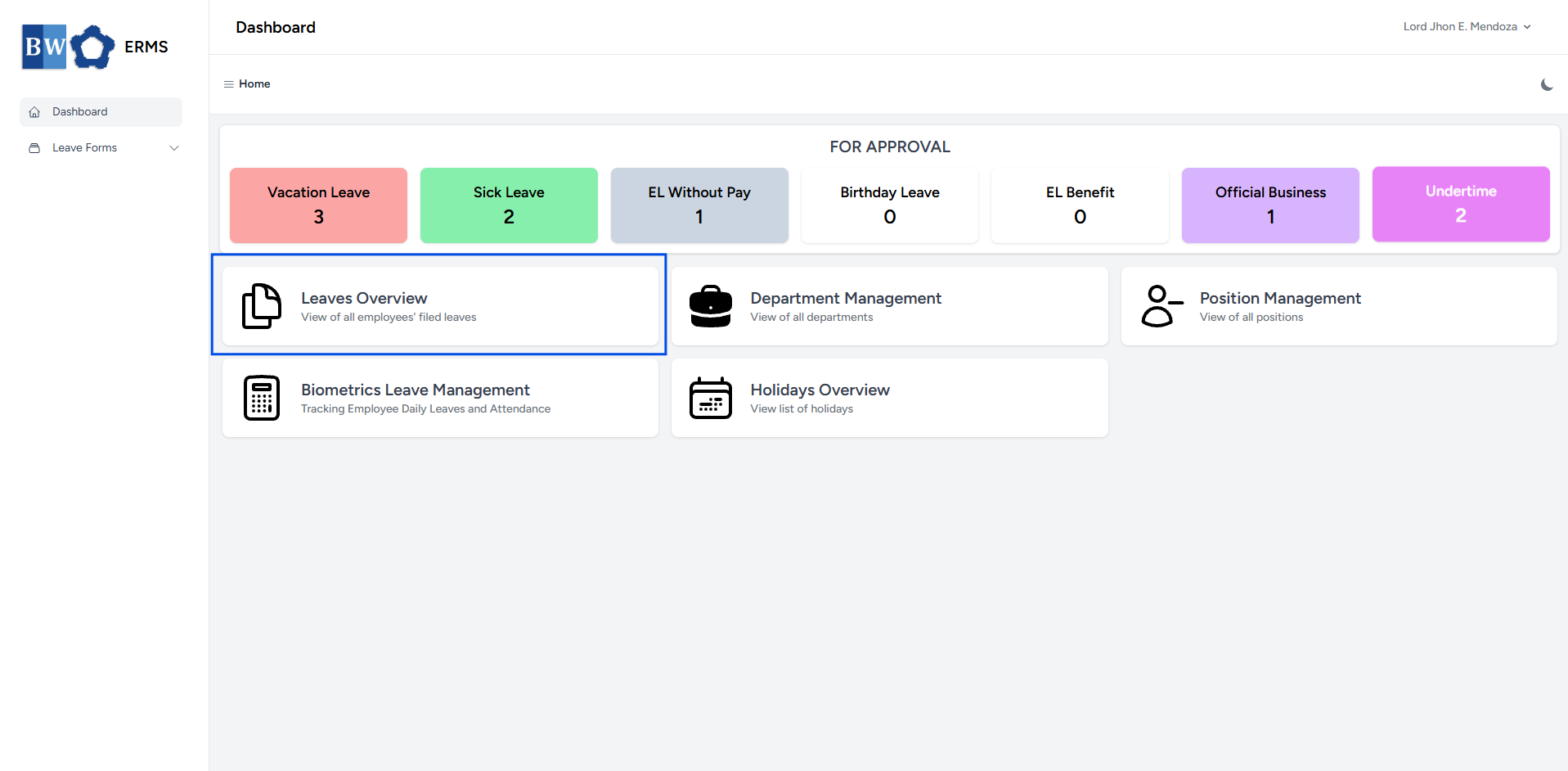
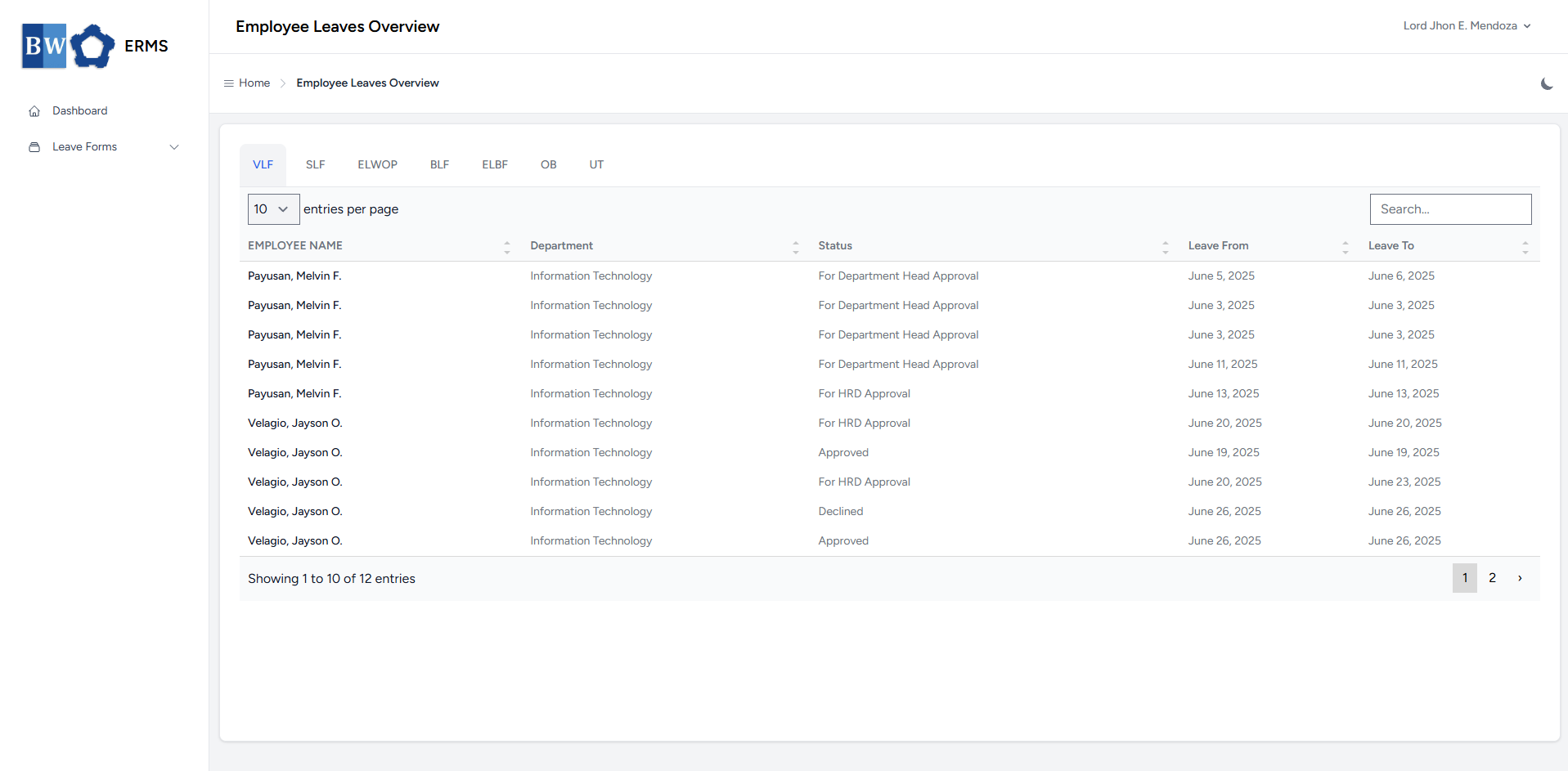
- It will open the Leaves Overview page.
- The page will first display all Vacation Leave filed by employees.
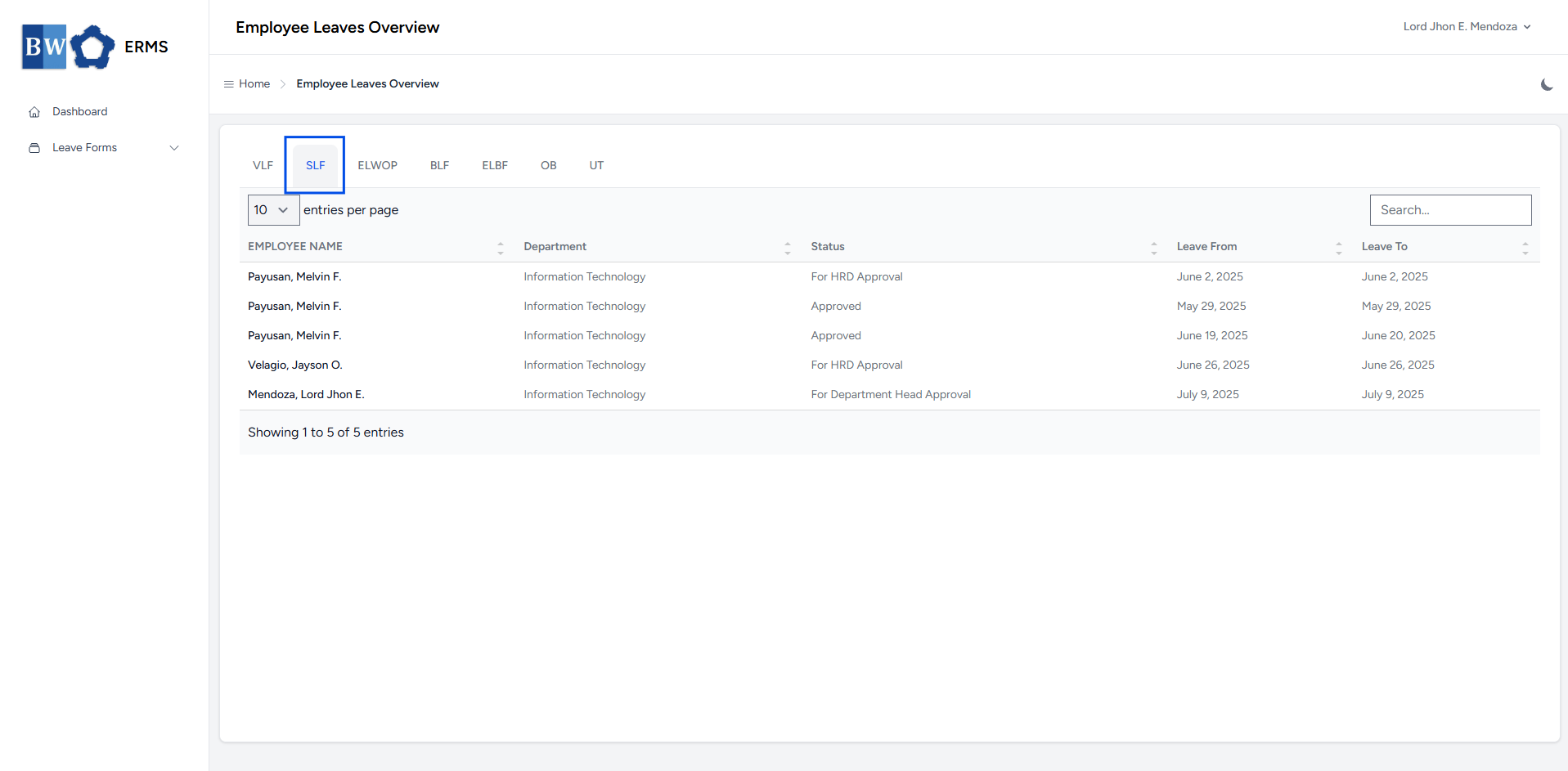
- To view all employee-filed Sick Leaves, click SLF in the navigation bar.
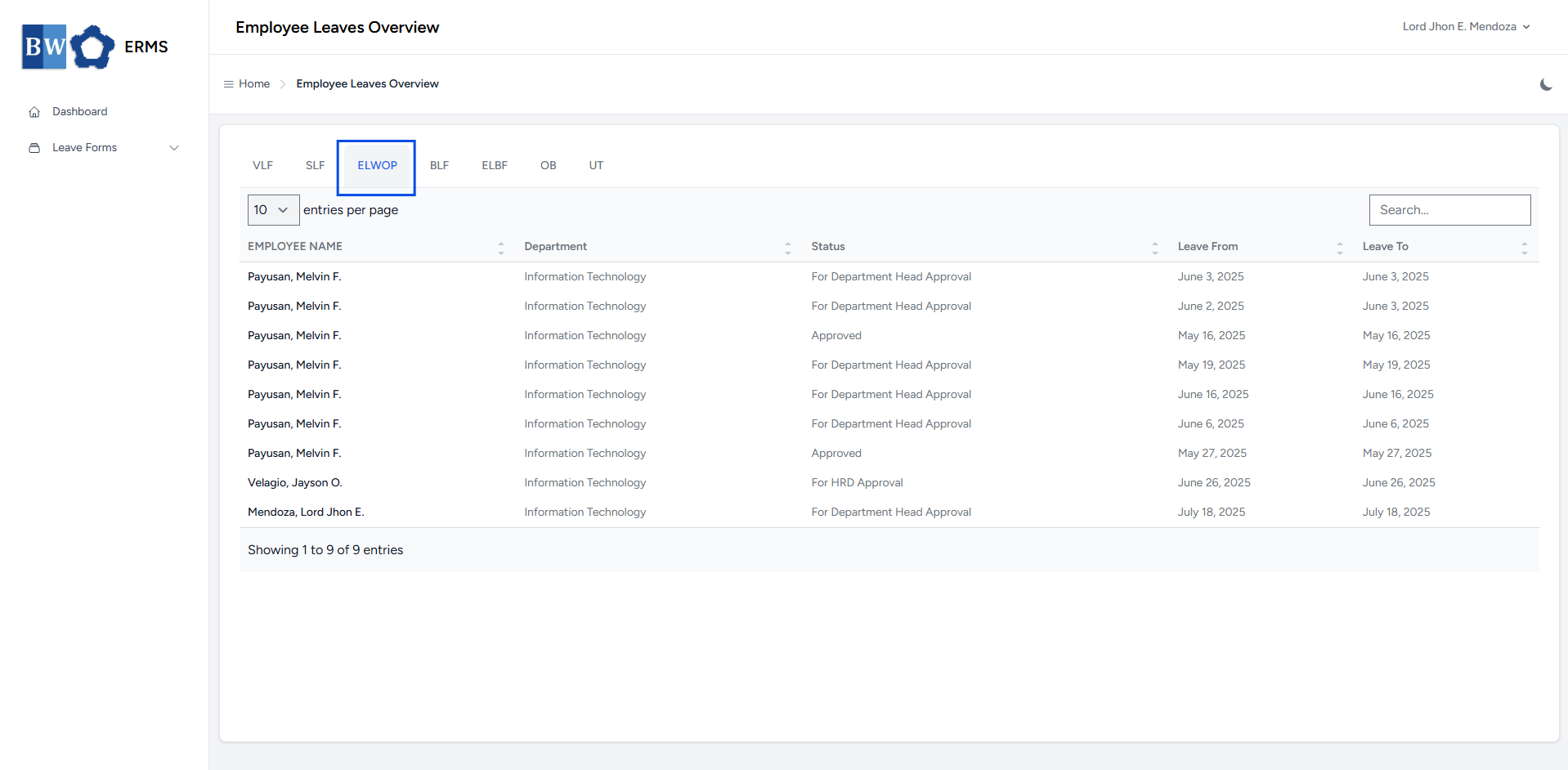
- To view all employee-filed Emergency Leave Without Pay, click ELWOP in the navigation bar.
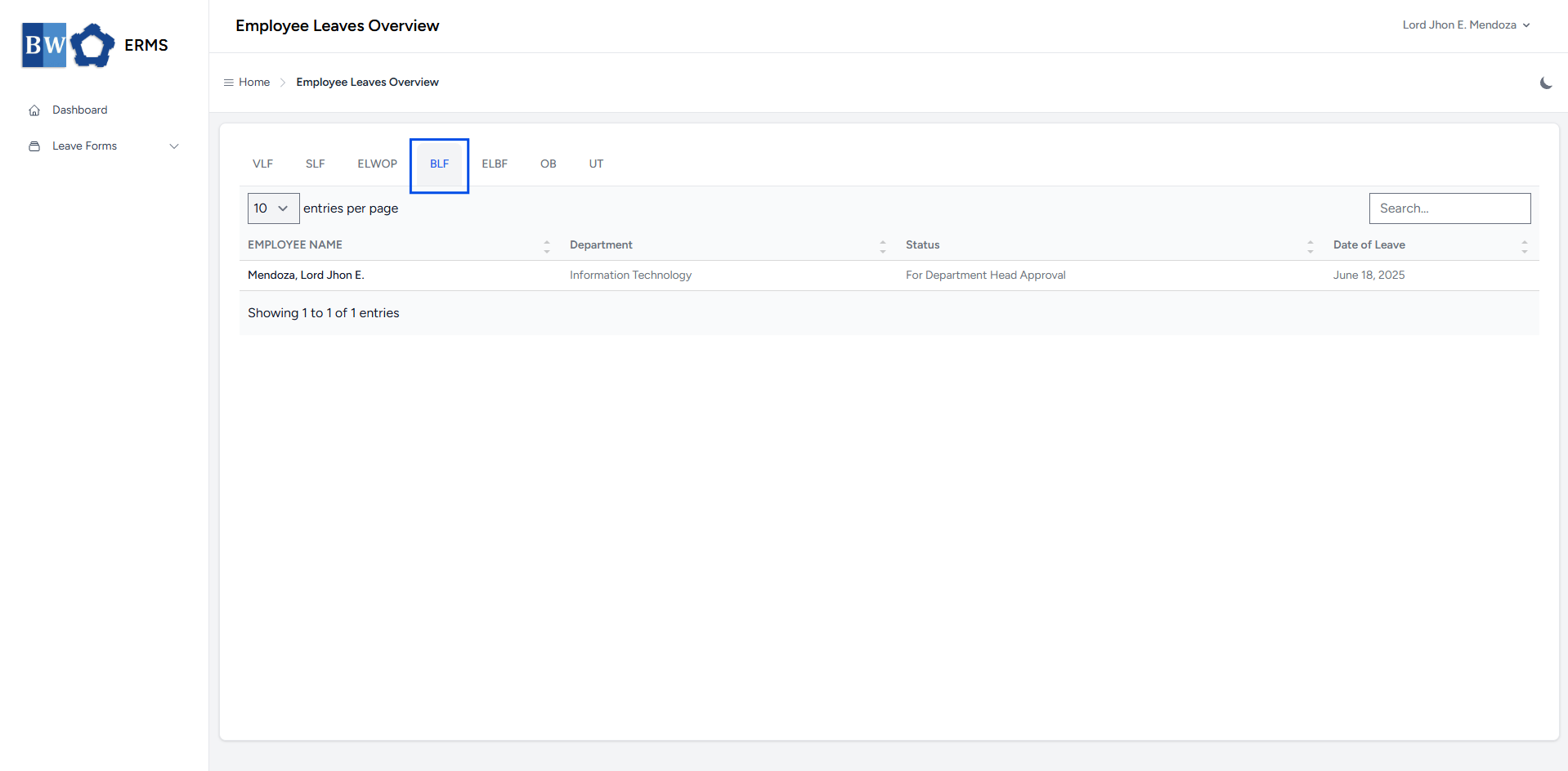
- To view all employee-filed Birthday Leave, click BLF in the navigation bar.
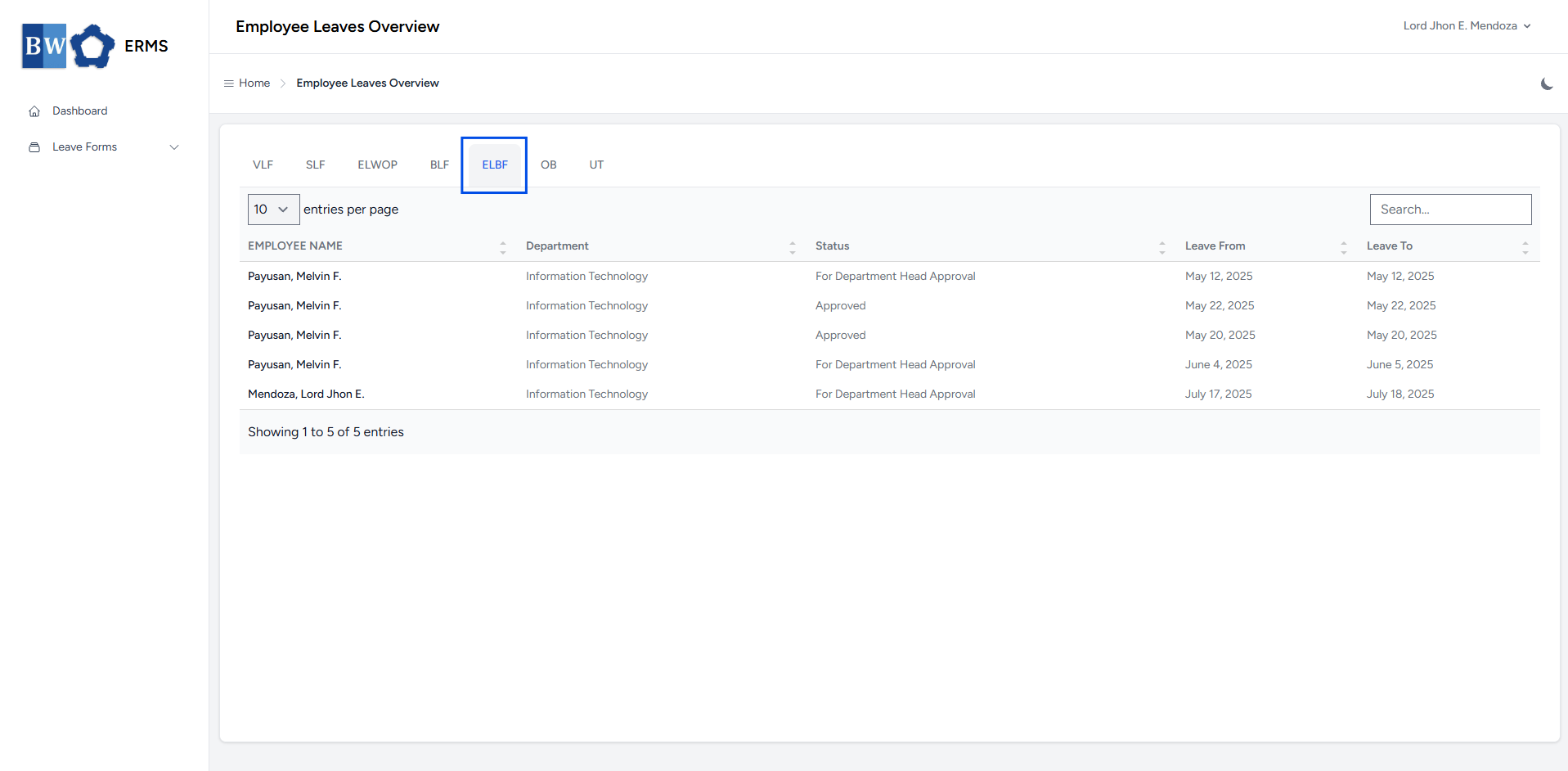
- To view all employee-filed Emergency Leave Benefit, click ELBF in the navigation bar.
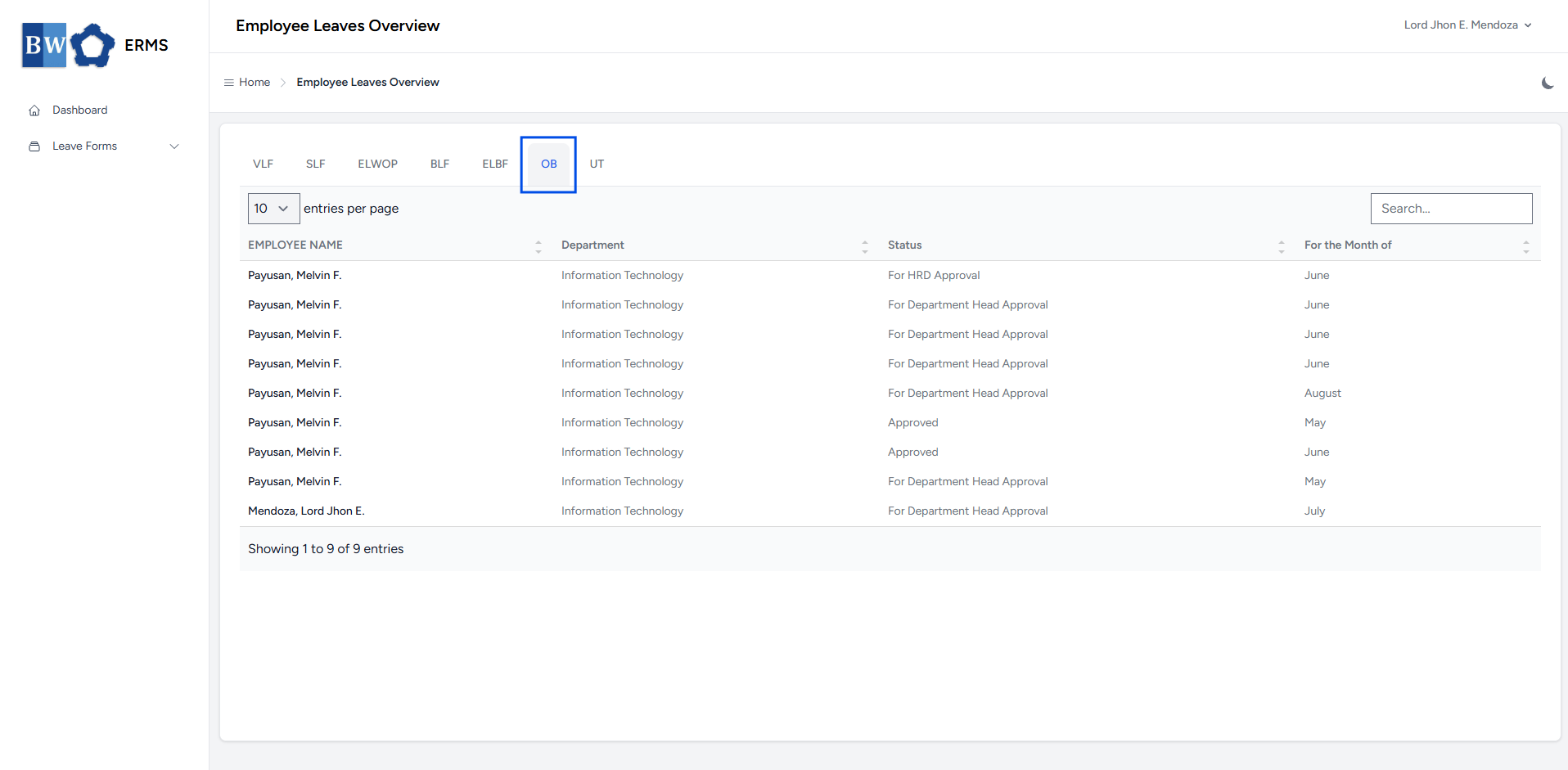
- To view all employee-filed Official Business, click OB in the navigation bar.
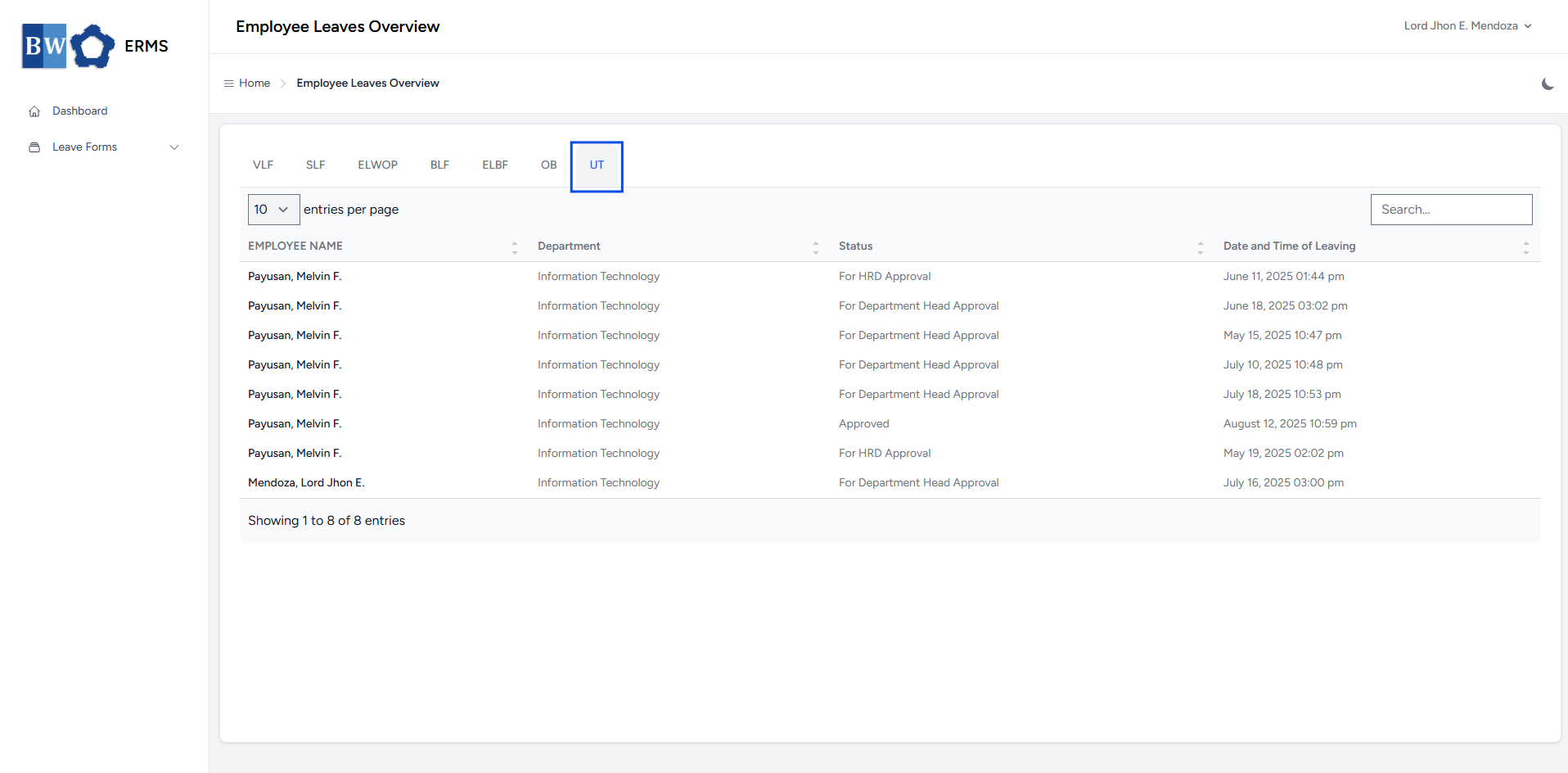
- To view all employee-filed Undertime, click UT in the navigation bar.
No Comments