
Department Management
This section provides a clear and complete guide on how to access Department Management as a HRIS Admin, outlining the steps and responsibilities involved.
To access the Department Management page:
-
On your Dashboard, click Department Management panel.
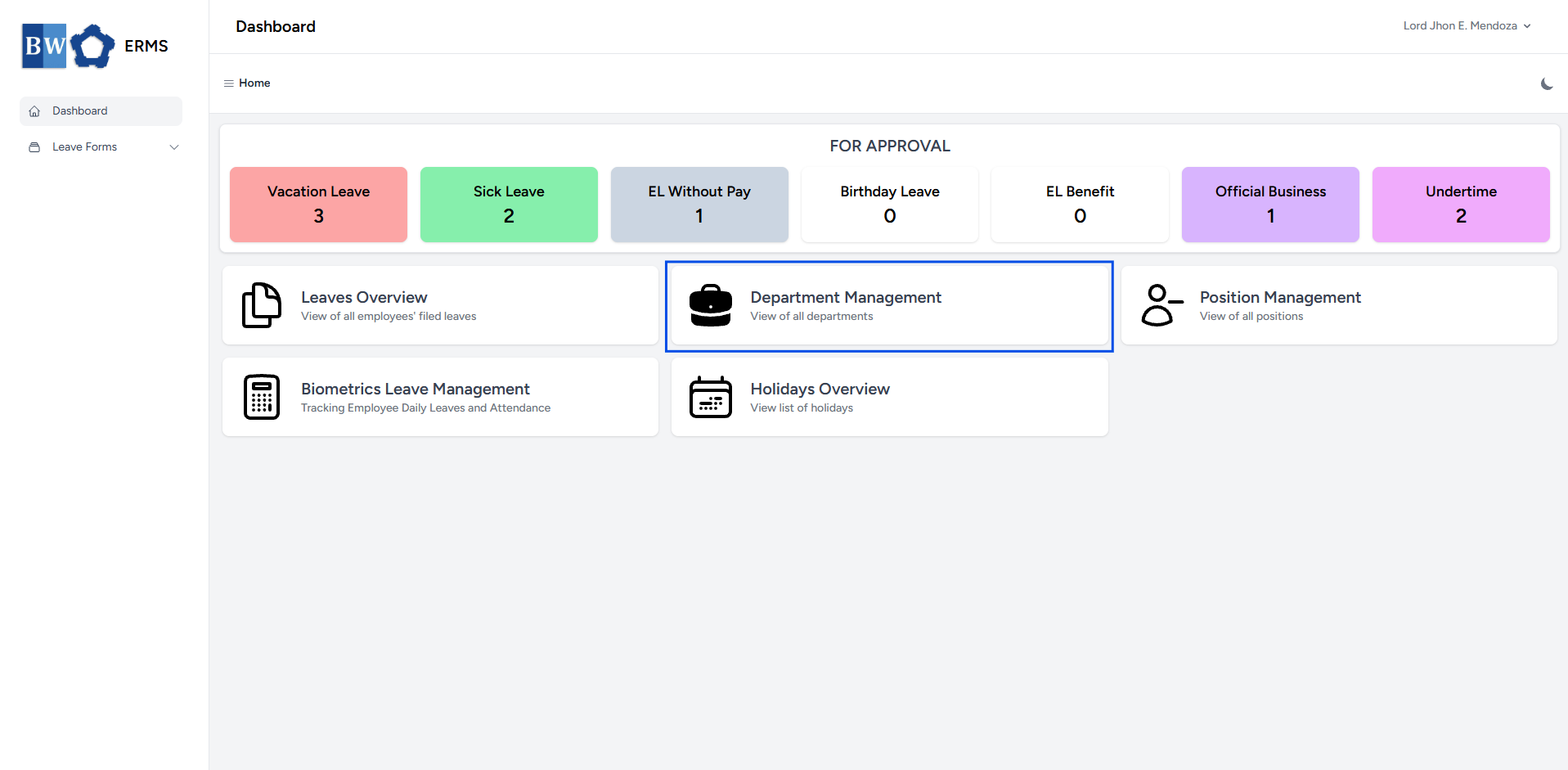
- It will open the Leaves Overview page.
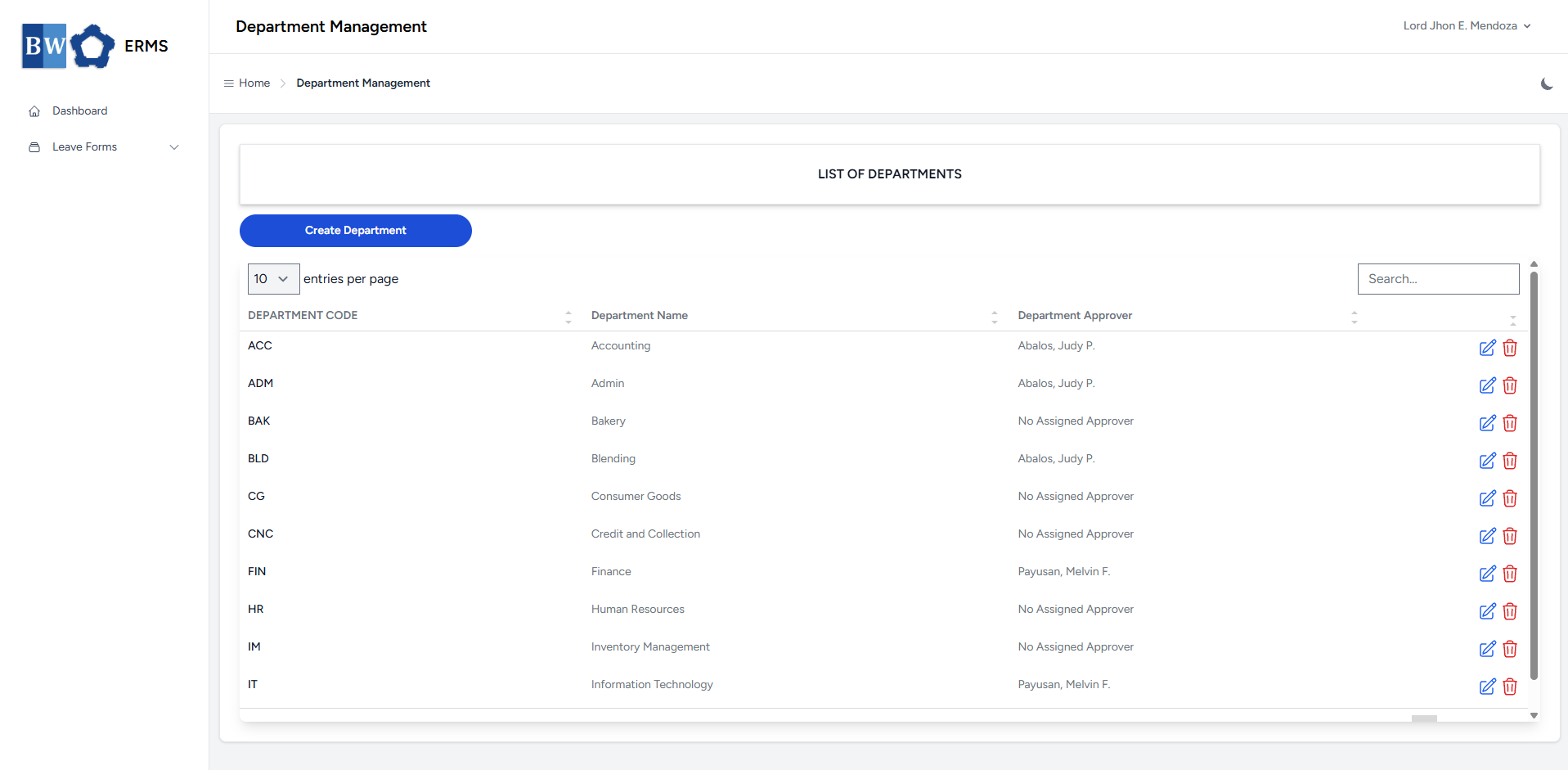
- On the Department Management page, click the Create Department button to open the form.
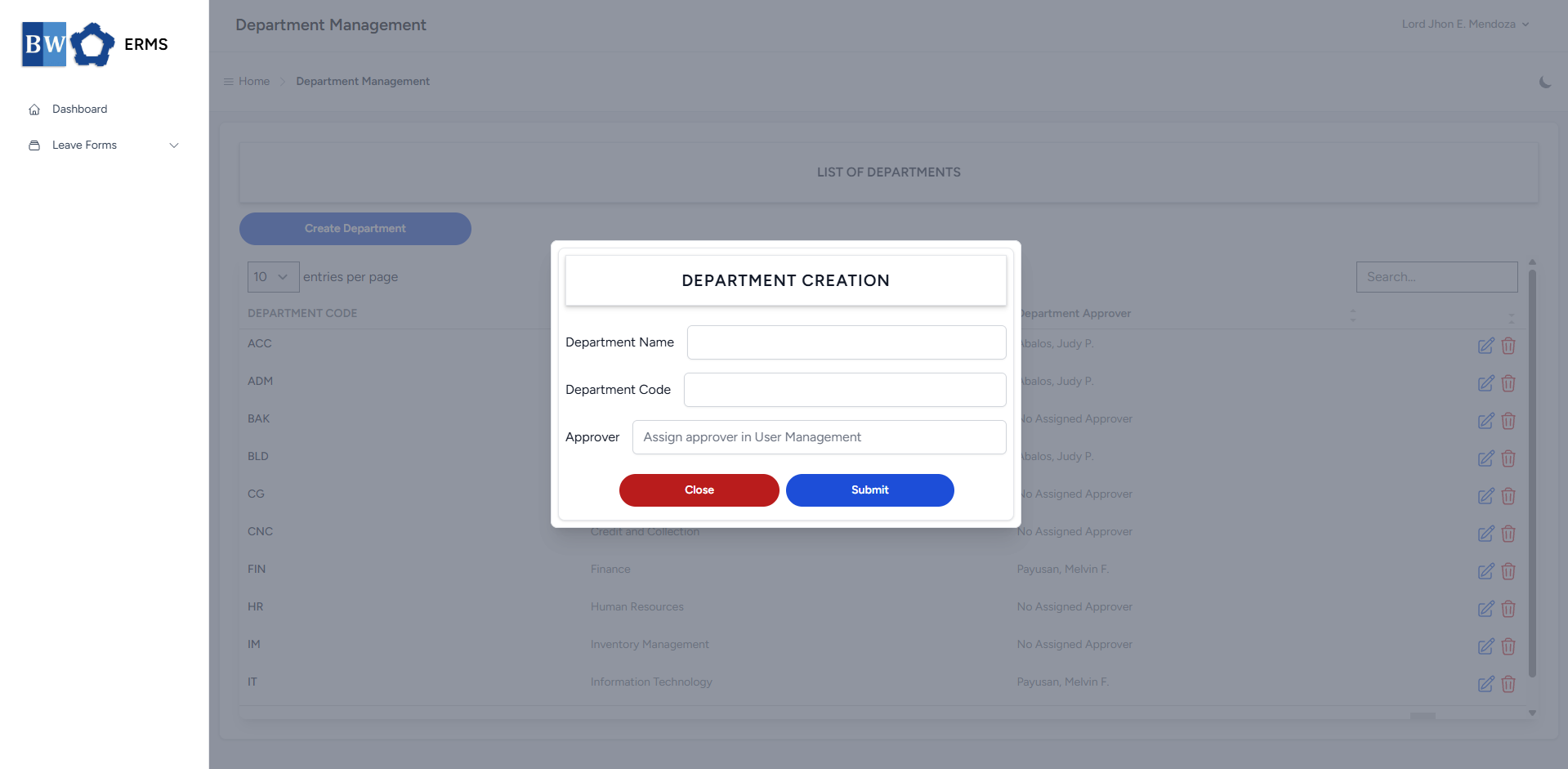
- Fill out the required fields, then click Submit.
- After submitting, a notification will appear saying that the Department has been created. The created department will be added to the list.
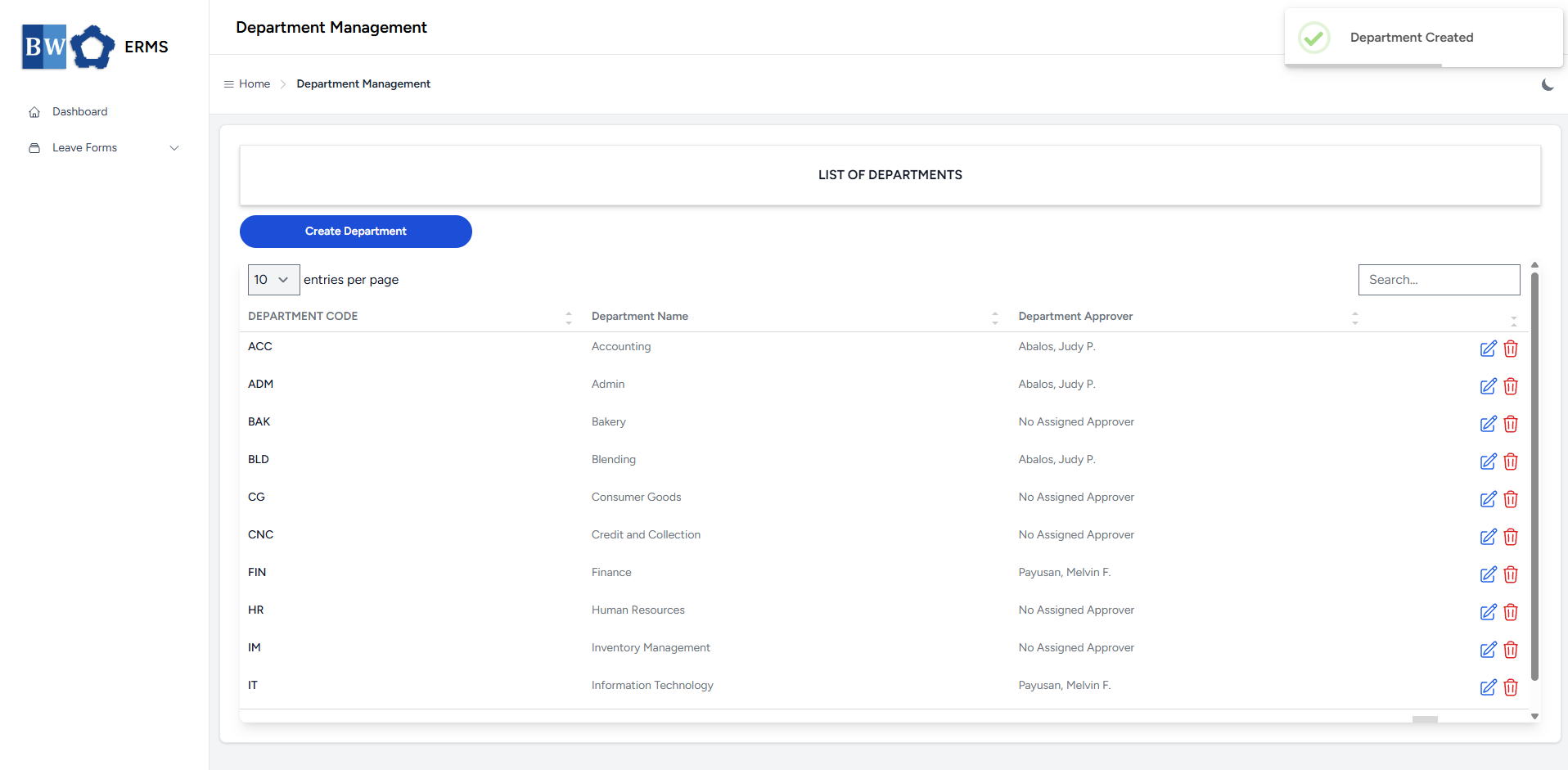
- To delete a department, click the red delete icon in the row of the department you wish to remove.
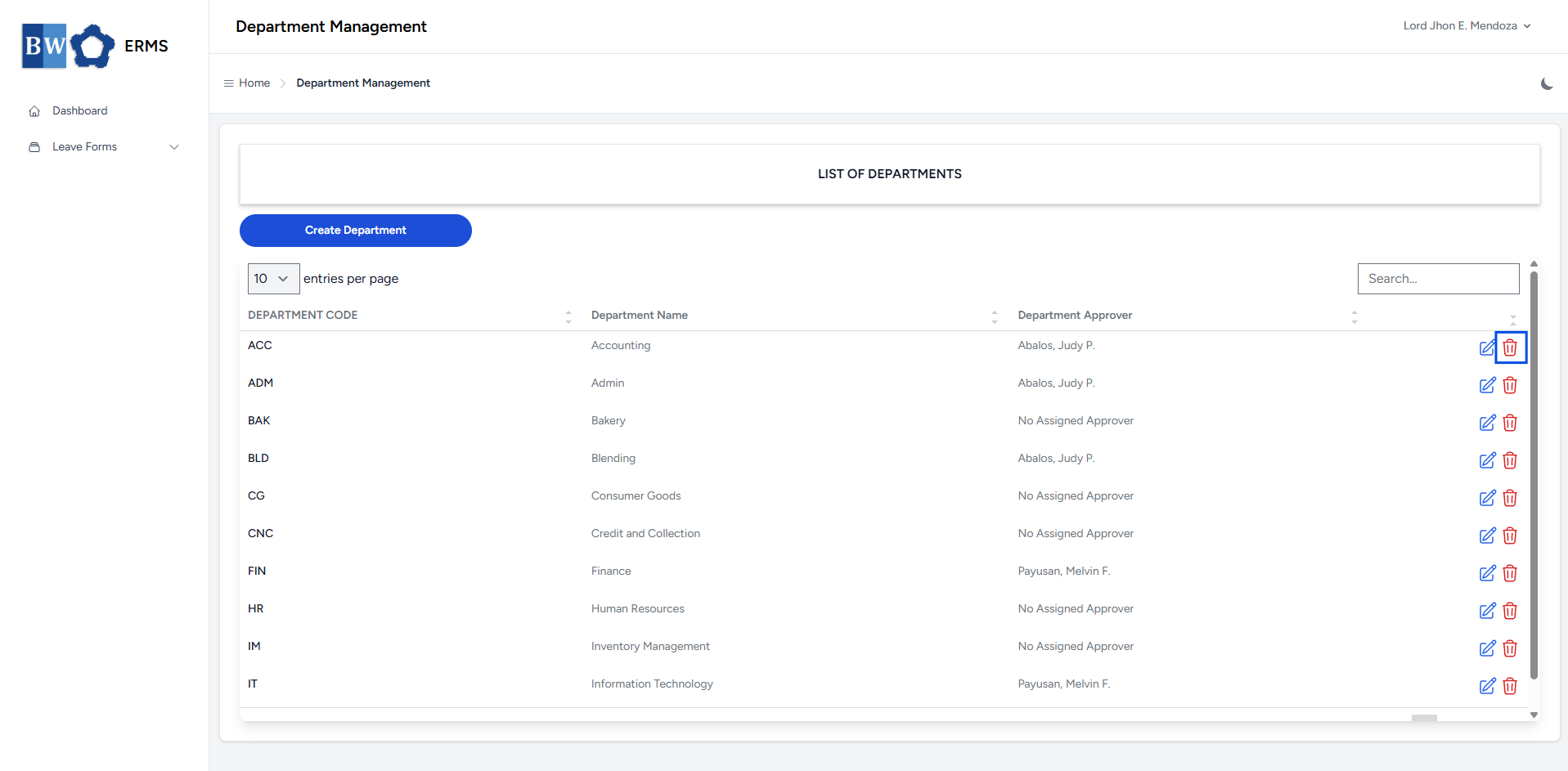
- A confirmation prompt will appear asking if you want to proceed with the deletion.