
Employees & Non-Approver Managers/Supervisors Application
To access the SickEmergency Leave Without Pay page, you can do either of the following:
-
On your Dashboard, click
SickELLeaveWithout Pay under the Leave Filed section.
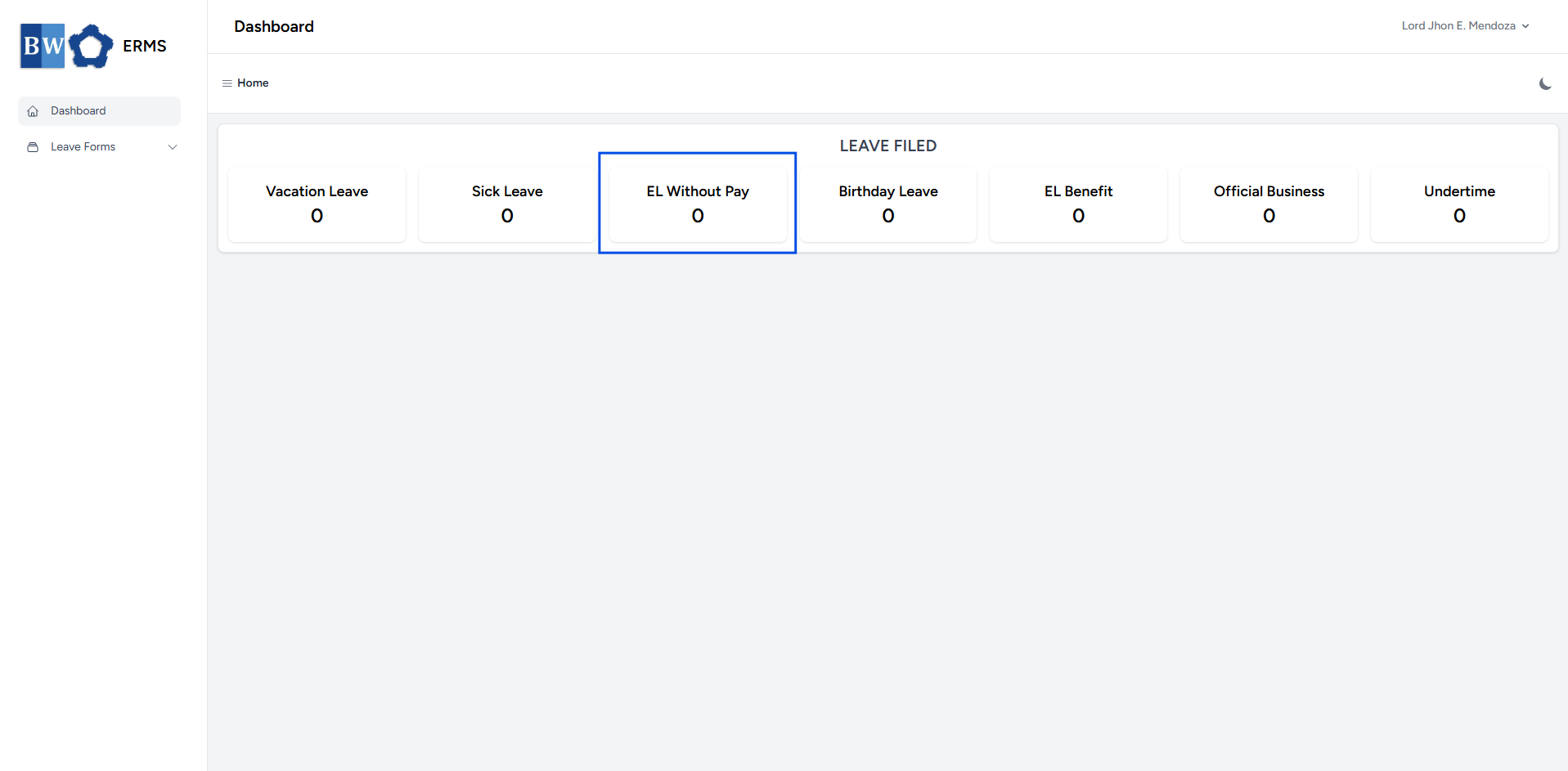
-
Or, click the Leave Forms dropdown in the sidebar, then select
SickELLeaveWithout Pay.
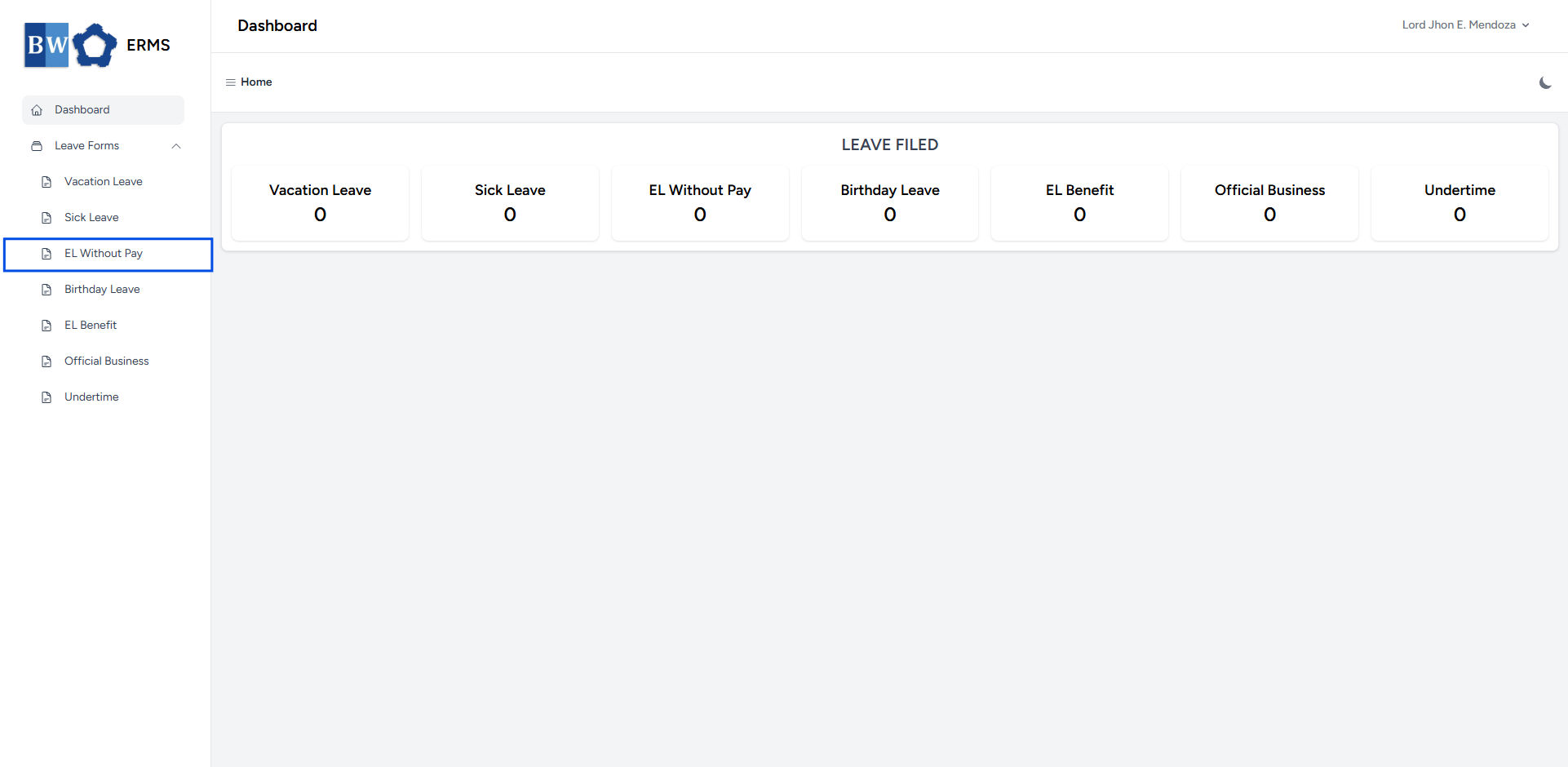
- It will open the
SickEmergency Leave Without Pay page.
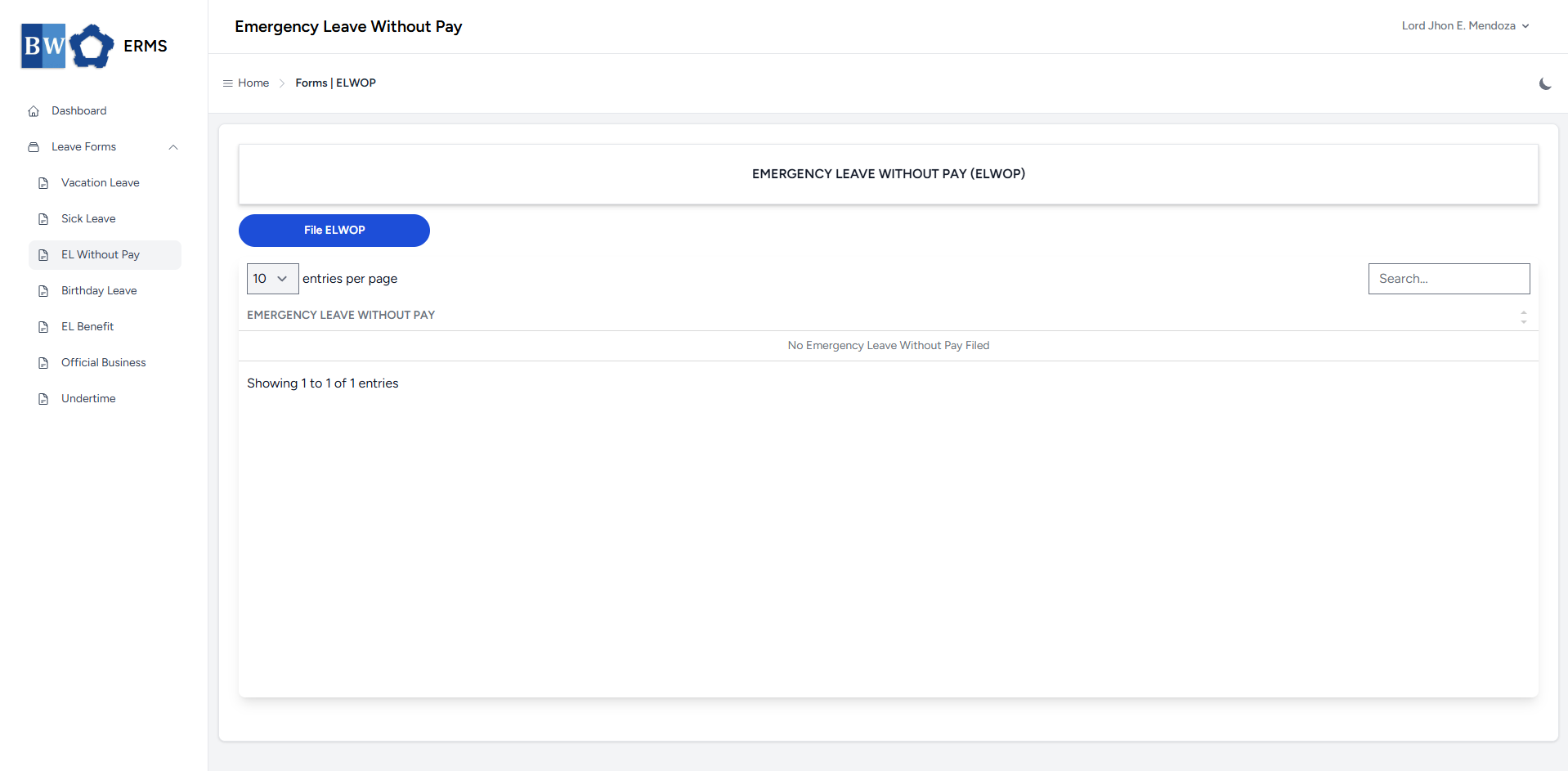
- On the
SickEmergency Leave Without Pay page, click the FileSLFELWOP button to open the form.
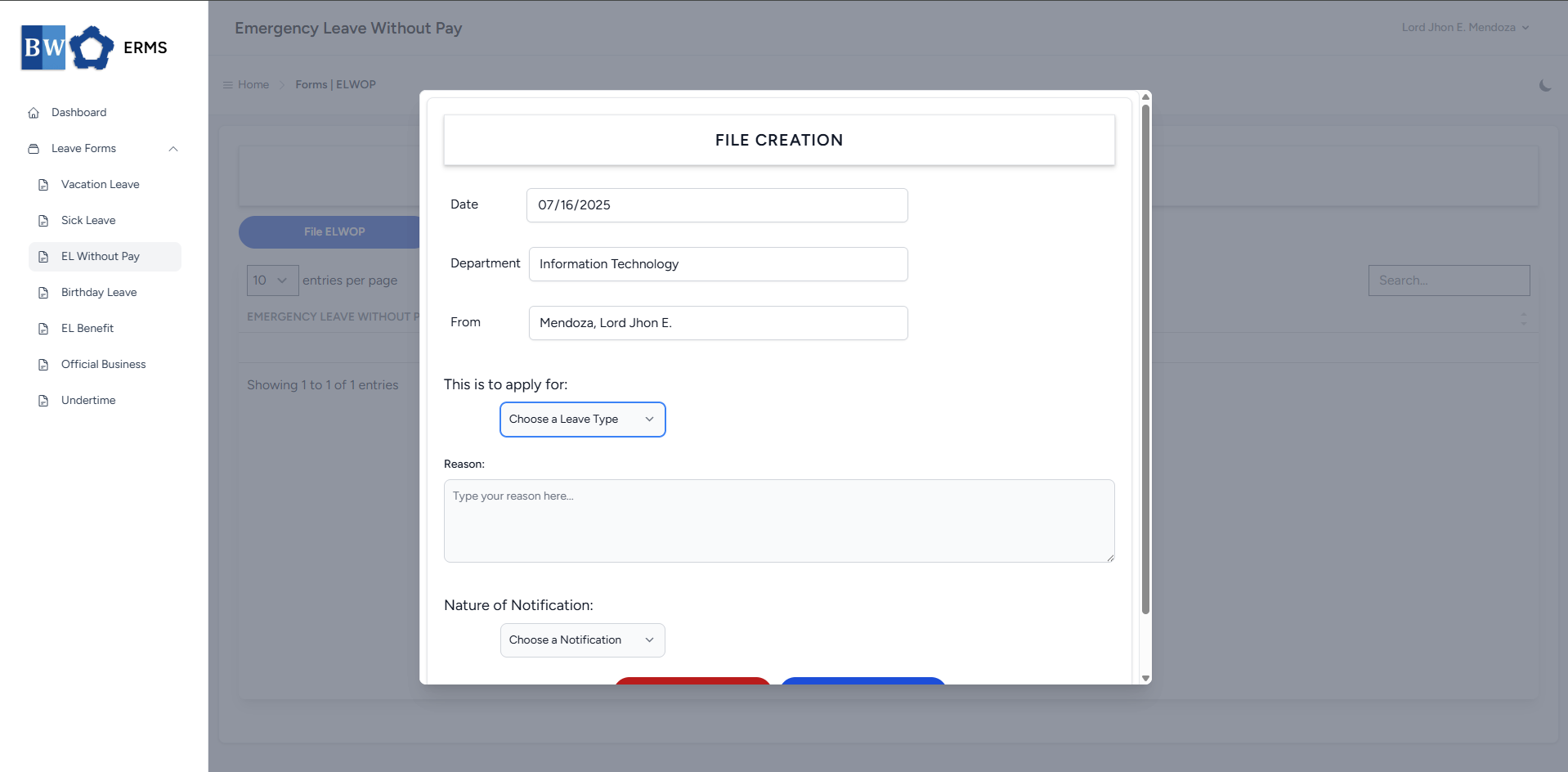
- Fill out the required fields, then click Submit.
Note:You may leave the document blank.
- After submitting, a notification will appear saying that the
SLFELWOP has been created. The filed leave will be added to thelist, and yourSL Creditswill be reduced based on the number of leave days you filed.list.
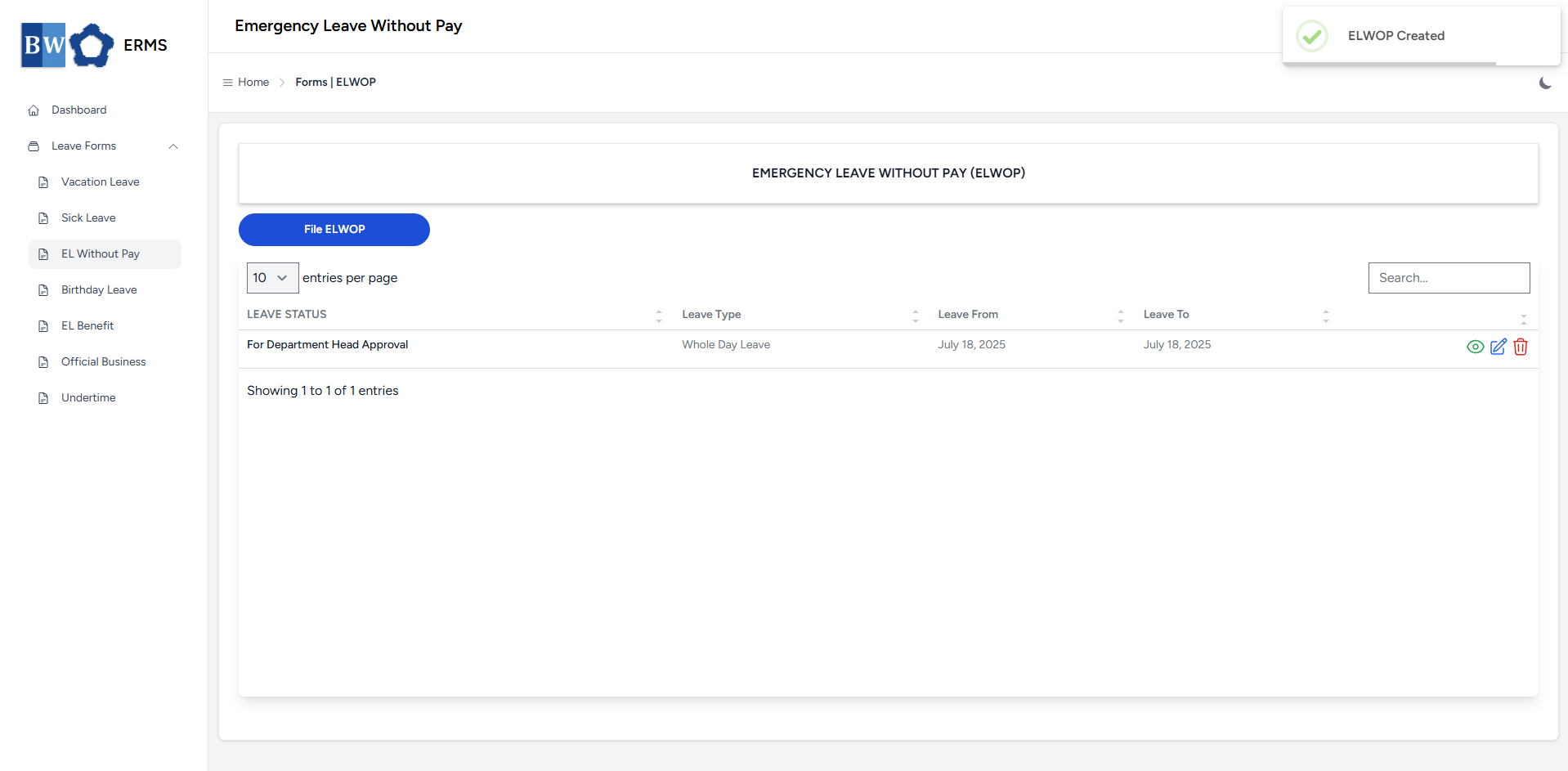
-
You can also use this page to check the status of your leave.