
Employees & Non-Approver Managers/Supervisors Application
To access the Birthday Leave page, you can do either of the following:
-
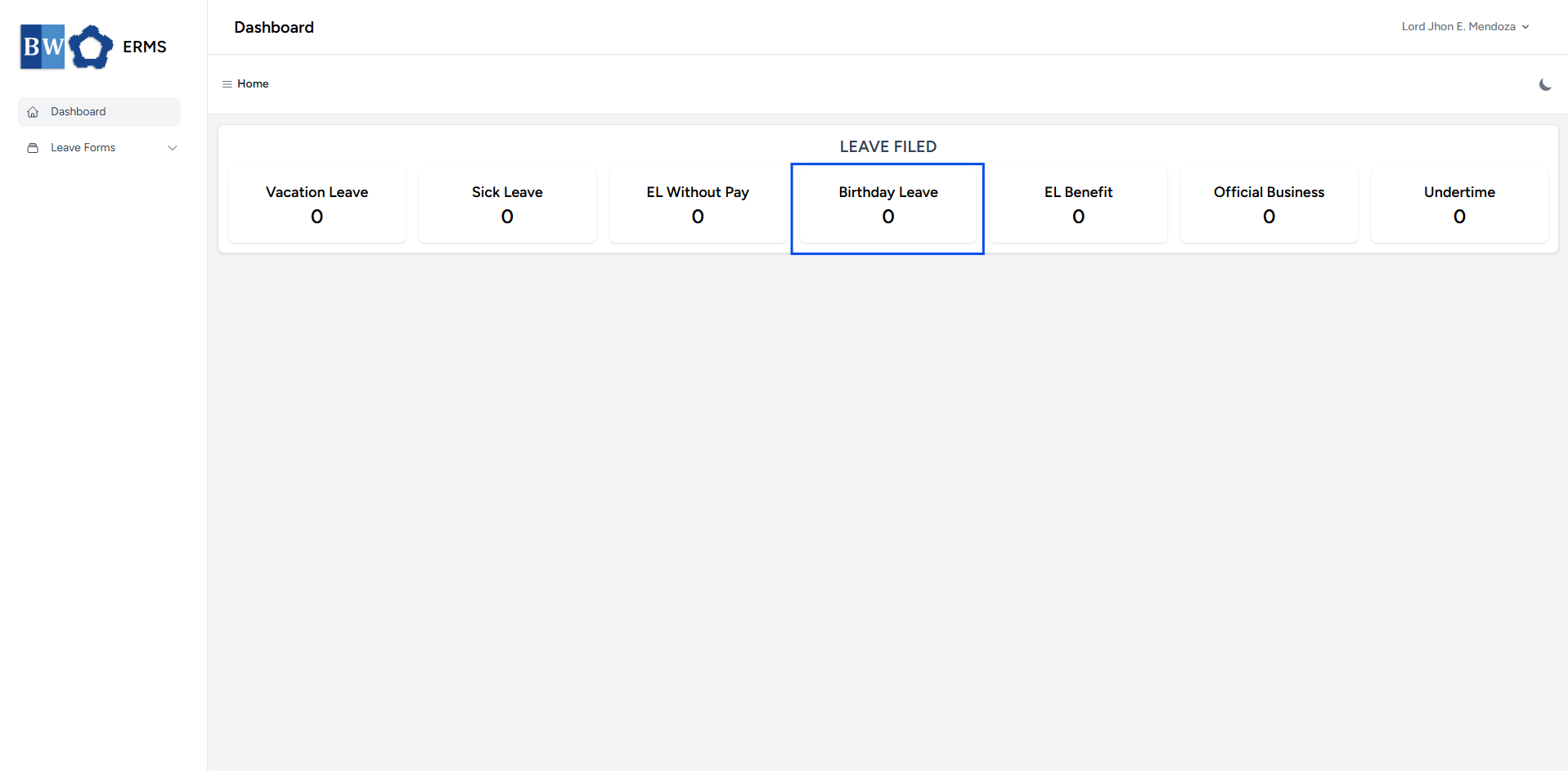
On your Dashboard, click Birthday Leave under the Leave Filed section.
-
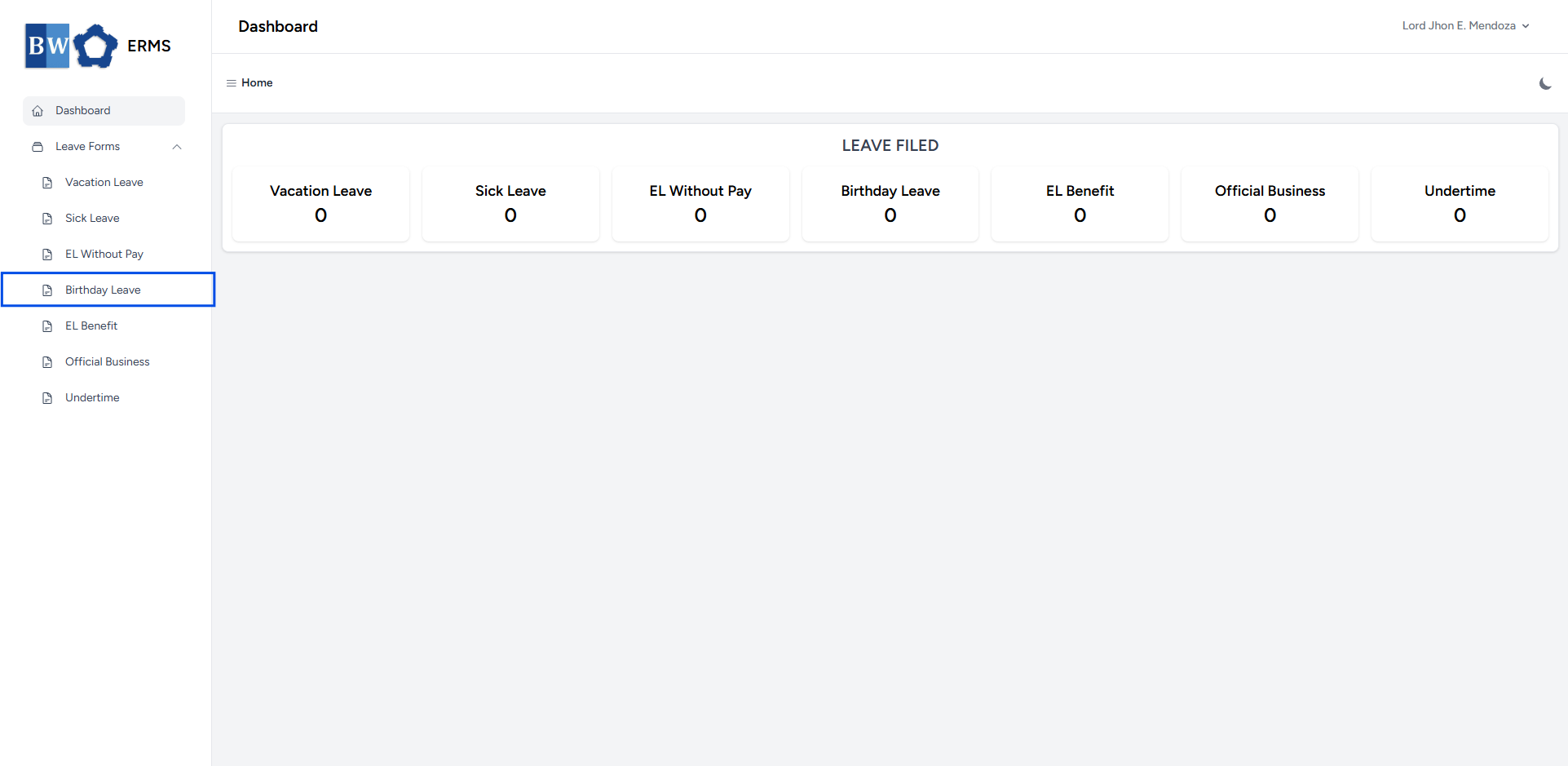
Or, click the Leave Forms dropdown in the sidebar, then select Birthday Leave.
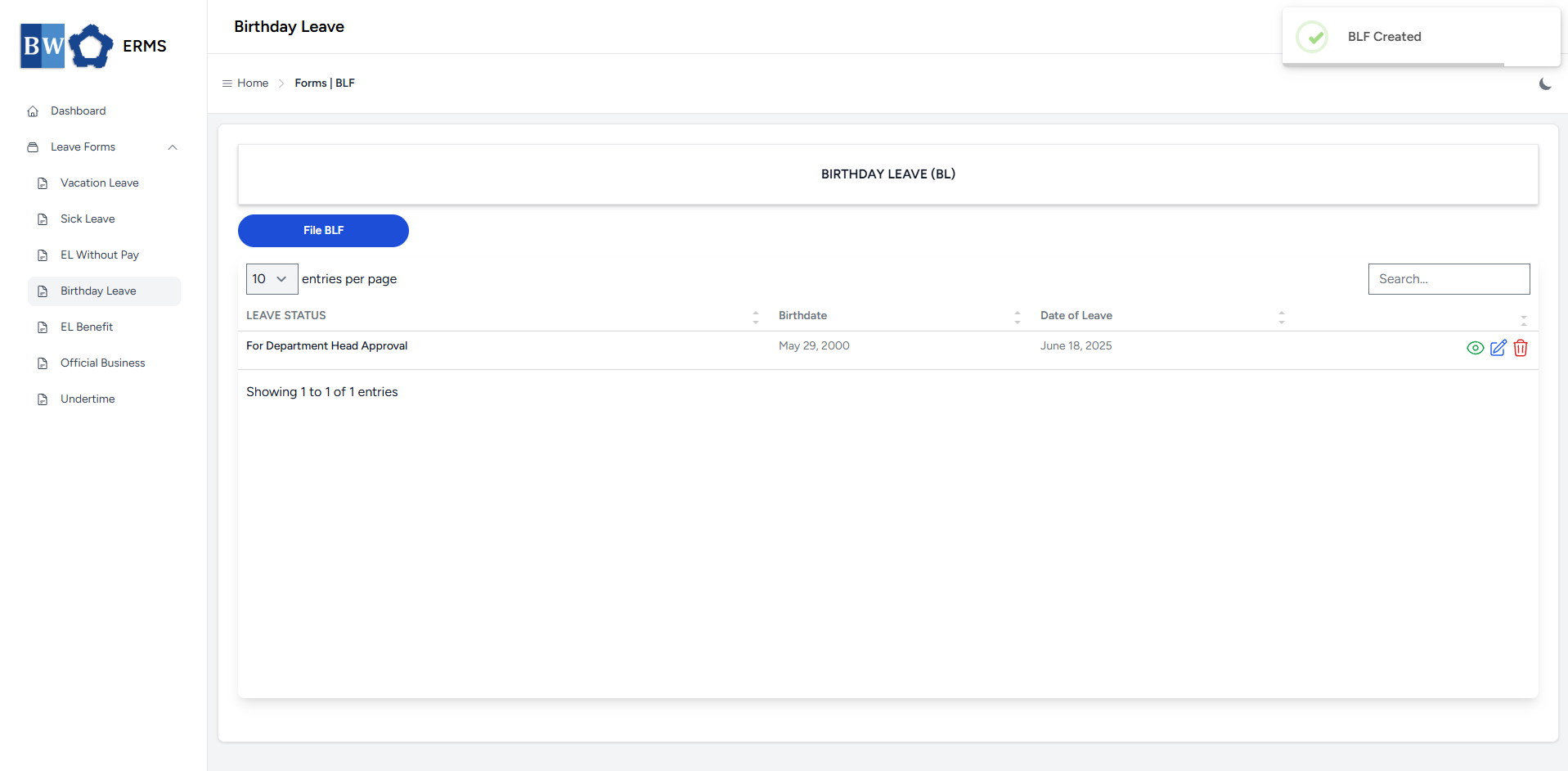
- It will open the Birthday Leave page.
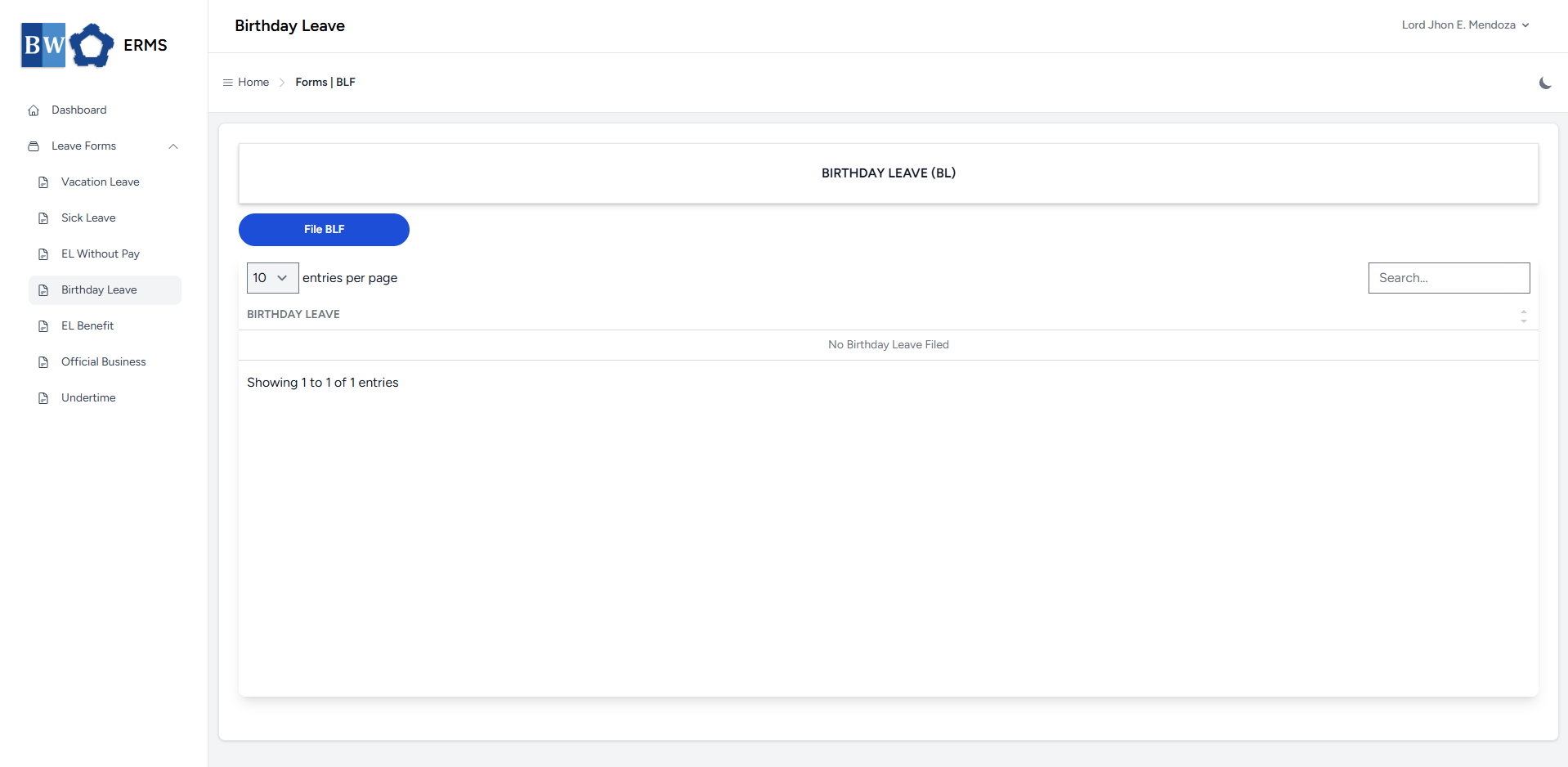
- On the Birthday Leave page, click the File BLF button to open the form.
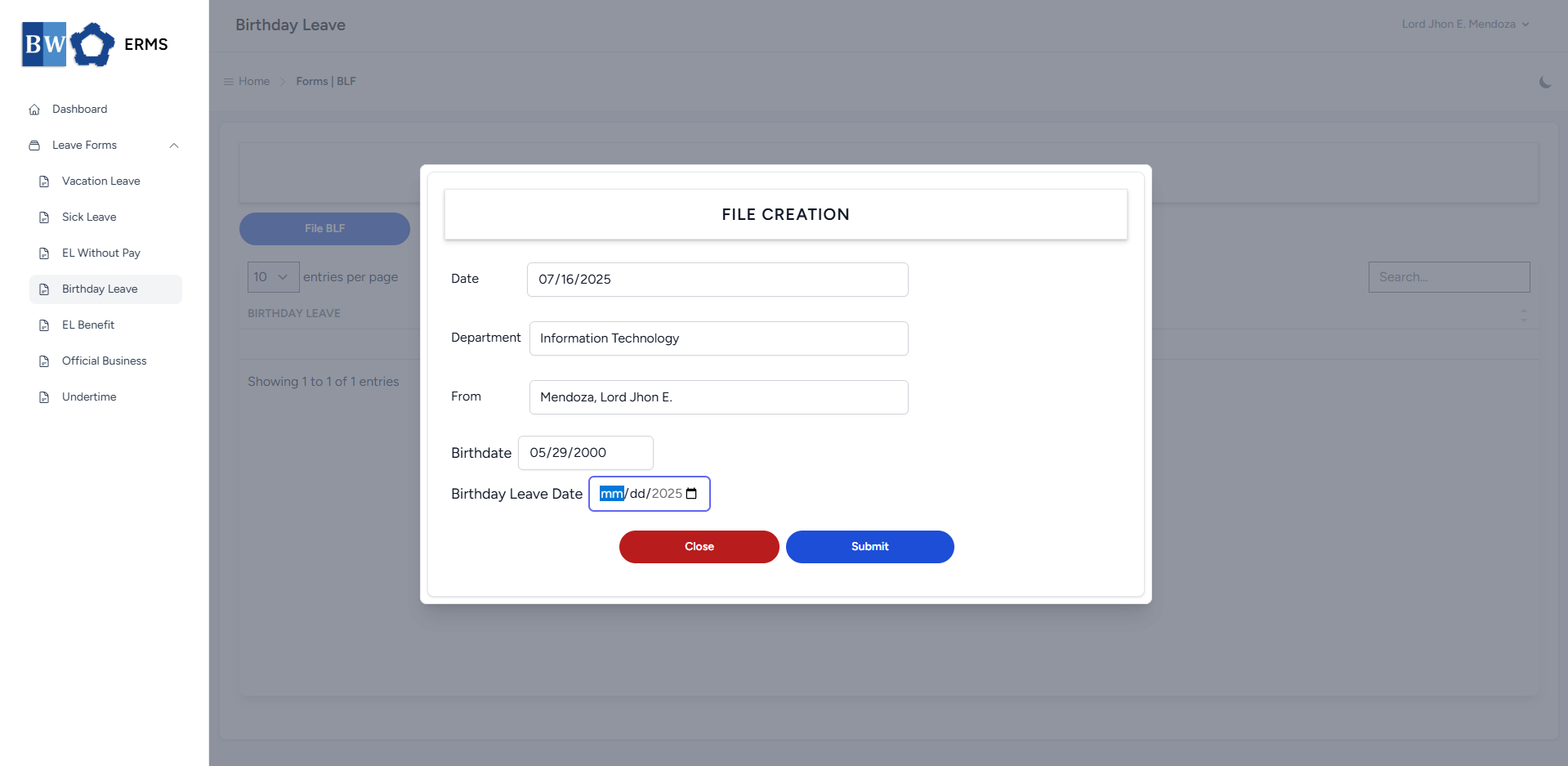
- Fill out the required fields, then click Submit.
- Note: You can only file single BLF per year.
- Note: You can only file single BLF per year.
- After submitting, a notification will appear saying that the BLF has been created. The filed leave will be added to the list.
-
You can also use this page to check the status of your leave.