
Print Expense
To print Expense, go to the Expense List page:
- Once logged in, the system redirects you to the Expense List page.
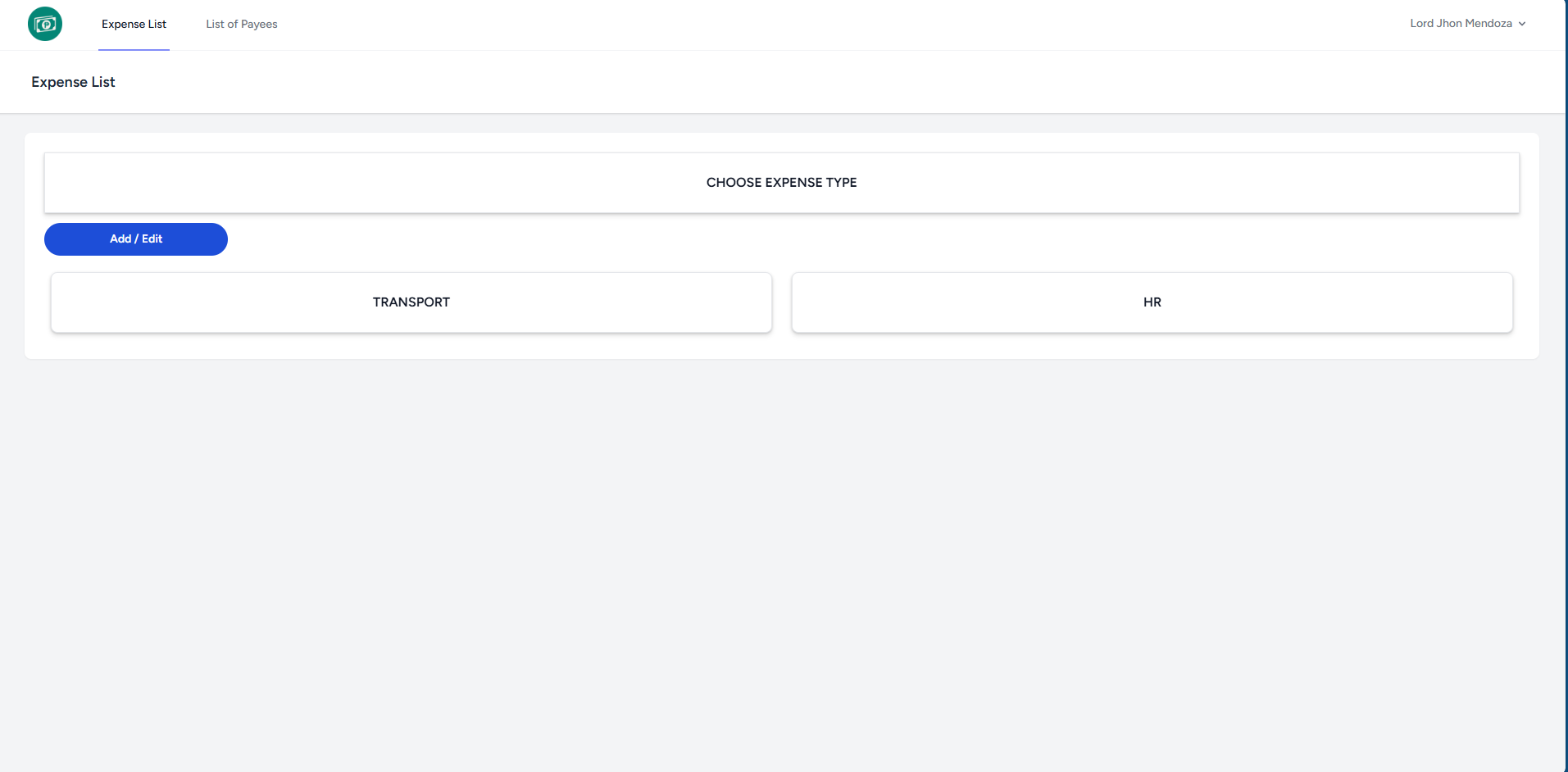
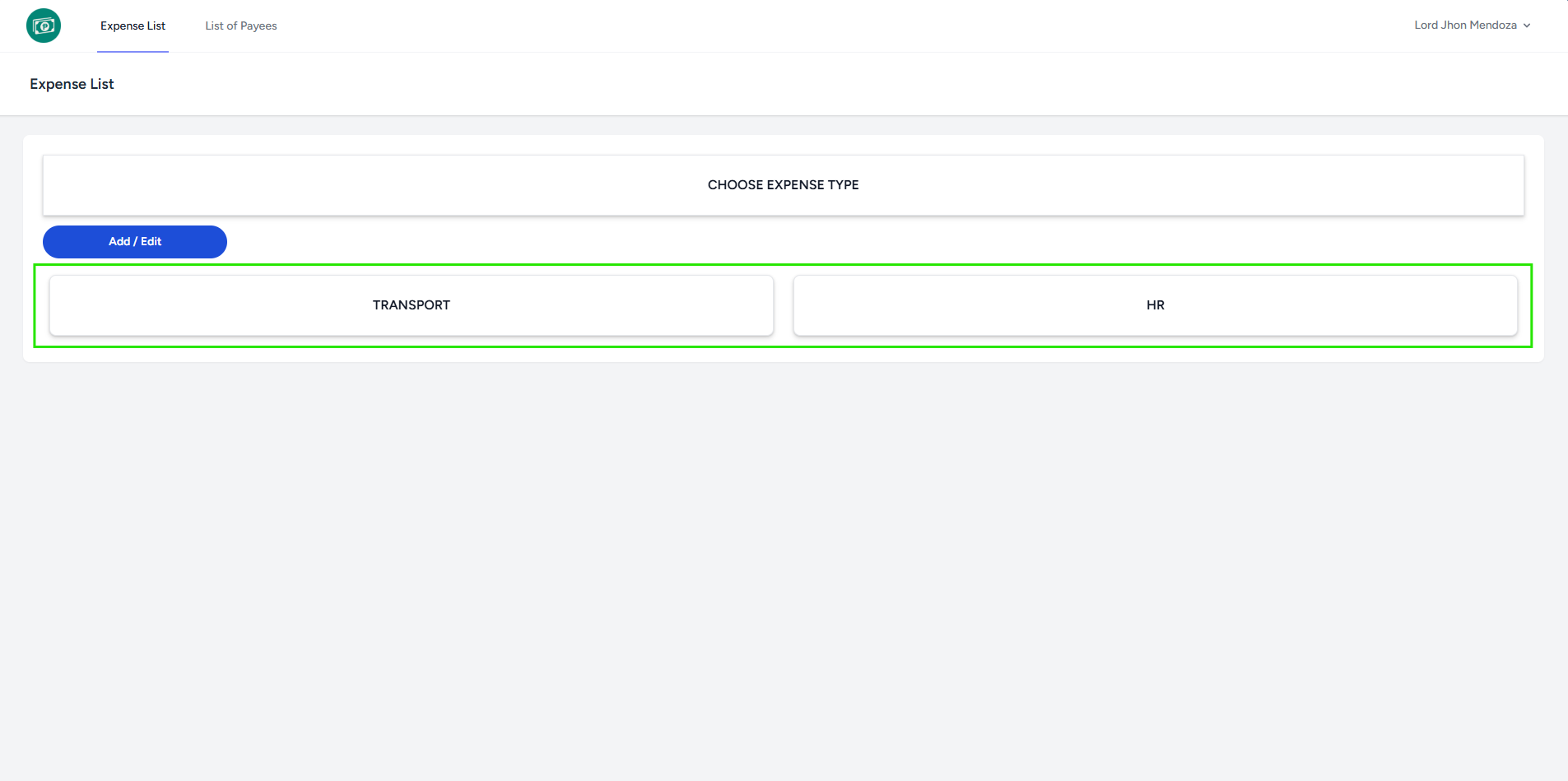
- Select an Expense Type to proceed to the WER List.
- The system redirects you to the WER List page of chosen Expense Type.
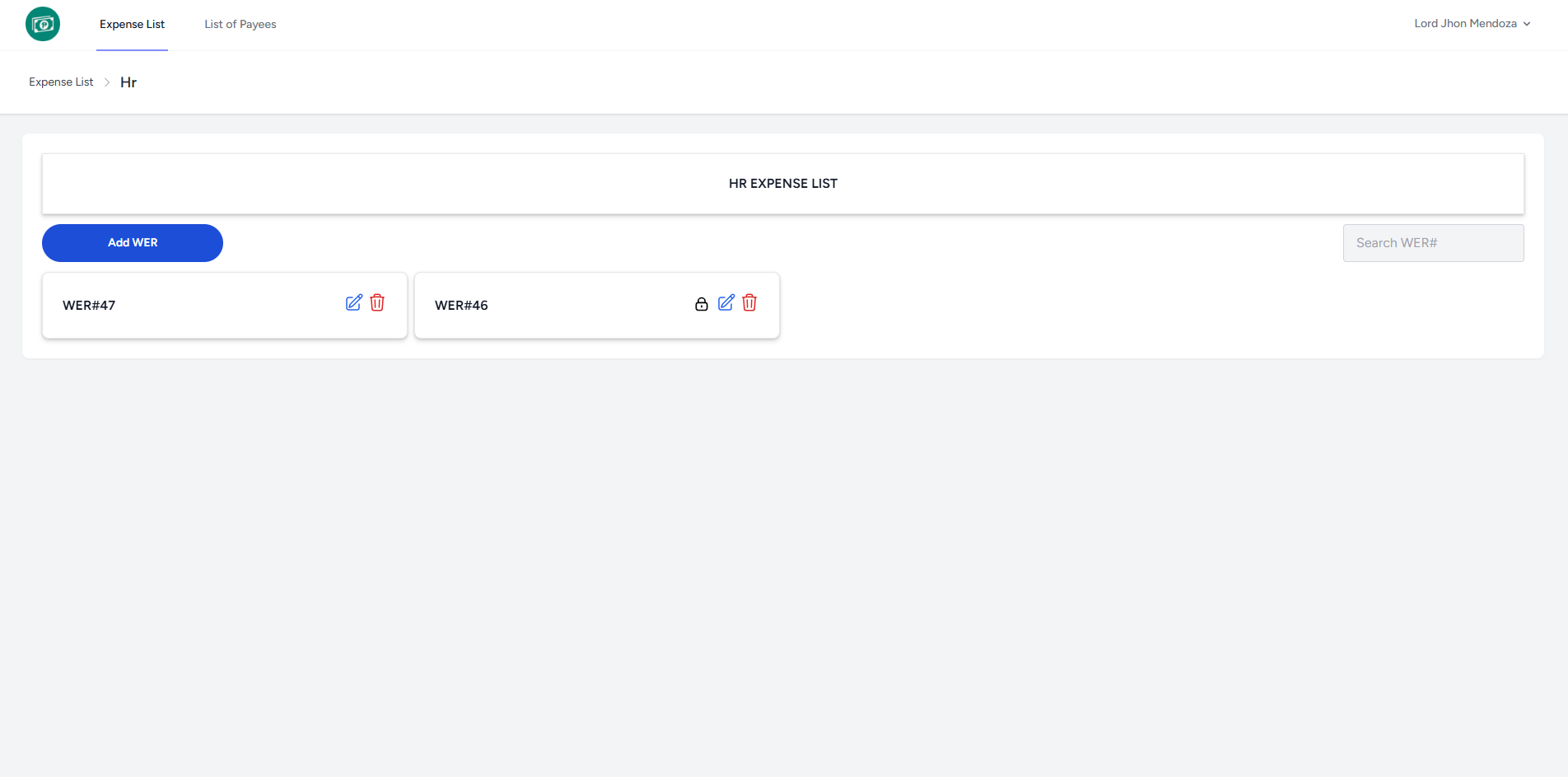
- Select a WER# to proceed to the Expense List.
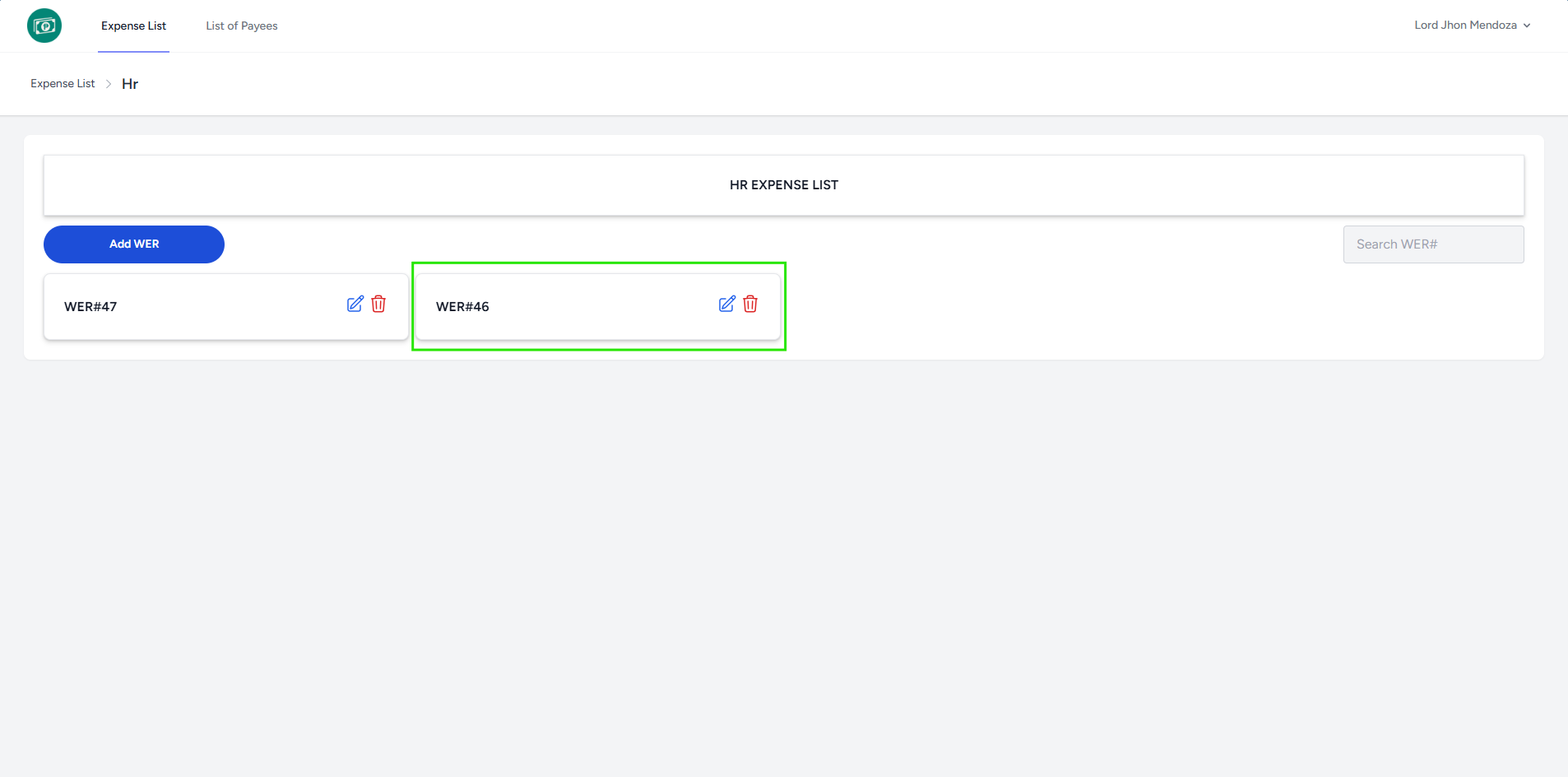
- Click Print icon to proceed in printing layout.
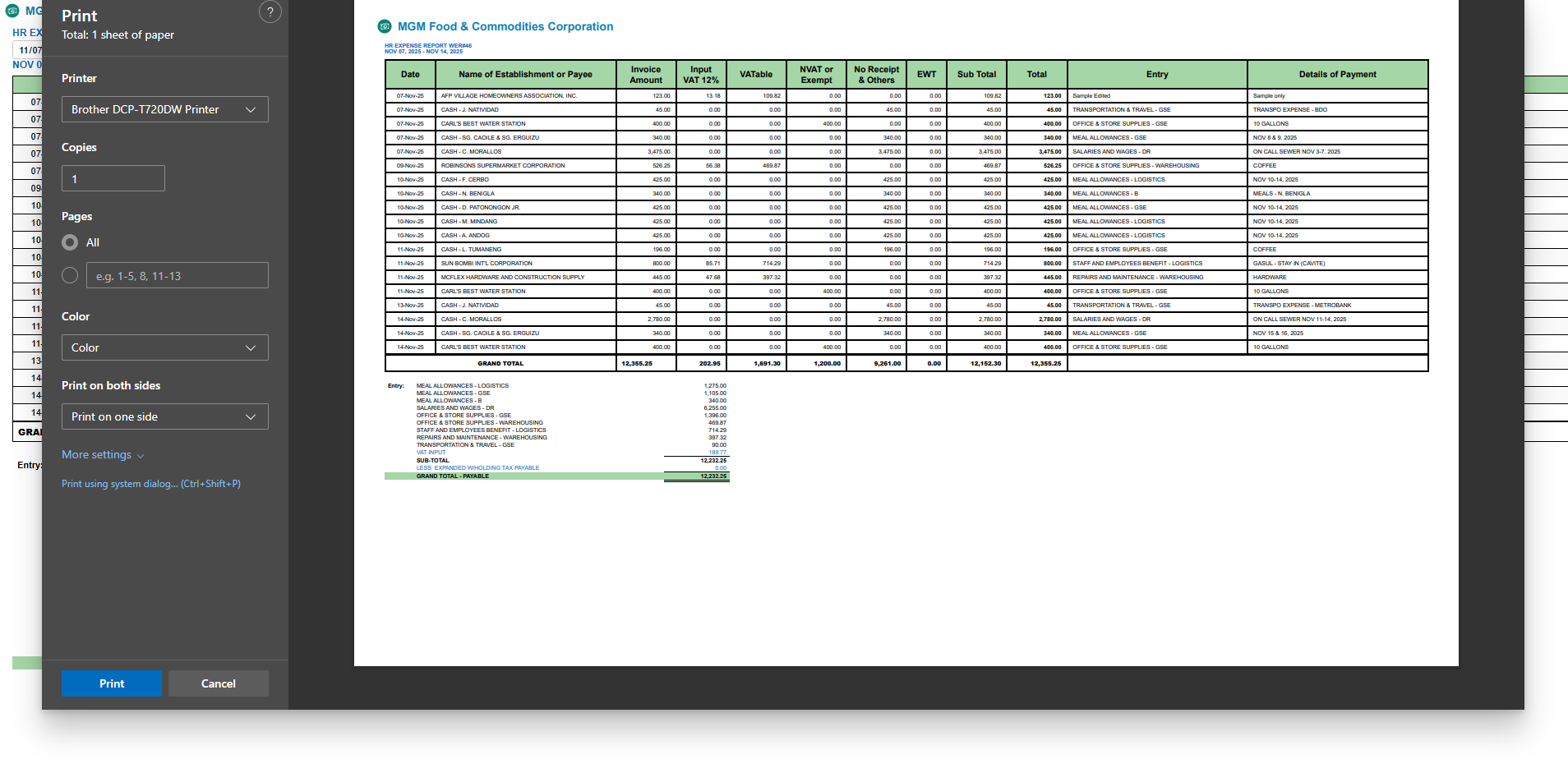
- You may customize the printing settings and paper size to match your desired output.