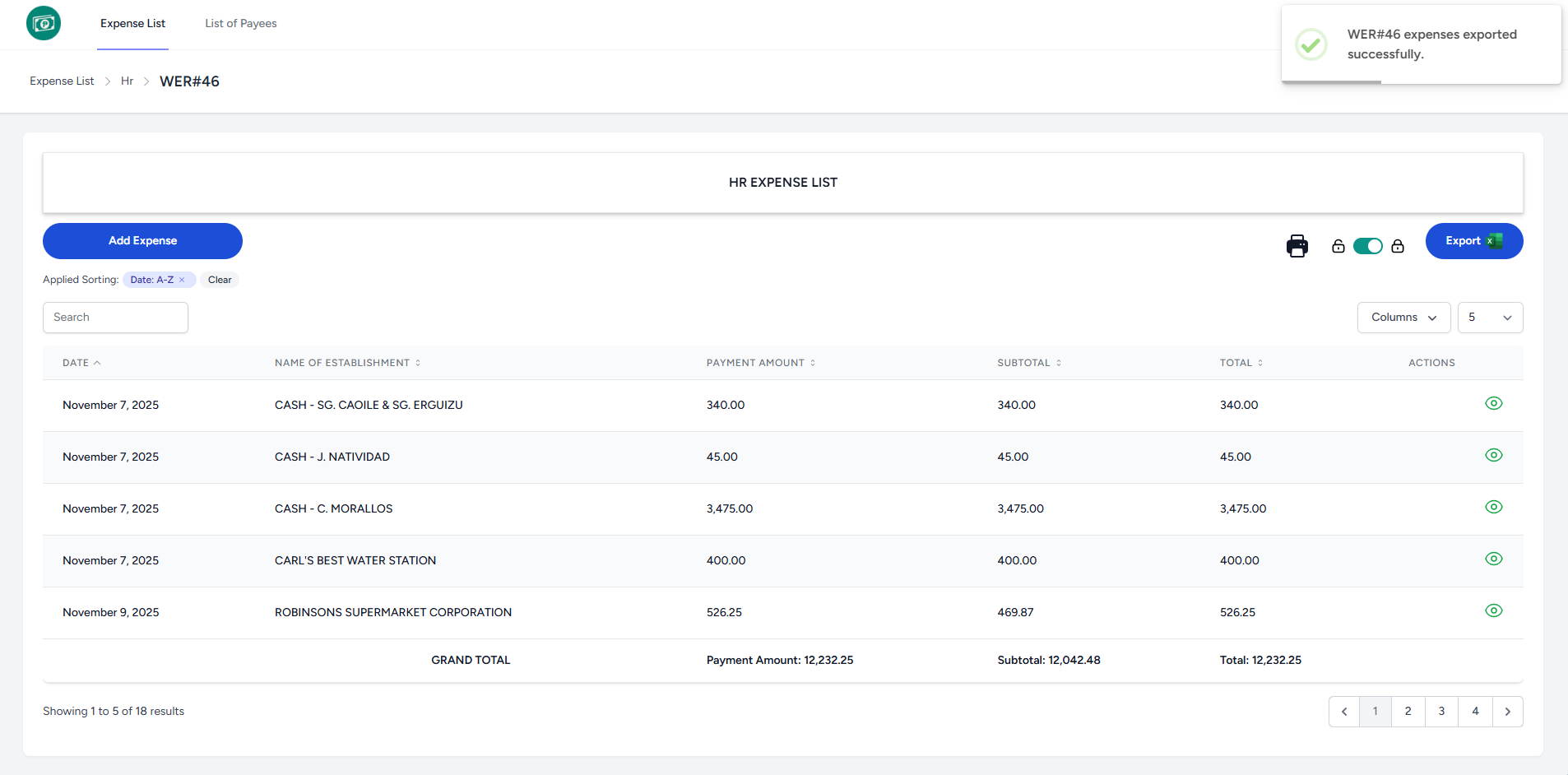
Export Expense
To printexport Expense ,to Excel, go to the Expense List page:
- Once logged in, the system redirects you to the Expense List page.
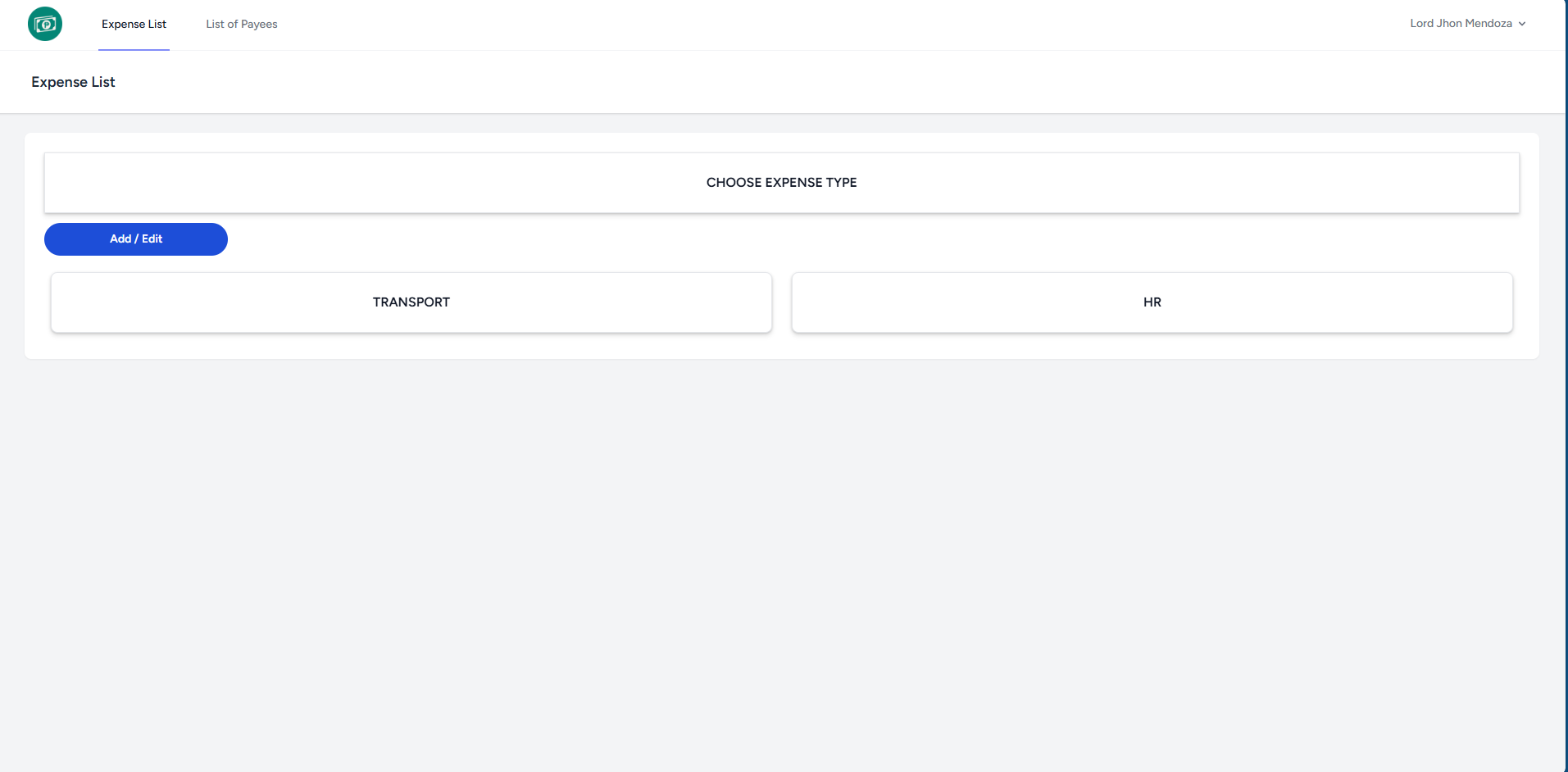
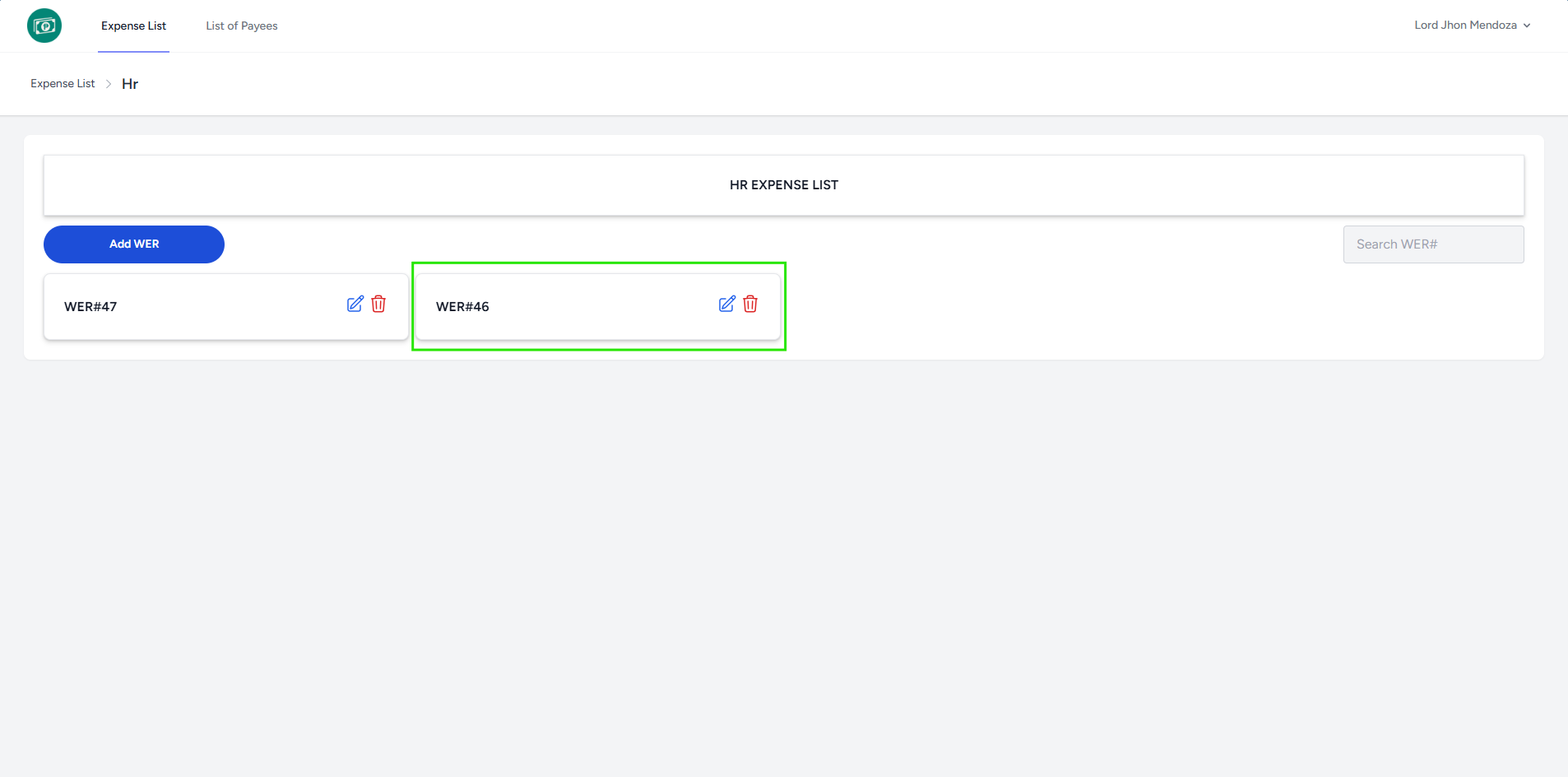
- Select an Expense Type to proceed to the WER List.
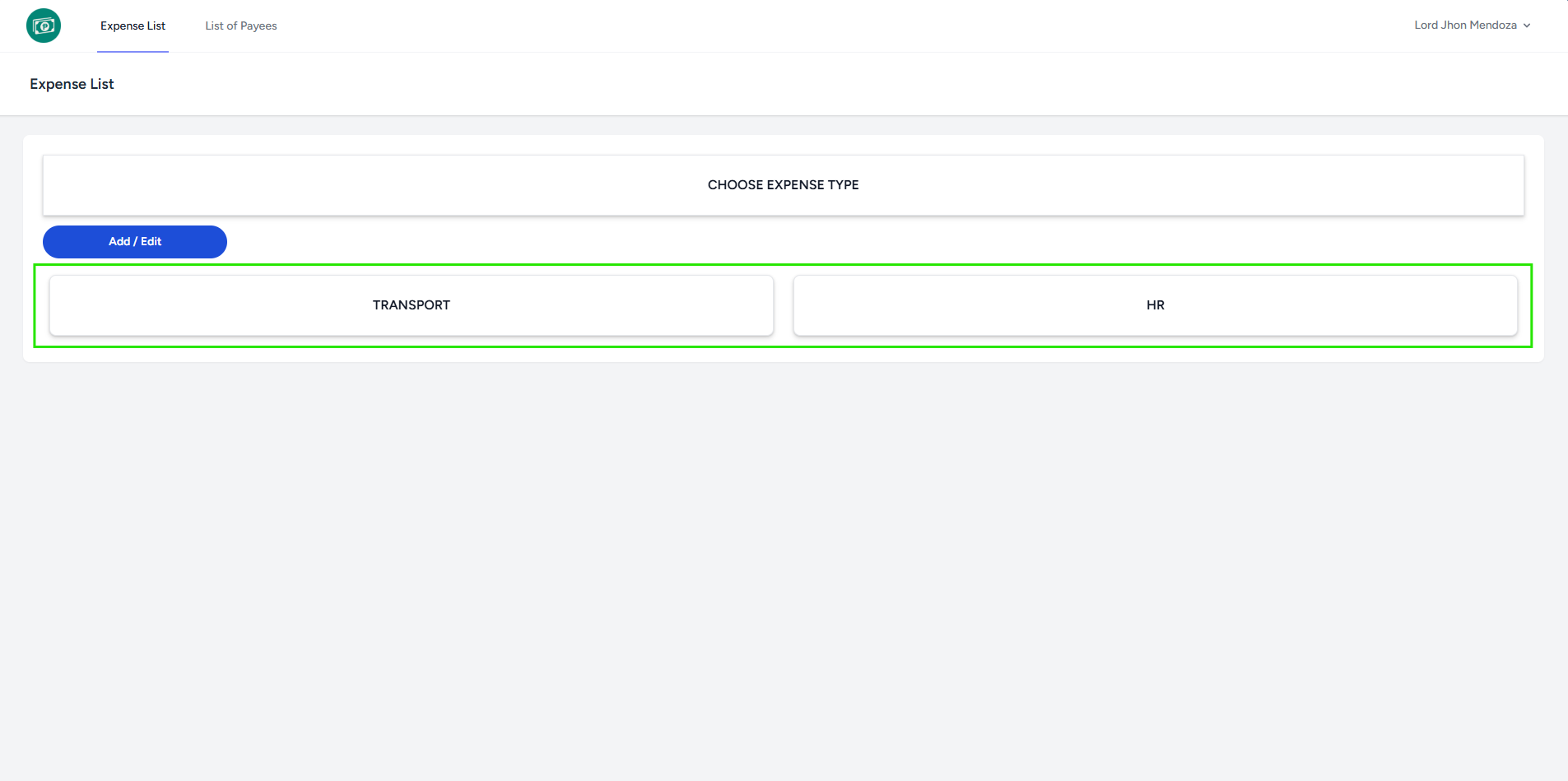
- The system redirects you to the WER List page of chosen Expense Type.
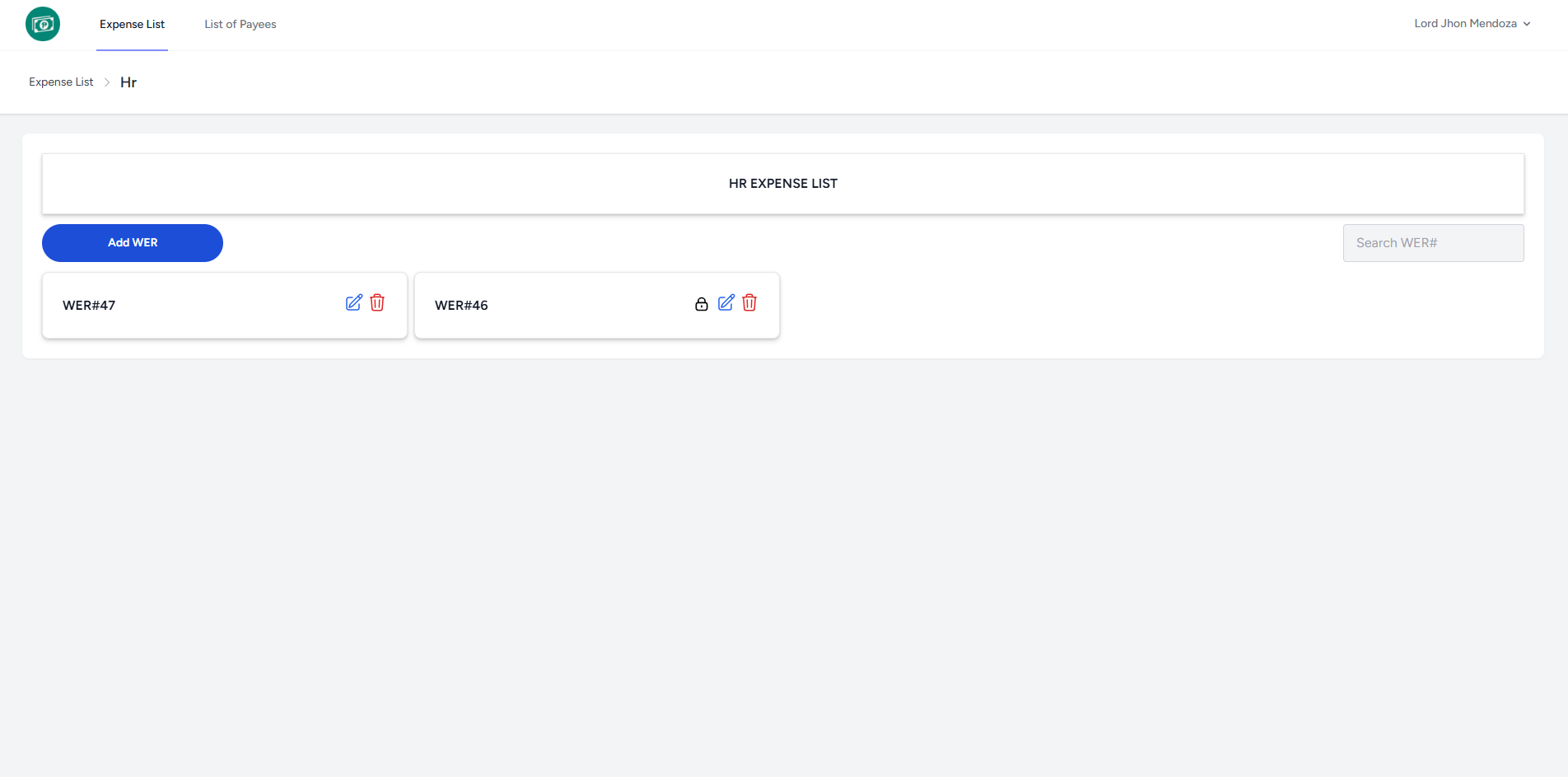
- Select a WER# to proceed to the Expense List.
- Click
PrintExporticonbutton toproceedexportintoprintingExcellayout.file.
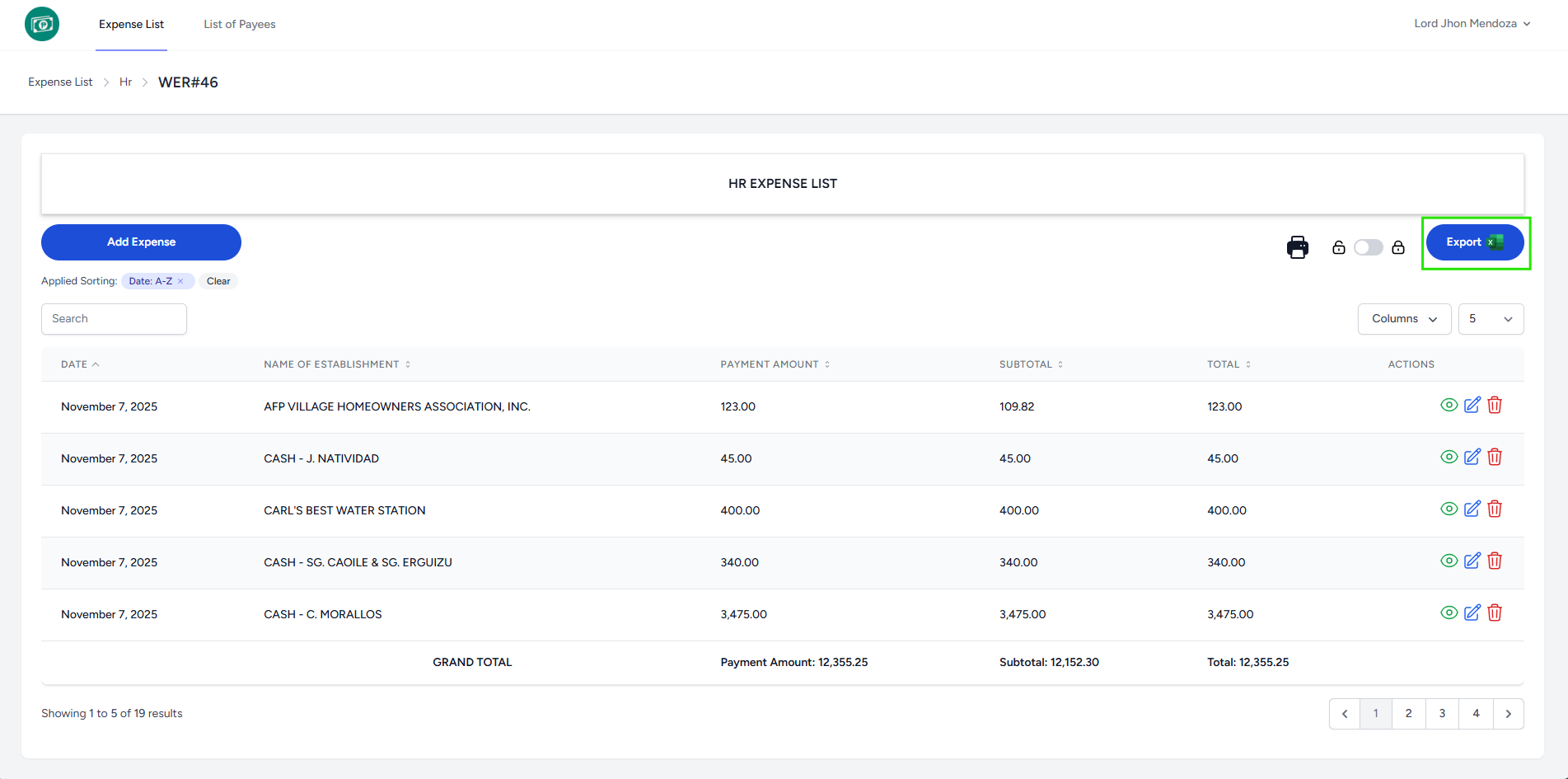
YouThemaysystemcustomizedisplays a notification indicating that theprintingWER#settingsexpenses exported successfully.
- It will download a XLS file
- It automatically locks the Expense List. You cannot add and
papereditsizethetodetailsmatchofyoureachdesired output.row.