How to use 'Add Expense' feature
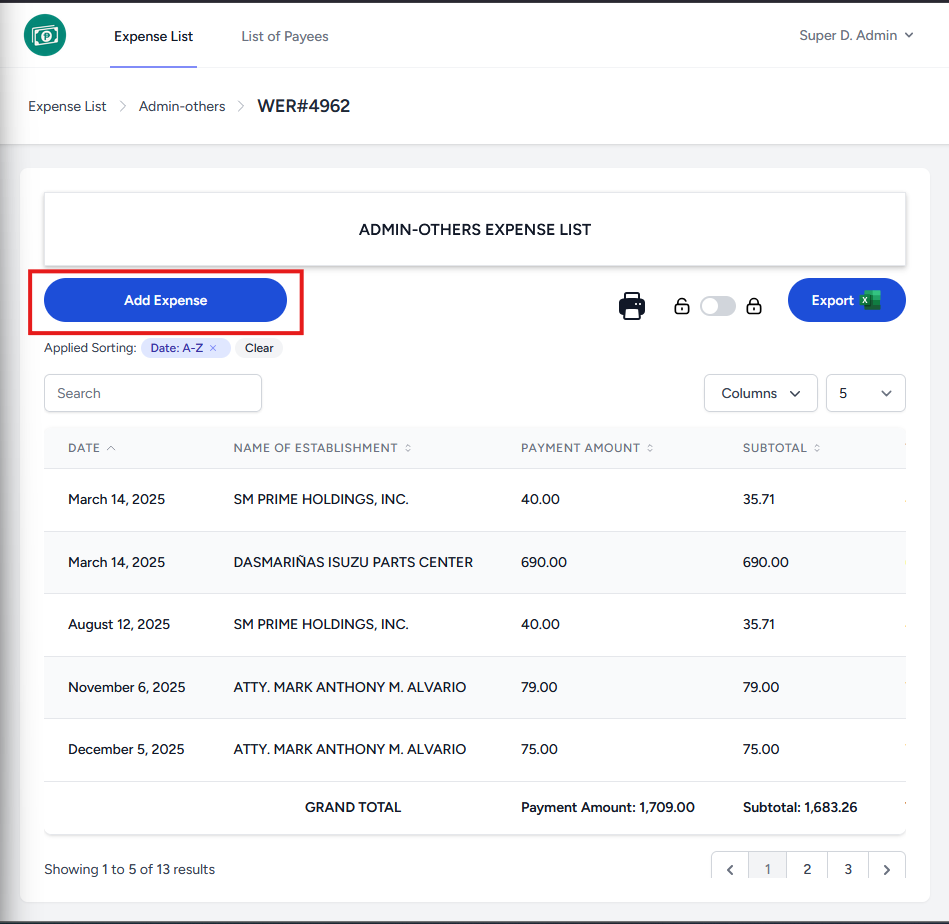
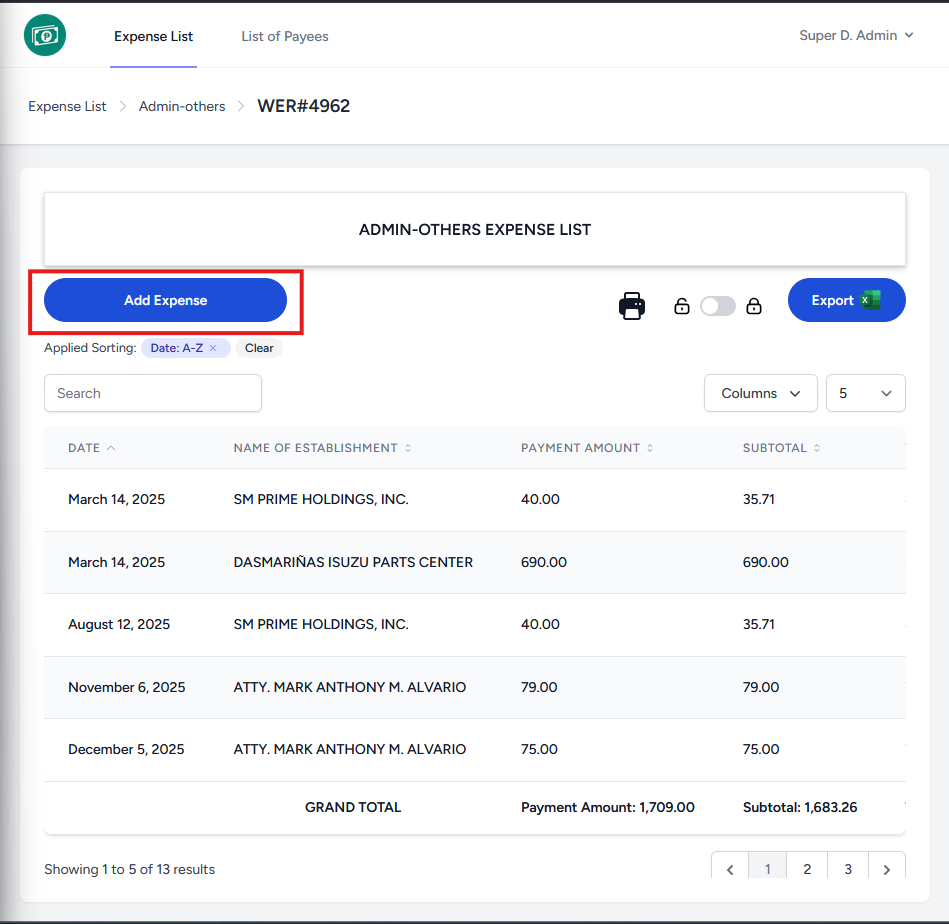
- Click on the "Add Expense" button on the upper left of the page. (above the search field)
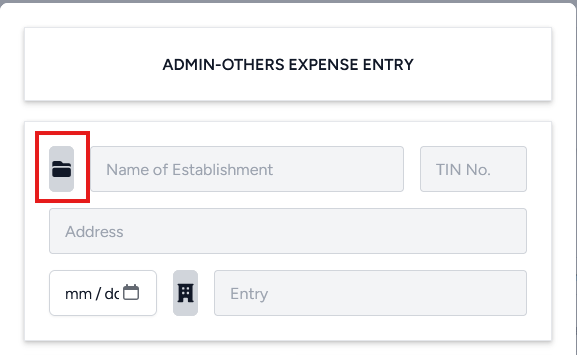
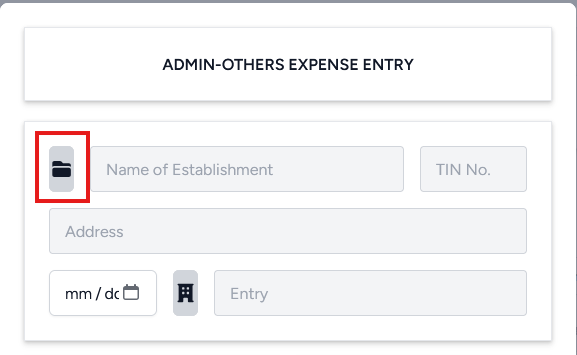
- Select the establishment using the folder icon on the upper left.
- You may search for the establishment using their name, TIN, or address using the search field in the upper left.
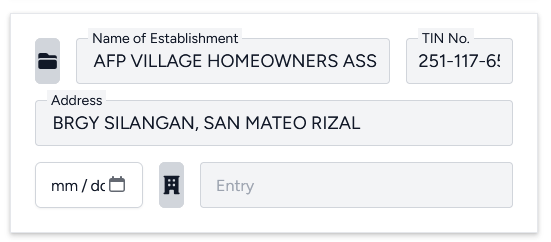
After selecting a row, the required fields will be filled out automatically.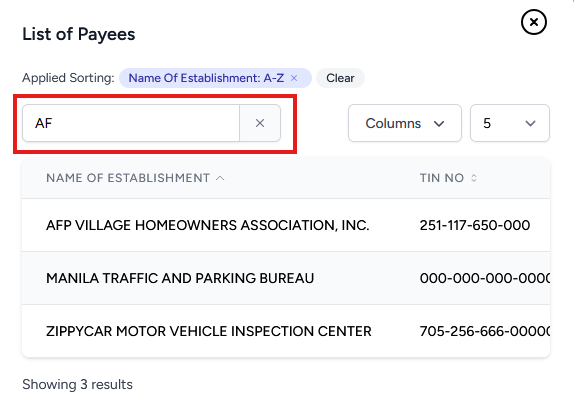
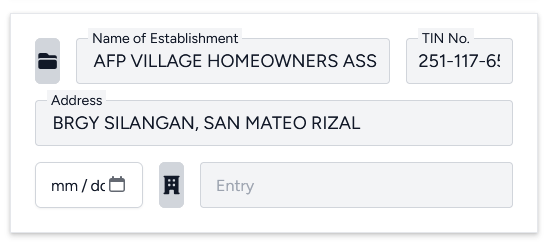
- Input the date using the date field below the Address field.