# Sales Invoice Update – VAT Amount Computation in Print Format | April 15, 2026
**Overview** An update has been implemented in **MSIS .NET (FCC)** to include **VAT amount computation** in the Sales Invoice print format.
This enhancement ensures that VAT values are properly displayed in the printed Sales Invoice.
**Functionality** With this update:
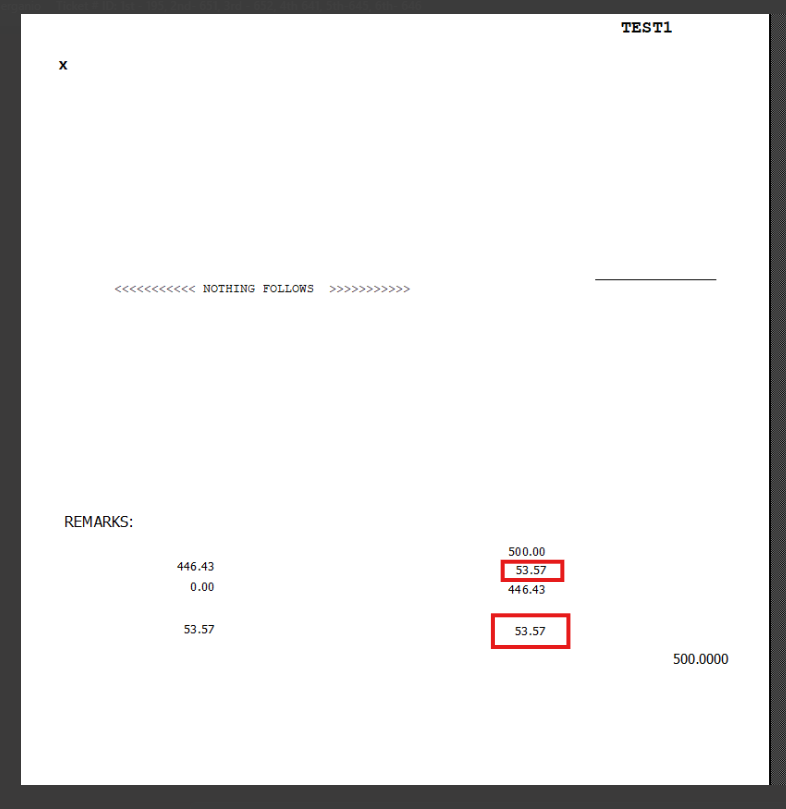
- VAT amount is now **automatically computed and displayed** in the Sales Invoice printout
- The computation appears in the **final printed format**
- Users can verify VAT values directly from the printed document
**Result** The printed Sales Invoice now includes:
- **VAT Amount Computation**
- Updated total values reflecting VAT
**Purpose** This update ensures accurate financial reporting by including VAT computation directly in the Sales Invoice printout.
**Scope** Applies to:
- Sales Invoice Printing
- MSIS .NET (FCC) system
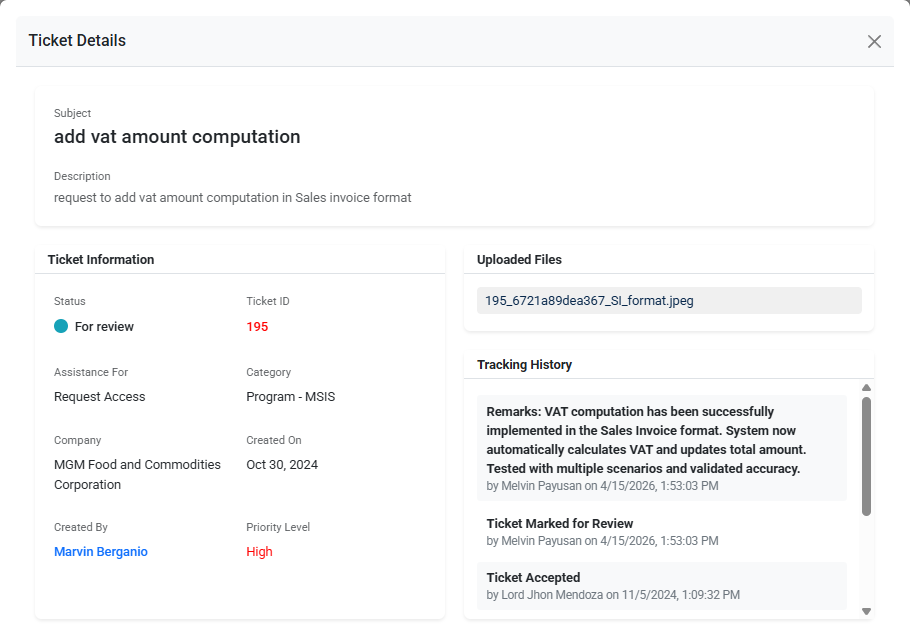
**Reference (Ticket Details):**
This update is implemented based on the approved request
Ticket ID: 195
[](https://kb.mgmfoods.com.ph/uploads/images/gallery/2026-04/image.png)
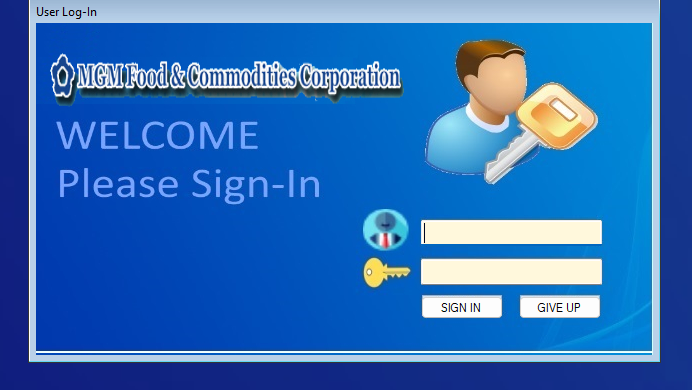
User Login Screen
[](https://kb.mgmfoods.com.ph/uploads/images/gallery/2026-04/IxRimage.png)
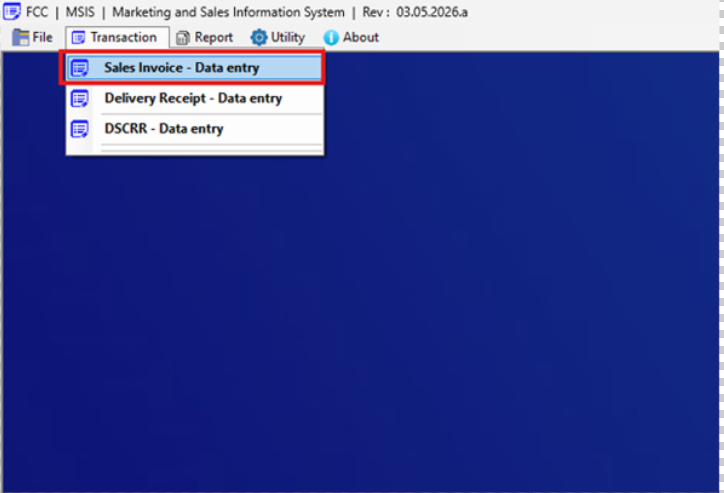
Navigation to Sales Invoice Data Entry
[](https://kb.mgmfoods.com.ph/uploads/images/gallery/2026-04/Yylimage.png)
Sales Invoice Data Entry Screen (Print Button)
[](https://kb.mgmfoods.com.ph/uploads/images/gallery/2026-04/cowimage.png)
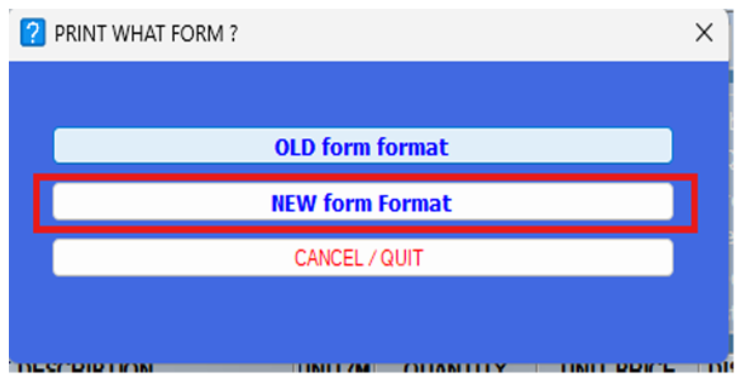
Print What Form Selection – New Form Format
[](https://kb.mgmfoods.com.ph/uploads/images/gallery/2026-04/kcTimage.png)
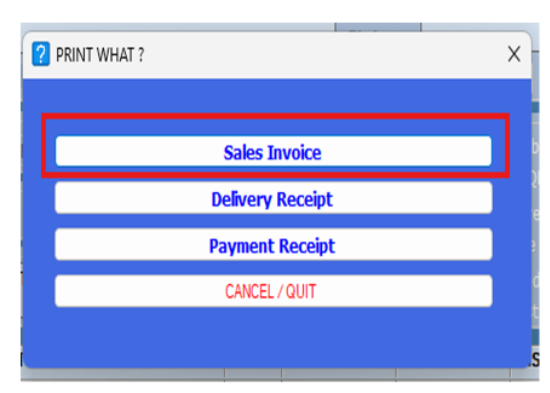
Print Options – Sales Invoice
[](https://kb.mgmfoods.com.ph/uploads/images/gallery/2026-04/Ngdimage.png)
Printed Output – VAT Amount Computation Displayed
[](https://kb.mgmfoods.com.ph/uploads/images/gallery/2026-04/jraimage.png)