Sales Marketing (MSIS - FOODS)
The Marketing and Sales Information System (MSIS) supports sales operations and marketing activities. It tracks customer data, sales performance, and market trends, helping the company make data-driven decisions, improve customer engagement, and increase revenue.
MSIS .NET FCC Changelog
Sales Invoice Access – Cash and Charged Tick Box & Print Payment Type Option | March 11, 2026
Overview
An update has been implemented in MSIS .NET (FCC) to enhance the Sales Invoice (S.I.) Data Entry printing function and provide controlled access to the optional use of Cash and Charged tick boxes.
This also introduces new options for printing payment type on Sales Invoice reports.
Functionality
With the applied update:
- Users with assigned permission can access:
- Print Payment Type on Report
- Do Not Print Payment Type on Report
- These options will only be visible and usable by authorized users
Access Control
- Access is restricted to selected users (e.g., SOP team)
- Only users with the appropriate module rights/permissions can:
- View the options
- Use the printing settings
Behavior
- With Permission → Options are visible and can be used
- Without Permission → Options are hidden and not accessible
Purpose
This update ensures that printing behavior and payment type visibility in Sales Invoices are controlled and limited to authorized users, maintaining consistency and preventing unintended changes.
Scope
Applies to:
- Sales Invoice Data Entry (S.I. Entry)
- MSIS .NET (FCC) system
Updates Included
-
Additional printing options:
-
Print Payment Type on Report
-
Do Not Print Payment Type on Report
-
-
Implementation of access control for Cash and Charged tick box usage
-
New module rights for selected users
Reference (Ticket Details):
This update is implemented based on the approved request
Ticket ID: 638

MSIS .NET FCC REV

New Module Rights Added

Printing Sales Invoice

Print Form Option

Report Form Option

Details Form for Print Payment Type on Report

Details Form for Do Not Print Payment Type on Report

Sales Invoice Update – VAT Amount Computation in Print Format | April 15, 2026
Overview
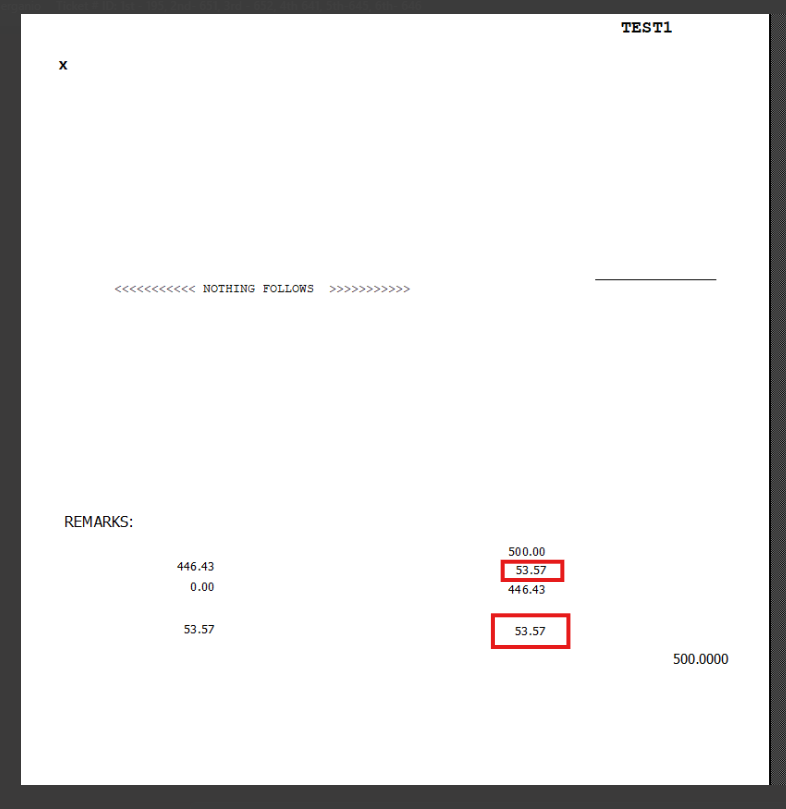
An update has been implemented in MSIS .NET (FCC) to include VAT amount computation in the Sales Invoice print format.
This enhancement ensures that VAT values are properly displayed in the printed Sales Invoice.
Functionality
With this update:
-
VAT amount is now automatically computed and displayed in the Sales Invoice printout
-
The computation appears in the final printed format
-
Users can verify VAT values directly from the printed document
Result
The printed Sales Invoice now includes:
-
VAT Amount Computation
-
Updated total values reflecting VAT
Purpose
This update ensures accurate financial reporting by including VAT computation directly in the Sales Invoice printout.
Scope
Applies to:
-
Sales Invoice Printing
-
MSIS .NET (FCC) system
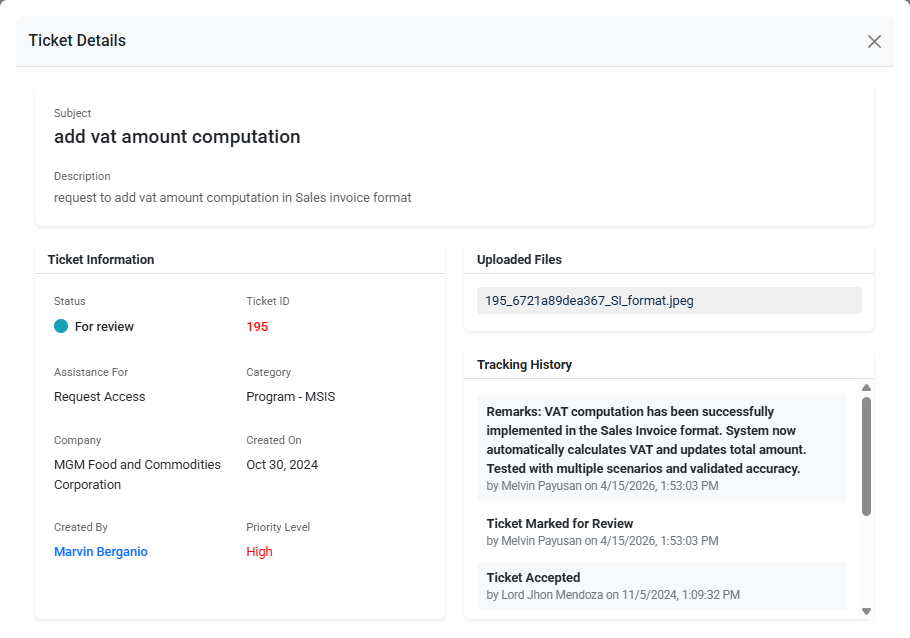
Reference (Ticket Details):
This update is implemented based on the approved request
Ticket ID: 195
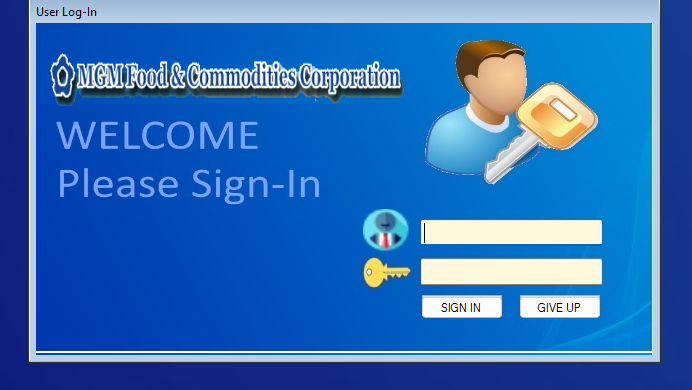
User Login Screen
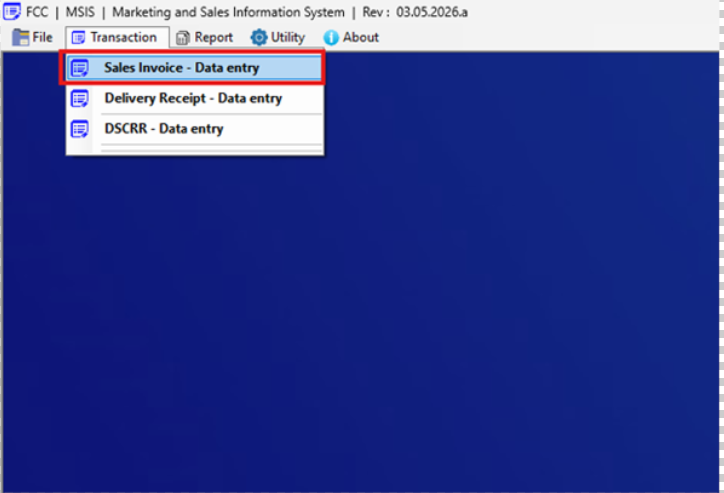
Navigation to Sales Invoice Data Entry
Sales Invoice Data Entry Screen (Print Button)

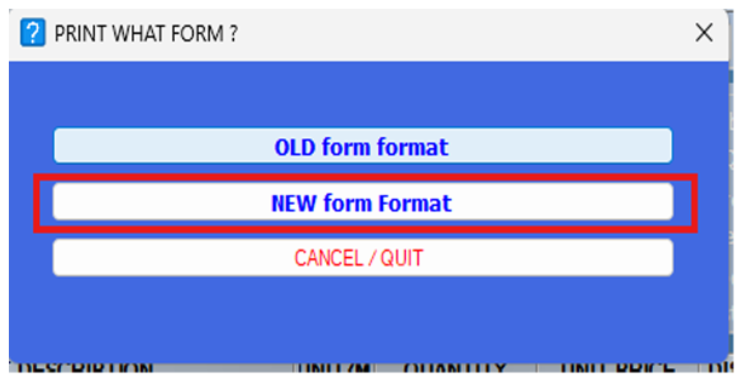
Print What Form Selection – New Form Format
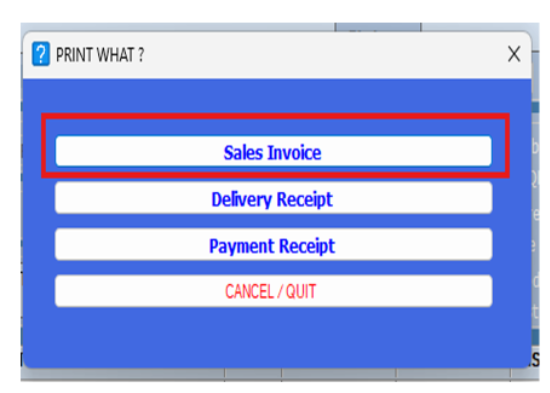
Print Options – Sales Invoice
Printed Output – VAT Amount Computation Displayed