**Here's a general guide:**
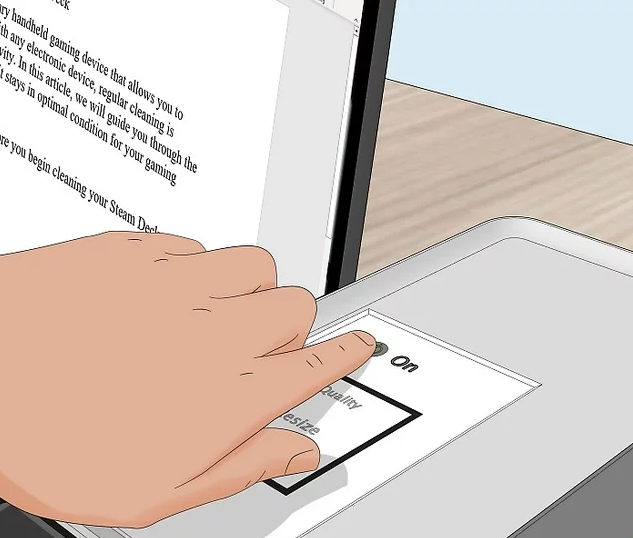
**Make sure that your printer is connected and turned on.** If your printer connects over WI-FI, this will mean making sure that you're on the same Internet network as your printer; otherwise, you'll need to plug your printer's USB cable into your computer or Laptop.
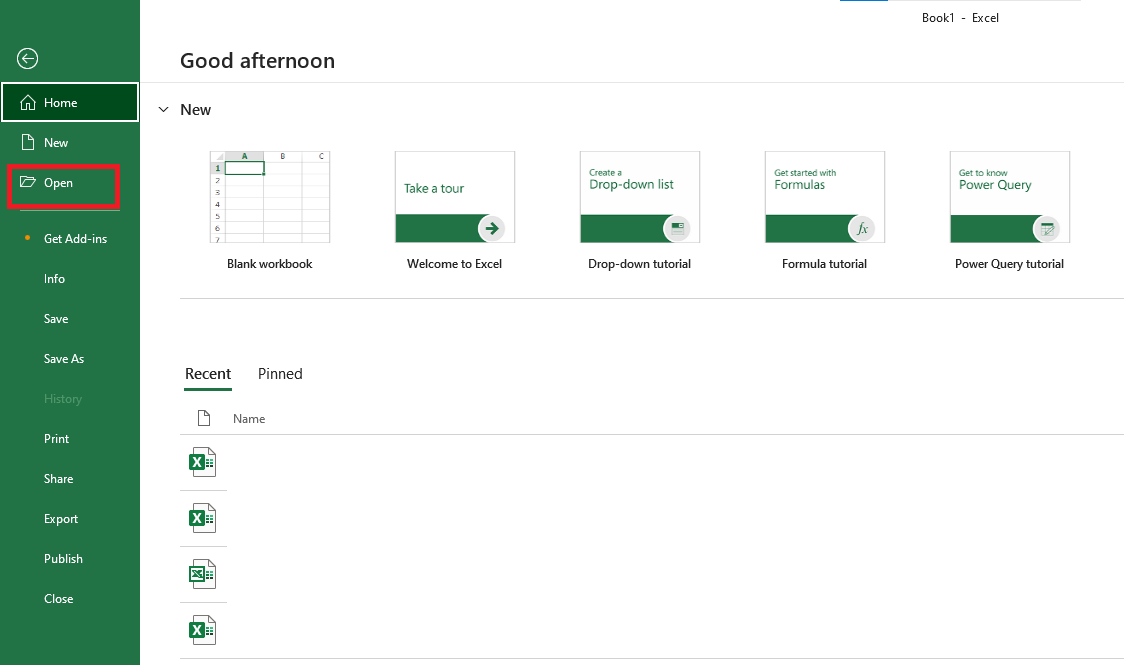
[](https://kb.mgmfoods.com.ph/uploads/images/gallery/2024-06/6xTimage.png) ---**Open the document you want to print.** This could be a PDF, Word document, Excel spreadsheet, or even photos. Note: Use the File Explorer to find the file if needed.
[](https://kb.mgmfoods.com.ph/uploads/images/gallery/2024-06/excel.png) ---**On your keyboard, press **Ctrl+P**.** This is the keyboard shortcut to open the print menu.
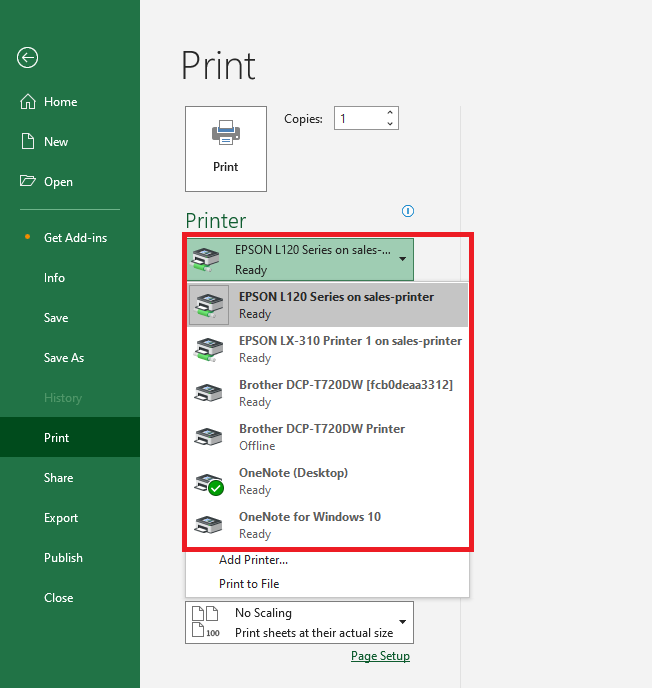
- You can also manually open the print menu by clicking the printer icon. - In some apps, you'll need to click **File** and then **Print**. - The print menu may look different depending on the application used to open your file. [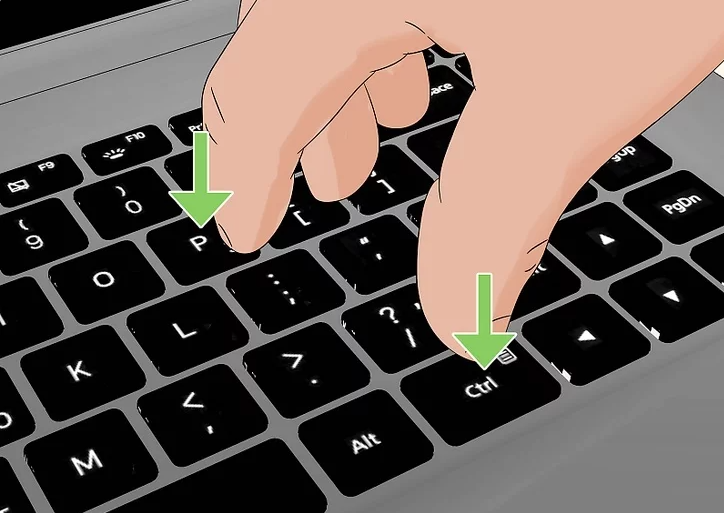](https://kb.mgmfoods.com.ph/uploads/images/gallery/2024-06/Gjximage.png) ---**Select your printer.** Click the "Printer" drop-down box, then click your printer's name.
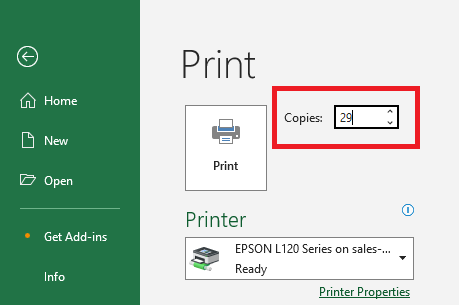
[](https://kb.mgmfoods.com.ph/uploads/images/gallery/2024-06/FyRexcel.png) ---**Select a number of copies.** In the "Copies" box, type in the number of copies of the document that you'd like to print. Note: This is different than the number of pages.
[](https://kb.mgmfoods.com.ph/uploads/images/gallery/2024-06/P6Cexcel.png) ---