# How to Setup a Printer

A few key steps to ensure that your printer is properly installed and ready to use.

<p class="callout warning">**<span style="color: rgb(224, 62, 45);">Here's a general guide:</span>**</p>

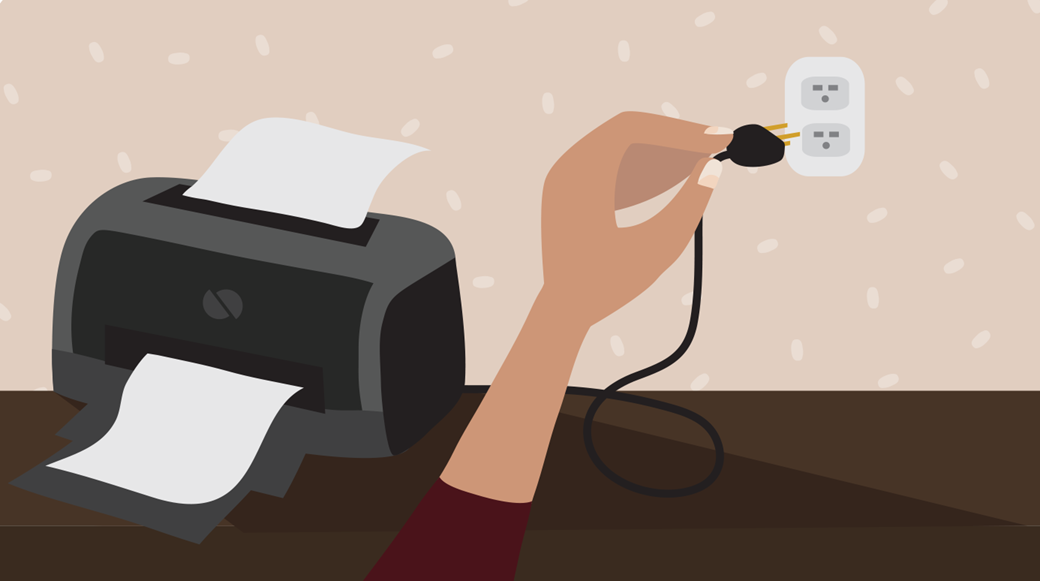
<p class="callout info">Plug in the printer's **power cable** to the **outlet**.</p>

[![image.png](https://kb.mgmfoods.com.ph/uploads/images/gallery/2024-06/scaled-1680-/pFJimage.png)](https://kb.mgmfoods.com.ph/uploads/images/gallery/2024-06/pFJimage.png)

---

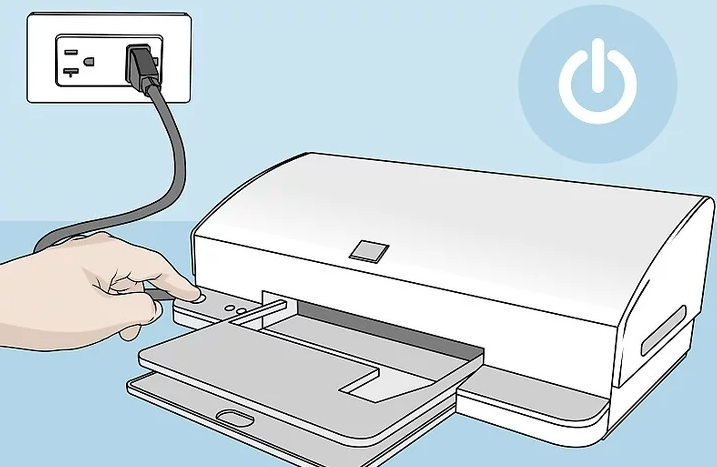
<p class="callout info">Before doing anything else, it's important to make sure your printer is **plugged in** and **ready**.</p>

[![image.png](https://kb.mgmfoods.com.ph/uploads/images/gallery/2024-06/scaled-1680-/OtPimage.png)](https://kb.mgmfoods.com.ph/uploads/images/gallery/2024-06/OtPimage.png)

---

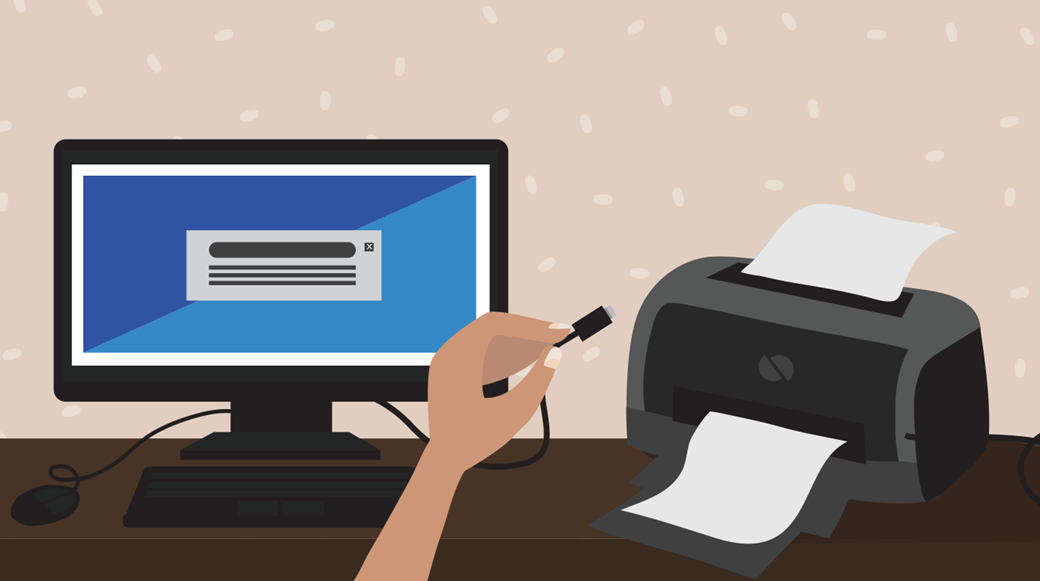
<p class="callout info">Connect the included cable (usually a **USB** **cable**) from the printer to the computer or laptop.  
<span style="color: rgb(224, 62, 45);">Note:</span> The process will be different if you're using a **wireless** printer.</p>

[![image.png](https://kb.mgmfoods.com.ph/uploads/images/gallery/2024-06/scaled-1680-/Btyimage.png)](https://kb.mgmfoods.com.ph/uploads/images/gallery/2024-06/Btyimage.png)

---