Creating a Ticket
1. Creating a ticket is simple. At your dashboard you will see this button below "Create Ticket"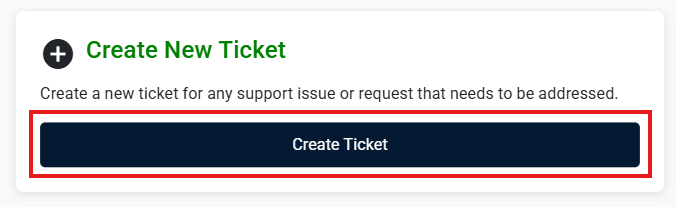
2. Fill up all the information needed on the form.
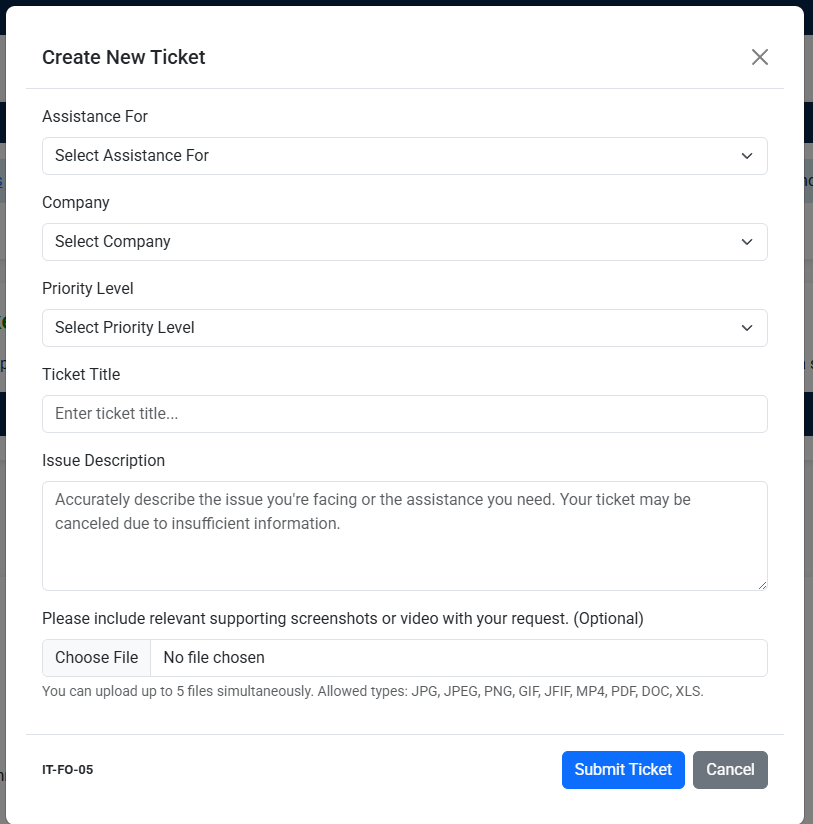
3. Then hit submit ticket or cancel if you wish not to proceed.

4. You will received a confirmation email of the success ticket creation and a Ticket number then kindly wait for the IT Team to accept your ticket.